Yearin* is a global health non-profit based. Yearin functions as a product development partnership, engaging in active collaboration with over 150 partners to facilitate the development, evaluation, and implementation of diagnostic tests for poverty-related diseases. The organization’s Geneva headquarters are in Campus Biotech. Their country offices are in New Delhi, India; Cape Town, South Africa; and Hanoi, Vietnam.
Download the Full Case Study
Every implementation detail, technical approach, and business outcome of this case study packaged up for your quick reference.
Download as PDF
Overview
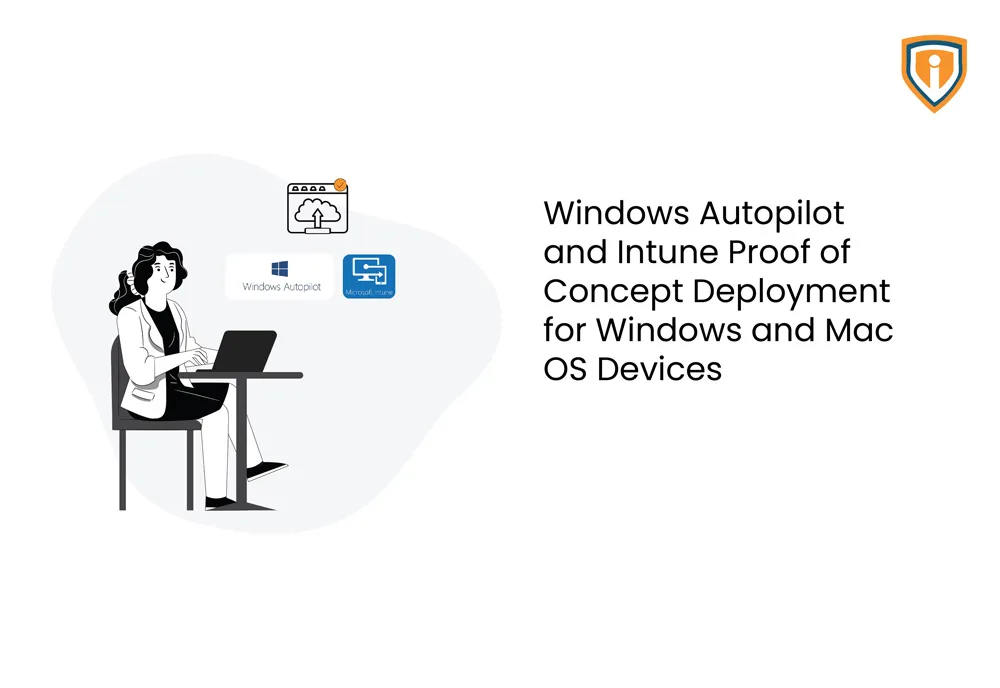
Yearin is currently running an on-premises AD environment with user identities synchronized to Azure Active Directory using Azure AD Connect (DirSync). They are also using office 365 for emails & Office Apps. The objective of this project was to provide Windows autopilot proof of concept, Deployment, Discovery, and best-recommended setting as per CIS Standards by reviewing their existing Autopilot deployment profiles & Intune Policies configuration.
Technical Challenges
Performing a complete and well-proof Windows Autopilot testing on pilot users’ devices. We used user driven deployment mode with recommended settings in place to test It on few pilot users devices. Client also requested to enroll existing MacOS devices which were not being procured from authorized reseller. An alternative workaround solution was provided to customer for manually onboarding Apple-Mac devices under apple business manager using apple configurator 2 app on Mac OS.
Solution
All organization owned Apple Devices (iPhone/iPad OS) enrolled under Apple Business Manager were provisioned to business ready state by Intune MDM Integration as shown in below diagram.
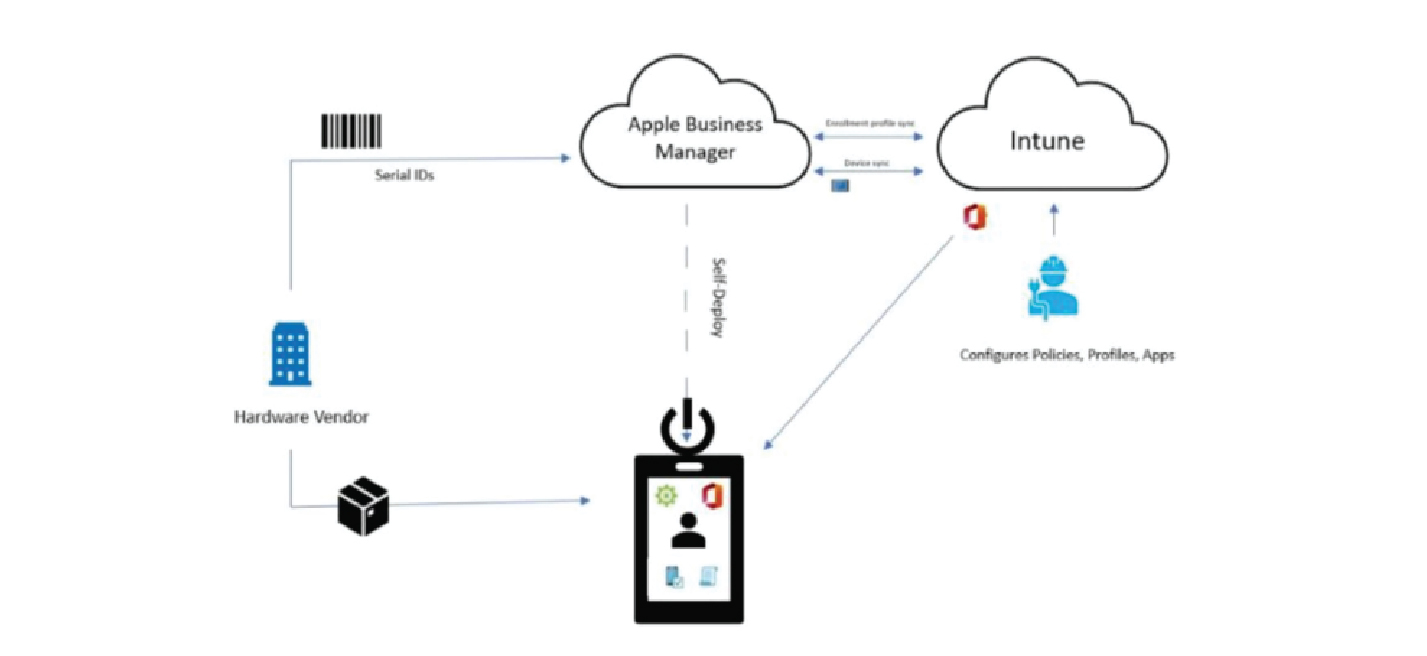
- Ideally, Apple device serial IDs are uploaded by Apple or an authorized reseller to an organization’s Apple Business Manager account, as shown above, particularly for this customer since devices aren’t purchased directly from vendor or an authorized reseller supporting Apple Business Manager program. They were enrolled under Apple Business Manager manually using the Apple configurator 2 app on macOs.
- There’s an integration setup between Apple Business Manager (ABM) & Microsoft Intune MDM for the synchronization of devices from ABM to Intune portal & enrollment profiles sync using an established trust relationship.
- All required device management & App Policies are configured under Microsoft Intune MDM.
- Devices are directly shipped to users & upon first boot it receives enrollment & management profiles created under Intune using complete Out of Box (OOBE) experience.
Technologies Used
- Microsoft Endpoint Manager (Intune)
- Windows Autopilot Service
- Azure Active Directory & on-premised AD
- Apple Business manager
- Apple Configurator 2 app on MacOS
- Intune Connector
Accomplishment
Windows Autopilot POC successfully carried out without hampering productivity and the existing tenant configurations or users.