Picture this: a server goes down in the middle of the workday, or emails stop syncing, and files won’t open. Suddenly, your entire team is waiting for someone to figure out what happened.
Situations like these are more common than most businesses expect. Technology tends to keep working until something goes wrong. Then, everything feels urgent at once.
In fact, the 2025 Observability Forecast by New Relic, Inc. that surveyed 1700 IT leaders across 23 countries and 11 industries found that businesses face a median annual cost of around US $76 million due to “high-impact IT outages.”
This moment usually prompts companies to start asking questions like, “What is managed IT services?” and whether external support could prevent these disruptions.
Understanding what is included in managed IT services helps clarify how ongoing monitoring, support, and infrastructure management work together to keep systems stable.
In this post, we’ll look at the typical scope of managed IT services for business, where they help most, and how organizations use them in practice.
What Are Managed IT Services?
The Core Concept Behind Managed Services
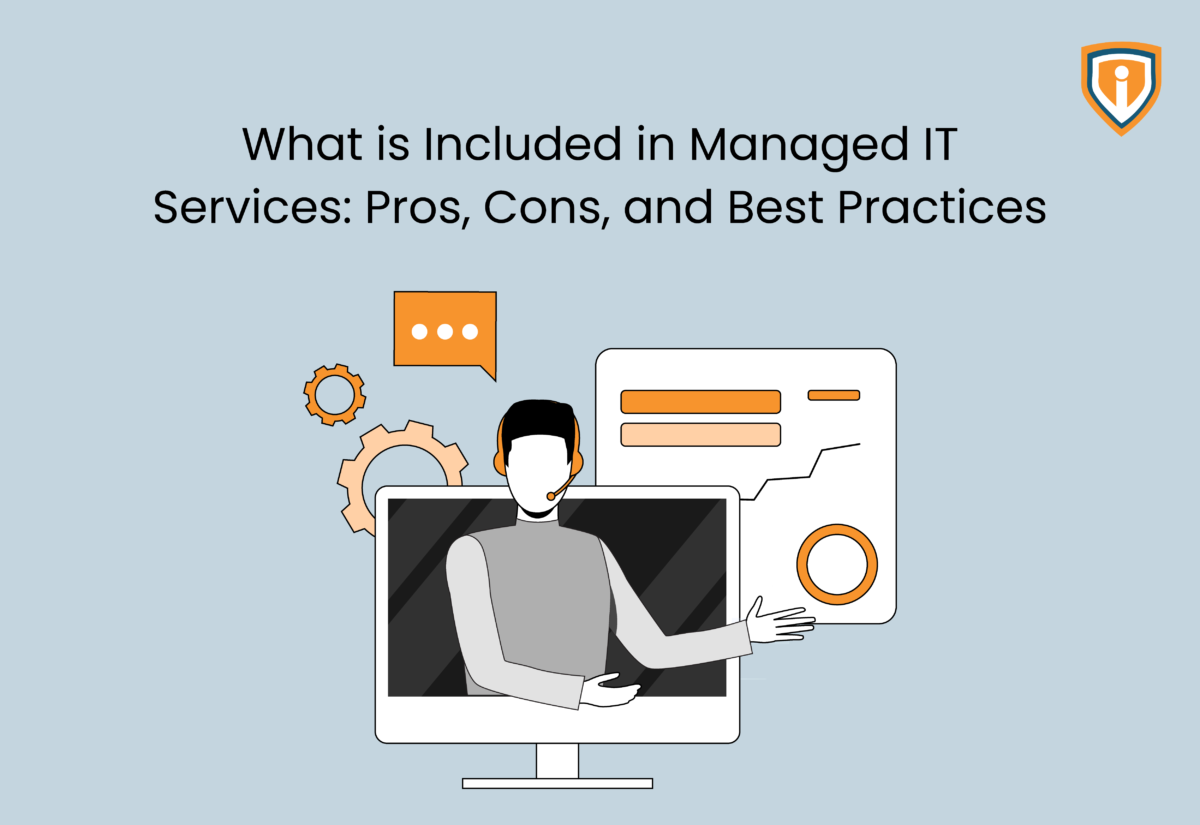
At a basic level, managed IT services refer to ongoing IT management delivered by a third-party provider. Instead of handling infrastructure, monitoring, and support entirely in-house, businesses partner with a specialized team that oversees these responsibilities remotely.
This model often works through a subscription arrangement, sometimes described as managed IT as a service. Companies pay a predictable monthly fee while the provider monitors systems, resolves issues, and maintains the overall IT environment.
The real difference lies in their proactive approach. Rather than waiting for systems to fail, providers focus on monitoring networks, servers, and devices continuously. This allows them to identify risks early and maintain stable managed services for IT infrastructure.
Managed Services Vs Traditional IT Support
Traditional IT support usually follows a break-or-fix pattern where something fails, and then someone steps in to repair it. By contrast, managed IT services and support are designed to watch systems constantly and prevent disruptions before they spread.
The modern workspace adds another dimension. Companies managing distributed teams across multiple cities, remote freelancers, and international clients need infrastructure that works everywhere. Traditional office-bound IT setups weren’t built for this. Employees in regional offices need the same access speed as those at headquarters.
This also shifts the focus from reactive troubleshooting to preventive maintenance. Instead of isolated projects or occasional interventions, IT support and managed services function as an ongoing operational partnership.
Who Uses Managed IT Services Today
Smaller companies often rely on them because they lack large internal IT teams. Growing organizations also adopt managed IT solutions for business as infrastructure becomes harder to manage internally.
The real draw, however, is predictability. Managed solutions remove the scope for doubts and guesswork related to monthly spends on IT, outages, and emergencies. Further, you get access to specialized talent you couldn’t justify hiring full-time.
There’s also a shift in mindset. The most successful companies now see IT as an enabler, not a utility. When systems are healthy:
- Sales teams don’t lose days chasing lost emails
- Manufacturing doesn’t halt because a server froze
- HR can focus on people, not password resets
The compounding effect, i.e., time saved multiplied across hundreds of employees, is where managed IT can transform a business.
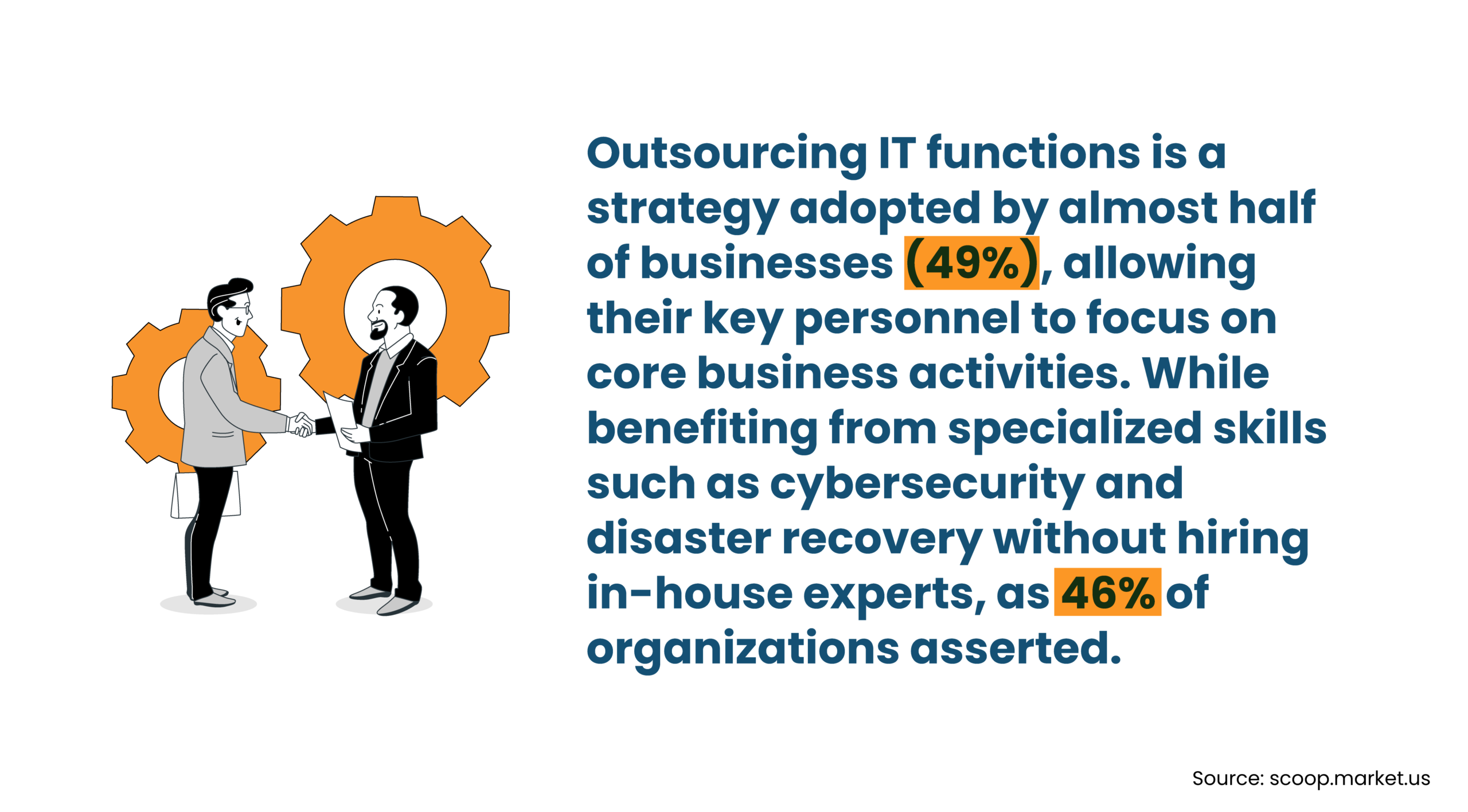
Managed Service Providers sometimes outsource certain operational tasks to white label MSPs to deliver consistent services, scale faster, and support more clients. In this setup, they work with external teams that operate behind-the-scenes, instead of hiring additional members to the in-house team.
What Is Included in Managed IT Services
Most providers handle several ongoing responsibilities at once. Infrastructure monitoring, user support, security oversight, cloud administration, and backup management are common pieces. Together, they form the operational backbone of managed IT services for business.
Infrastructure Monitoring and System Management
Most managed services for IT infrastructure start with system monitoring. Typical responsibilities include:
- Server monitoring and management to track uptime and performance
- Network performance monitoring to identify connectivity issues
- Patch management and system updates across operating systems and applications
- Hardware health checks on servers and network devices
- Performance adjustments when workloads begin slowing systems down
A typical workflow is straightforward: monitoring systems flag unusual activity, prompting experienced technicians to investigate before small problems turn into larger disruptions.
This layer plays a major role in managed IT services and support because consistent monitoring helps reduce downtime and keeps infrastructure stable as companies grow.
Help Desk and End-User Support
Each employee experiences IT problems differently. For instance, a login stops working, an email refuses to sync, or a laptop doesn’t connect to the network.
That is where IT support and managed services usually become visible.
Common help desk services include:
- L1, L2, and L3 technical support for different issue types
- Ticket-tracking and issue-resolution through help desk systems
- Remote troubleshooting for devices and software
- Support for workplace applications and operating systems
- User account setup and access permission changes
For example, when a new employee joins, someone has to create accounts, configure permissions, and connect devices. Tasks like these are often handled through managed IT solutions for business.
Reliable support matters even more today because employees work across offices, homes, and remote locations.
Cybersecurity Monitoring and Protection
Today, cyber threats appear regularly, which means monitoring cannot be occasional. Providers delivering IT managed services for business typically handle tasks such as:
- Endpoint protection management for devices
- Firewall monitoring and rule configuration
- Threat detection in cases of unusual network behavior
- Security patching and vulnerability checks
- Identity and access management across systems
For organizations interested in partnering for managed IT support, security monitoring is usually one of the most important elements.
Cloud and Platform Management
Cloud platforms add another layer of administration. Once systems move into services like Azure or Microsoft 365, these environments require regular configuration.
Within managed IT as a service, cloud management may include:
- Microsoft 365 administration and user management
- Azure infrastructure monitoring
- Cloud migration and configuration support
- Storage and resource allocation management
- Identity and access management for cloud applications
Cloud platforms simplify certain tasks, but they also introduce new settings and access controls that require ongoing oversight.
Backup and Disaster Recovery
Data protection is another standard component of managed IT services for businesses. Backup responsibilities often include:
- Automated backup scheduling
- Backup monitoring and verification
- Disaster recovery planning
- Data restoration when files or systems must be recovered
The goal is straightforward: if systems fail or data disappears, there’s a reliable path to restore operations.
Compliance and Risk Management Support
Some organizations also rely on providers for compliance-related support as part of managed IT services and support. This may include:
- Access control policies for sensitive systems
- Security documentation and monitoring
- Data protection practices aligned with regulations
- Audit preparation and system review
For industries like finance, healthcare, and legal services, understanding what is included in managed IT services goes beyond technical maintenance and extends into risk management as well.
The Pros of Managed IT Services
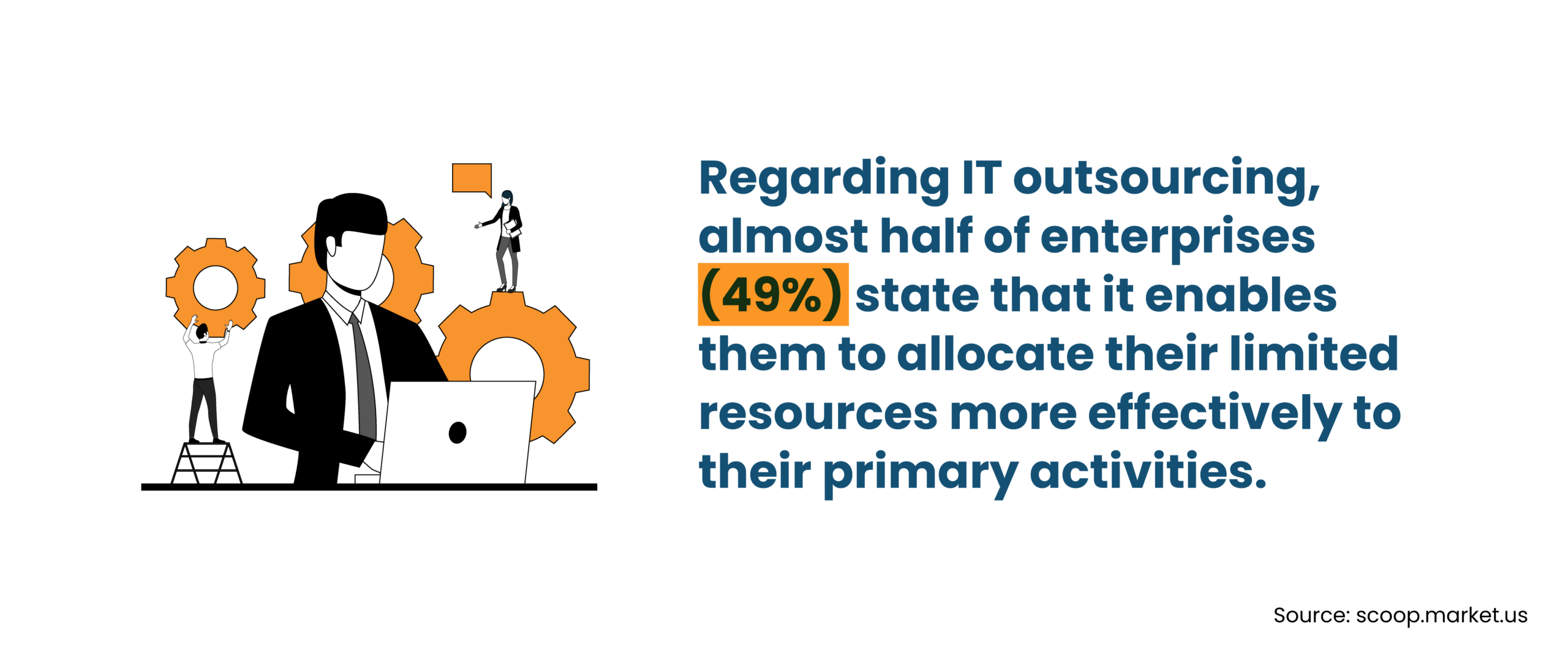
One reason companies explore managed IT services for business is the operational stability they bring.
Predictable IT spending
- Subscription pricing replaces irregular repair bills.
- Many businesses move toward managed IT as a service because it makes IT costs easier to plan.
Access to broader technical expertise
- Security specialists, cloud engineers, and infrastructure professionals become available without hiring each role internally.
Proactive maintenance and monitoring
- Continuous monitoring helps detect issues early.
- This approach reduces downtime and improves reliability across managed services for IT infrastructure.
Easier scalability
- As systems grow, managed IT solutions for business can expand alongside the organization.
Stronger security posture
- Providers overseeing IT support and managed services typically run dedicated monitoring and security processes.
The Cons/Limitations to Consider
Like any operational model, IT managed services for business come with trade-offs.
Reduced direct control over IT operations
Some organizations feel less visibility when daily system management shifts outside the company.
Dependence on provider performance
Service quality often depends on how well the provider manages monitoring, response times, and escalation processes.
Onboarding and infrastructure transition challenges
Moving into managed IT services and support may require system audits, documentation updates, and environment cleanup.
Standardized service models
Some types of IT managed services follow structured service packages, which may limit customization for highly specific environments.
Best Practices for Working with Managed IT Providers
Working with providers offering managed IT services and support tends to go more smoothly when expectations are clear from the start.
Clearly define service scope and responsibilities
Before relying on IT support and managed services, it helps to outline operational boundaries. Important areas to clarify include:
- Service level agreements
- Expected response times
- Escalation processes for unresolved issues
- Reporting and communication expectations
Prioritize cybersecurity and compliance alignment
Organizations evaluating managed IT services for business should also look closely at security practices.
- Confirm the provider follows recognized security frameworks.
- Define how security responsibilities are shared between the two teams.
Maintain visibility into IT operations
Even with managed IT as a service, internal teams should stay involved.
- Review performance reports regularly.
- Monitor system health metrics.
- Participate in major technology decisions.
Choose providers aligned with your technology stack
Compatibility matters for managed IT solutions for business. Examples include Microsoft environments, cloud platforms, and industry-specific systems.
Treat managed IT as a long-term operational partnership
Companies that approach IT managed services for business as an ongoing partnership usually see stronger results over time.
Make IT Operations Easier to Manage
Partner with Infrassist for dependable managed IT services that support stable, secure, and scalable infrastructure.
Conclusion
IT complexity tends to build over time. Systems expand, security risks grow, and internal teams often struggle to keep up. It is important that businesses find answers to pertinent questions like what are managed IT services and how they support long-term operations.
From infrastructure monitoring to security and user support, managed IT services for business help maintain stability as technology environments grow.
If you’re an MSP or a business looking for steady support, do explore Infrassist’s managed IT services to strengthen and scale your IT infrastructure.