Many MSPs believe they’re already leveraging automation because patching, monitoring, and maintenance run without technician involvement. However, these workflows barely scratch the surface of what modern RMM automation software can do.
Today, Remote Monitoring and Management (RMM) is no longer just a monitoring tool. Mature providers use their RMM software for MSP environments to automate remediation, streamline onboarding, enforce security policies, generate reports, and execute operational workflows across thousands of endpoints.
The ultimate goal is to reduce redundant manual touchpoints throughout service delivery. Modern clients expect proactive support, consistent outcomes, and faster resolution times. Meeting these expectations requires a higher level of remote monitoring and management automation.
Advanced RMM automation plugs this gap. The most efficient MSPs use their RMM automation platform to build repeatable workflows that improve consistency, reduce technician workload, and strengthen operational resilience.
With this in mind, let’s examine seven advanced automation use cases that go beyond basic patch management and monitoring. Here, we’ll consider practical applications of RMM endpoint management and RMM automation tools that help MSPs scale more effectively while aligning with emerging RMM IT automation trends.
Why Basic Patch Automation Is No Longer Enough
For a lot of MSPs, automation starts and ends with patching. But the problem is, patching only removes one item from a very long list. Let’s learn more.
Patching Solves Security Gaps, Not Operational Bottlenecks
Security patching closes vulnerabilities. It doesn’t solve the day-to-day work that quietly eats into engineering time like:
- Resetting services that repeatedly fail
- Fixing common endpoint issues
- Provisioning new users and devices
- Running compliance and configuration checks
- Sorting and routing incoming tickets
- Applying standard changes across client environments
MSP Operations Have Become More Complex Than Traditional Monitoring Models
Today, MSPs are dealing with a host of modern problems, such as:
- Remote and hybrid users working from everywhere
- More device types and operating systems
- Clients expecting faster response times
- Higher ticket volumes
- Stricter SLA commitments
- Constant switching between customers and systems
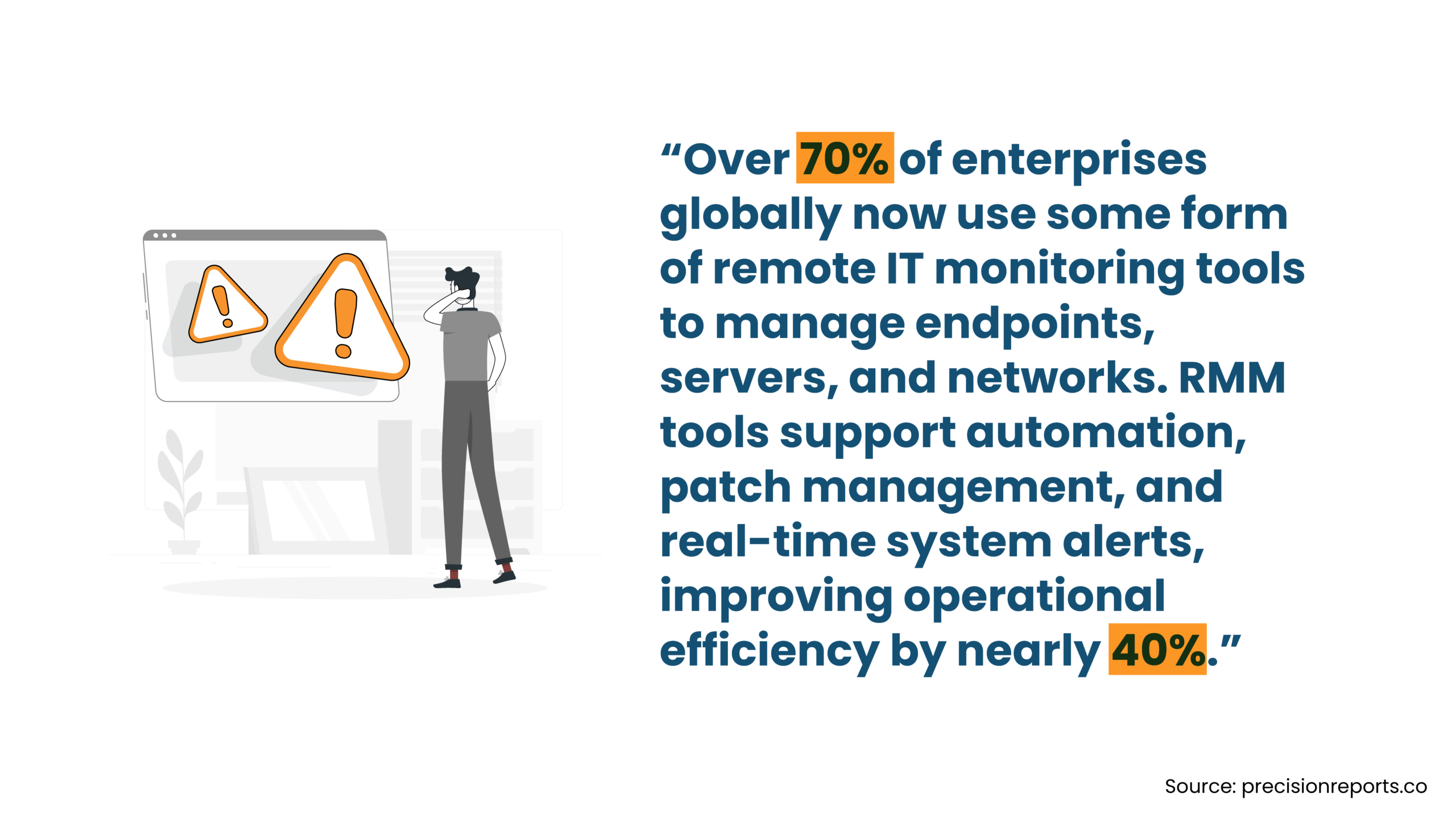
Modern RMM Platforms Are Becoming Operational Automation Engines
Modern RMM software for MSP teams are capable of triggering actions automatically when specific conditions are met and routine processes are standardized. In fact, many issues don’t even reach a technician. Some common examples of RMM automation include:
- Event-driven remediation workflows
- Conditional automation rules
- Policy-based enforcement
- Automated compliance checks
- Standardized onboarding procedures
- Predictive monitoring and response
Seven RMM Automation Use Cases That MSPs Must Consider Implementing
Here are a few compelling use cases where RMM automation can impact MSPs in game-changing ways.
1. Automating Alert Correlation, Noise Suppression, and Intelligent Ticket Prioritization
Once client environments start expanding, monitoring systems generate a constant stream of notifications. The challenge is figuring out which ones deserve immediate attention.
High-Volume Alert Environments Create Decision Fatigue
Anyone who has worked a busy NOC or service desk has seen it happen: a single infrastructure issue triggers dozens of related alerts or an offline server generates connectivity warnings. Or applications start reporting failures and monitoring checks begin timing out. Basically, one incident creates a flood of tickets and notifications.
The most common problems caused by this are:
- Alert storms triggered by a single root cause
- Duplicate notifications across multiple systems
- Low-priority warnings filling ticket queues
- Critical incidents getting buried among routine events
- Technicians becoming desensitized to alerts over time
The issue that everything appears urgent, but nothing really is.
How Mature MSPs Automate Alert Management
Rather than treating every alert as a separate event, mature MSPs use RMM automation to filter, organize, and prioritize information before it reaches the service desk.
Typical approaches include:
- Correlation-based incident grouping
- Automatic closure of transient alerts
- Dependency-aware suppression rules
- Dynamic severity scoring based on business impact
- Client-specific escalation workflows
- Automated routing to the right technician or team
Many RMM automation platforms can perform these actions automatically, reducing the amount of manual triage required throughout the day.
The Goal Is Cleaner Operational Signal, Not Just Fewer Tickets
The real goal is helping technicians focus on the issues that actually require action. When RMM automation software improves alert quality, MSPs typically see:
- Faster and more accurate triage
- Less noise inside PSA systems
- Better prioritization consistency
- Fewer unnecessary escalations
- Stronger SLA performance
After all, effective alert management is all about seeing the right things at the right time through smarter remote monitoring and management automation workflows.
2. Using Self-Healing Automation to Maintain Endpoint Stability Without Human Intervention
Most helpdesk teams spend a surprising amount of time dealing with repetitive endpoint issues that aren’t particularly complex. But they do add up quickly when they happen across multiple devices.
Small Endpoint Failures Quietly Drain Helpdesk Capacity
Many support tickets are created by issues that follow a predictable pattern. Here are some common examples:
- Services that stop unexpectedly
- Backup agents that lose connectivity
- Failed Windows updates
- Print spooler errors
- Applications that crash repeatedly
- Low disk space warnings
Over time, these issues create a steady stream of tickets that consume technician time and slow down response efforts elsewhere.
Advanced Self-Healing Workflows MSPs Commonly Deploy
Rather than waiting for a technician to investigate, RMM automation tools attempt remediation automatically when a known issue is detected. For instance,
- Restarting failed Windows services
- Repairing disconnected backup agents
- Detecting crashed applications and relaunching them
- Clearing print spooler failures
- Running automated disk cleanup tasks
- Repairing failed Windows Update components
- Triggering secondary remediation actions if the first attempt fails
Many mature RMM automation platforms use multiple remediation layers, allowing systems to recover from common failures without human involvement.
Autonomous Remediation Improves Service Continuity
The real benefit of autonomous remediation is that endpoint issues are often resolved before users even notice them. This leads to:
- Reduced technician intervention
- Less repetitive troubleshooting
- Faster endpoint recovery
- More stable endpoint environments
- Better user uptime and productivity
Done well, self-healing workflows become one of the most practical forms of RMM automation because they remove recurring work without creating additional operational complexity.
3. Building Zero-Touch Client Onboarding Workflows Across RMM, Identity, Security, and Backup Systems
The onboarding process often determines how easy a client environment will be to support long after implementation is complete. The trouble is, most onboarding problems show up months after deployment, when teams discover missing policies, inconsistent configurations, or devices that were never properly enrolled into core systems.
Inconsistent Onboarding Creates Long-Term Operational Friction
Manual onboarding introduces opportunities for small mistakes that compound over time. The typical issues include:
- Human deployment errors
- Missing monitoring configurations
- Inconsistent endpoint settings
- Security controls applied unevenly
- Delays during client transitions
- Incomplete documentation
These problems tend to become recurring support headaches later.
What Zero-Touch MSP Onboarding Workflows Actually Automate
New-age RMM software for MSP environments allow onboarding activities to be standardized and automated from the start. Usual workflows include:
- Automated RMM deployment
- Identity-based provisioning logic
- Conditional software installation
- Monitoring policy inheritance
- Backup enrollment automation
- Device tagging and classification
- Security baseline deployment
- Automated documentation updates
Instead of relying on checklists alone, systems execute predefined onboarding actions automatically.
Standardized Onboarding Creates Predictable Support Environments
When every endpoint follows the same consistent onboarding process, long-term management becomes much easier. Results typically include:
- Reduced onboarding friction
- Faster deployment timelines
- Easier ongoing support
- More consistent client environments
- Less configuration drift over time
For MSPs focused on scalability, onboarding automation is often one of the highest-impact investments they can make in their RMM automation software strategy.
4. Enforcing Security and Compliance Policies Through Continuous Automation
Earlier, a lot of compliance-related work would happen around audit time. This doesn’t work anymore because it is possible that security settings change, devices drift from company standards, new software gets installed, and users make changes. By the time the next audit comes around, things can look very different. Here’s what’s happening now.
Compliance Monitoring Has Shifted from Periodic Audits to Continuous Validation
MSPs are being asked more questions about security than ever before. These questions come from:
- Cyber insurance providers
- Regulatory requirements
- Vendor risk assessments
- Client security reviews
- Internal governance teams
Clients want reassurance that security controls are being maintained consistently, not just checked once in a while.
Continuous Compliance Enforcement Workflows MSPs Implement
Instead of manually checking devices, MSPs can deploy RMM automation to continuously monitor important security settings and take action when something falls out of compliance. Common examples include:
- Checking whether BitLocker is enabled
- Monitoring antivirus status and health
- Tracking MFA adoption and visibility
- Verifying firewall settings
- Detecting changes to security baselines
- Identifying unauthorized software
- Triggering automatic remediation steps
- Escalating unresolved compliance issues
Rather than waiting for problems to be discovered during a review, teams can deal with them as they happen.
Continuous Enforcement Reduces Policy Drift Across Environments
When compliance checks run continuously, MSPs benefit from:
- Better audit preparedness
- Faster correction of policy issues
- Stronger visibility into security controls
- More consistent reporting
- Less manual verification work
The end result is usually a cleaner, more predictable environment that requires less effort to manage over time.
5. Automating Vulnerability Response Across Third-Party Applications and Endpoint Risks
Multiple vulnerabilities can come from the applications employees use every day. For example, browsers, collaboration tools, PDF readers, and other third-party software can create just as much risk as the operating system itself.
Application-Layer Vulnerabilities Often Create the Largest Exposure Surface
Most endpoint environments contain dozens of applications that need regular attention. This may include:
- Web browsers
- Collaboration platforms
- Java-based applications
- Adobe products
- Industry-specific business software
- User-installed applications and shadow IT
The challenge is keeping all of them updated and secure across hundreds or thousands of devices.
Advanced Vulnerability Response Workflows MSPs Build
Mature MSPs use RMM automation tools to keep track of software and respond faster when risks are identified. Typical workflows include:
- Automatically discovering installed software
- Mapping vulnerable applications across endpoints
- Prioritizing patches based on known CVEs
- Scheduling updates based on risk level
- Deploying silent application updates
- Enforcing approved software versions
- Removing unsupported applications
- Restricting unauthorized software
These processes reduce the amount of manual effort needed to keep environments secure.
Faster Vulnerability Response Shrinks the Attack Surface
The longer vulnerable software remains in place, the greater the risk becomes. By automating response activities, MSPs can:
- Reduce exposure to known vulnerabilities
- Improve software consistency across devices
- Maintain healthier endpoint environments
- Lower risk from outdated applications
- Reduce software-related security incidents
For many providers, this is where RMM automation software starts delivering real operational value.
6. Triggering Cross-Platform Automation Between RMM, PSA, Backup, Security, and Documentation Systems
Most MSPs have invested in a solid technology stack. The challenge is that many of those tools still operate independently. The more disconnected the stack becomes, the more manual work creeps into daily operations.
Disconnected Tool Stacks Create Workflow Delays
A common problem relates to the number of times technicians have to jump between tools to complete a single task. That can lead to:
- Duplicate administrative work
- Manual ticket updates and escalations
- Limited visibility across systems
- Slower issue resolution
- Inconsistent asset records
- Communication gaps during incidents
These tasks are just time-consuming when repeated dozens of times every day.
Cross-Platform Automation Workflows Mature MSPs Commonly Use
Instead of treating each platform separately, MSPs can use RMM automation to create workflows that move information and trigger actions automatically across systems. Common examples include:
- Creating PSA tickets from endpoint alerts
- Triggering backup verification after failed jobs
- Launching remediation scripts from service tickets
- Syncing endpoint changes into documentation platforms
- Triggering security actions based on endpoint activity
- Automating internal notifications during incidents
The goal is simple: reduce the number of manual steps required to move work from one system to another.
Workflow Orchestration Reduces Operational Friction
When tools communicate with each other, technicians spend less time coordinating and more time solving problems. Benefits often include:
- Fewer manual touchpoints
- Faster workflow execution
- Better interoperability between systems
- Stronger operational coordination
- Less technician context switching
For growing MSPs, workflow orchestration is the area where RMM automation software starts delivering noticeable operational gains.
7. Using RMM Automation to Generate Predictive Operational Insights and SLA Risk Detection
Most MSP reports focus on what has already happened, such as ticket counts, device status, and backup success rates. But modern clients increasingly want to know where problems may be developing before they can affect users or business operations.
Businesses Increasingly Expect Strategic Visibility, Not Just Technical Reporting
As IT becomes more important to business performance, clients expect MSPs to provide more than technical metrics. They want visibility into:
- Emerging operational risks
- Potential service bottlenecks
- Capacity concerns
- Security trends
- Areas requiring attention before disruption occurs
A monthly report full of numbers doesn’t always answer these questions.
Predictive Automation Workflows MSPs Are Starting to Implement
Modern RMM automation tools can help MSPs identify patterns that would be difficult to spot manually. Some examples include:
- SLA breach prediction
- Endpoint health trend analysis
- Detection of recurring incident patterns
- Automated operational risk scoring
- Storage and performance forecasting
- Backup reliability trend monitoring
- Security posture trend reporting
- Executive-ready QBR summaries
These workflows focus less on reporting events and more on identifying signals that deserve attention.
Predictive Visibility Enables More Proactive Decision-Making
No system can predict every problem. But spotting trends early often gives teams more time to respond. This can lead to:
- Earlier operational intervention
- Better capacity planning
- More informed customer conversations
- Stronger strategic recommendations
- Greater long-term customer confidence
As RMM IT automation trends continue evolving, many MSPs are shifting from reactive reporting toward predictive operational visibility. This is being done to identify what may happen next and prepare for it.
Common Mistakes MSPs Make When Implementing Advanced RMM Automation
RMM automation can help resolve many problems, but it can also create new ones if rolled out carelessly. After a certain point, making sure the automation is actually helping operations run better might start seeming like a challenge. Here’s what to avoid to prevent this from happening.
Scaling Automation Before Processes Are Operationally Mature
Picture this: You find a process is convoluted, inconsistent, or poorly documented. Instead of fixing it, your team automates it. Now the same problems happen automatically. You might now notice:
- Different onboarding approaches across technicians
- Escalation paths that aren’t clearly defined
- Remediation workflows that vary from client to client
- Inconsistent service delivery processes
Automation doesn’t clean up operational chaos. It usually exposes it faster. A good rule of thumb is simple: if a process can’t be performed consistently by humans, it probably shouldn’t be automated yet.
Failing to Govern Scripts, Policies, and Workflow Changes
Most automation environments start out organized. Then years later, a team member creates a script to solve a problem. Another technician creates a slightly different version six months later. Meanwhile, an important policy gets updated and a workflow gets modified. Basically, nobody is entirely sure what is running where.
Common warning signs include:
- Too many duplicate scripts
- Limited testing before deployment
- No version tracking
- Workflow changes that aren’t documented
- Automations that nobody owns anymore
The issue isn’t the automation itself, but losing visibility and control as the environment grows.
Treating Automation as a Static Environment
One of the easiest mistakes is assuming automation is finished once it’s deployed. Remember, client environments change constantly. New applications get introduced, security requirements evolve, and business priorities shift. A workflow that worked perfectly two years ago might not make much sense today. That’s why mature MSPs regularly:
- Review failed automations
- Update policies and scripts
- Remove outdated workflows
- Look for recurring issues worth automating
- Refine existing processes
Overall, the most conducive automation environments are the ones that get reviewed and improved consistently.
Advanced RMM Support for MSPs
Infrassist helps MSPs maximize automation, reduce operational workload, and scale confidently.
Conclusion
The problem for many MSPs is not that they don’t have automation technology; it’s that too much time is consumed by repetitive operational activities. And this is precisely where high-end RMM automation begins to make a difference.
You don’t need fancy workflows or complex scripting projects, but incremental gains that increase efficiency and remove hindrances. What you get are fewer tickets, quicker issue resolution, and consistent client environments, and less jumping back and forth between systems.
All in all, progressive MSPs are now leveraging automation to find more uses for their existing tools, so they can perform routine tasks without needing human intervention.