About Client
SB Partners pride themselves with having Expertise on cloud solutions and 24/7 support, Flexibility to adapt to the customers need and Proximity to customers being based in Brussels, Belgium.
SB Partners core areas of focus are: Managed services, Servicedesk, SaaS solutions and Project Management.
SB Partner provides complete IT Infastructure solutions to the clients so that they can have efficient computer system to perform their job.
Observations of Audit
The observation made for Antivirus Module were as follows:
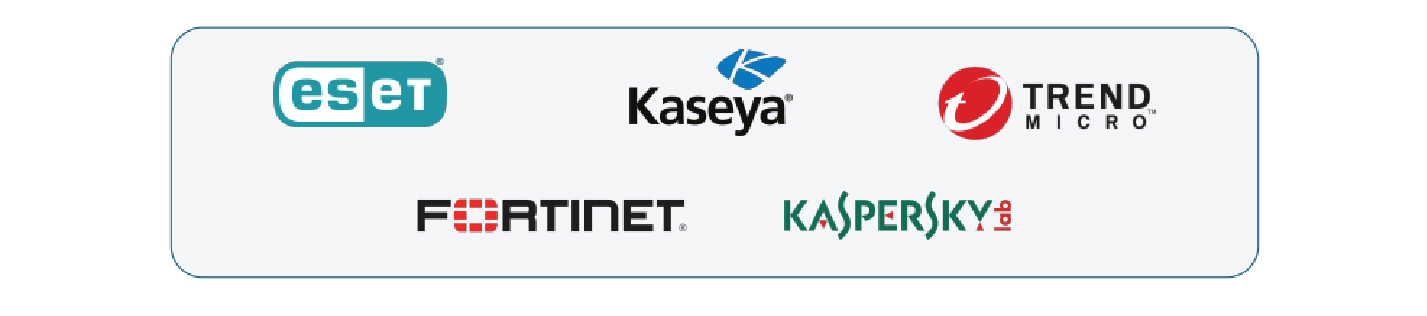
- 60-70% of devices (including workstations & servers both) currently have got Kaspersky Antivirus Product installed while major chunk of rest have Windows Defender along with mix of antivirus solutions from different vendors (McAfee, ESET & Trend Micro)Full Synchronization
- There are separate Kaspersky AV profiles created for many of customers.
The observation made for Software Management Module module was: Currently neither OS nor third party software updates are being managed by Kaseya VSA
The observation made for Monitoring Module were as follows:
- There are many discovered devices prompted as assets but not having any Kaseya Agent installed; they mainly comprise of Linux Servers & Mac systems. Also, there are few managed assets (with Agent Installed) that are running an older version of agent.
- Out of the total discovered devices within SB Partner’s Kaseya VSA Portal only few of the customers have probe software installed in their respective Active Directory Servers
- From Monitoring perspective, mainly following Agent based Monitoring is configured at present for couple of managed assets;
– Agent Alerts
– Event Log Alerts
– Monitor Sets
- SNMP based Monitoring is not configured at all for any of the Network devices including Printer, Scanner, Switches, Routers or Firewalls
- There is resource utilization monitoring configured under Network Monitor Module (CPU, Memory, Bandwidth, Process etc.) for few of workstations, servers along with External Probing for Public DNS Server to monitor Internet Connectivity from hosts.
Solution Suggested
For Antivirus Module
- Effective use of all the supported integrations (EST, Trend Micro, Bit Defender etc.) we will be able to monitor & manage anti-virus across all devices rather than its current limited scope to Kaspersky AV.
- Common AV Profile creation & assignment to most of the customers rather than how it’s configured currently.
For Software Management Module:
- Optimum use of available features within software management module to get all your customer’s devices updated on regular basis in order to make them compliant & avoid any sort of security issues
- Kaseya VSA software management module to assign settings to machines using different profiles for scanning, deployment, alerts, 3rd party software & patch overrides.
- Scanning & Analysis profile to support two different strategies for managing software updates, out of which we recommend Kaseya Update one where in we can specify whether to approve, reject or review patches based on pre-assigned impact classification & it applies to Windows, Apple & 3rd Party Software patches.
- Deployment profiles specify how deployments occur, on a recurring schedule. This includes:
– Reboot Preferences
– The optional running of agent procedures both before and after deployment
– Optional blackout windows, to prevent scheduling deployments during business hours Includes patch approvals, which lets you approve or reject specific patches.
For Monitoring Module:
- Installing agents on all assets & setup automated agent upgrade for all assets as Kaseya VSA provides agents for all operating systems including Linux & Mac.
- Setup SNMP based monitoring for all discovered assets (including printers, switches, routers, firewalls etc.) by either utilizing standard device-based SNMP Monitoring sets available within Kaseya VSA platform or through custom vendor supplied MIB database file. It also includes setting up SNMP traps alerts configuration for all discovered assets.
- Optimum use of agent-based monitoring for all managed assets by leveraging all available built in alert types, event log & monitor sets for workstations, servers to monitor overall Health ( CPU, Health status , RAM, Network bandwidth ), various server roles & services including Microsoft Exchange, SQL Database, IIS server along with ticket creation for Critical & Error Event logs under workstations and servers.
Technical Challenges
SB Partners team was looking for Kaseya RMM Configuration and Audit to scan various monitor settings, Patch profiles (OS, AV & Third Party Software’s), rules etc. configured for workstations, servers & network devices of their customers and recommend best practices around same to make best out of Kaseya platform by leveraging all key capabilities of Kaseya VSA RMM Tool & supported integrations.
Technologies Used
Accomplishment
- Creation of Single Dashboard page within RMM to get clear insights into overall health of their customer’s ICT Infrastructure at a glance & providing user friendly reports on a scheduled basis to customer as a validation
- To do a detailed audit of the various modules of the Kaseya VSA and to suggest the best solution based on industry standards and our experience while working with MSPs.