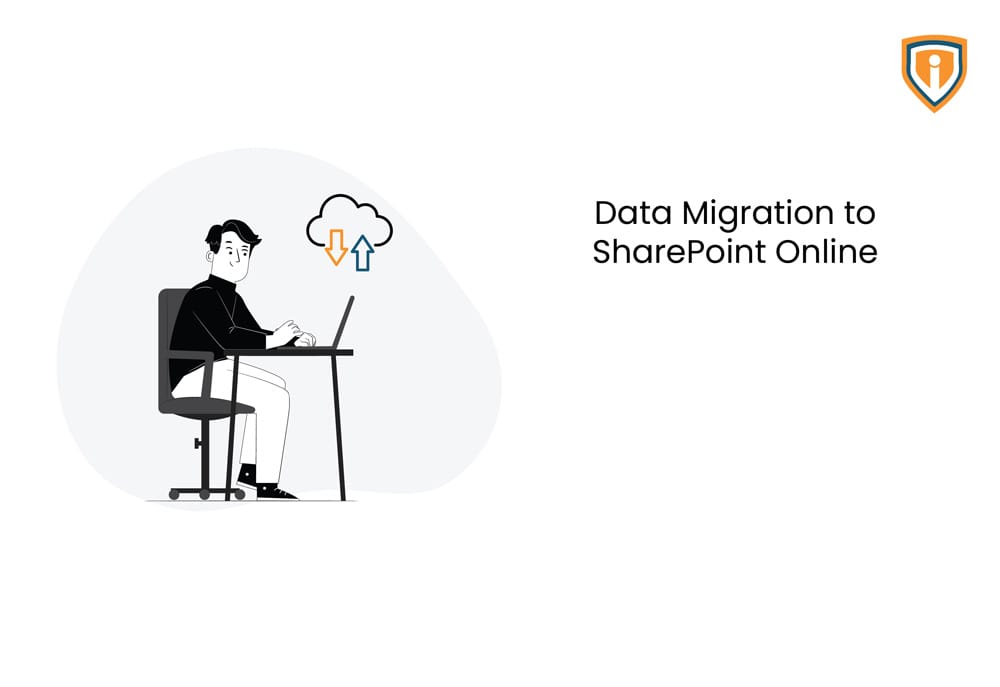
Migrate all file shares data to SharePoint Online
XYZ Club was running an on-premises Windows Server2012 R2 for storing their company wide Data. These file shares were mounted as a network drive on users’ computers. They were also using Office 365 for their emails & Office Apps.
The Issue
NStoring files on Network Drives means every user will be able to access those files through the servers in the organization. The benefits of storing them on Network drives is that it provides a user more storage space, allows backups and is also a secure way of sharing files internally.
Then why did they want to migrate?
- Lesser functionalities in a Network Drive
- Owing to the current work-from-home situations, they wanted out-ofoffice access to their files
Technical Challenges
Our team proposed two different approaches for migration of current on-premises file shares to SharePoint Online (Office 365).
- Use 3rd Party paid migration tools: Tools like Bit Titan, SkyKick, etc. were used which requires an additional software deployment on server for data migration.
- Microsoft Native Migration Tool: Leverage Microsoft SharePoint Migration Tool (SPMT) for migrating all file shares data along with any folder/file level to SharePoint Online.
Hence Microsoft Native Migration Tool Approach was opted for flawless delivery of this project also it is the recommended method by Microsoft.
Solution
The Aim: A successful and seamless migration of on-premise file share to SharePoint online along with easy to manage Microsoft 365 groups-based permission model in place.
The Process: A temporary Windows 10 Virtual Machine was provisioned under customer’s environment for installing SharePoint online Migration tool. The tool is essential to migrate the data. The following steps were undertaken:
- Setup a SharePoint Migration Tool on a jump machine
- Define the source and destination path for data migration by creating tasks
- Migration of all File Share data to SharePoint Online team’s sites
Once all the files were migrated successfully, a post-migration support was also provided for the next few days.
Technologies Used

Accomplishment
The migration of all File Shares & custom permissions to SharePoint Online was successful whichalso led to a secure file sharing environment and improved performance. It was carried out without hampering productivity and the work flow of the staf