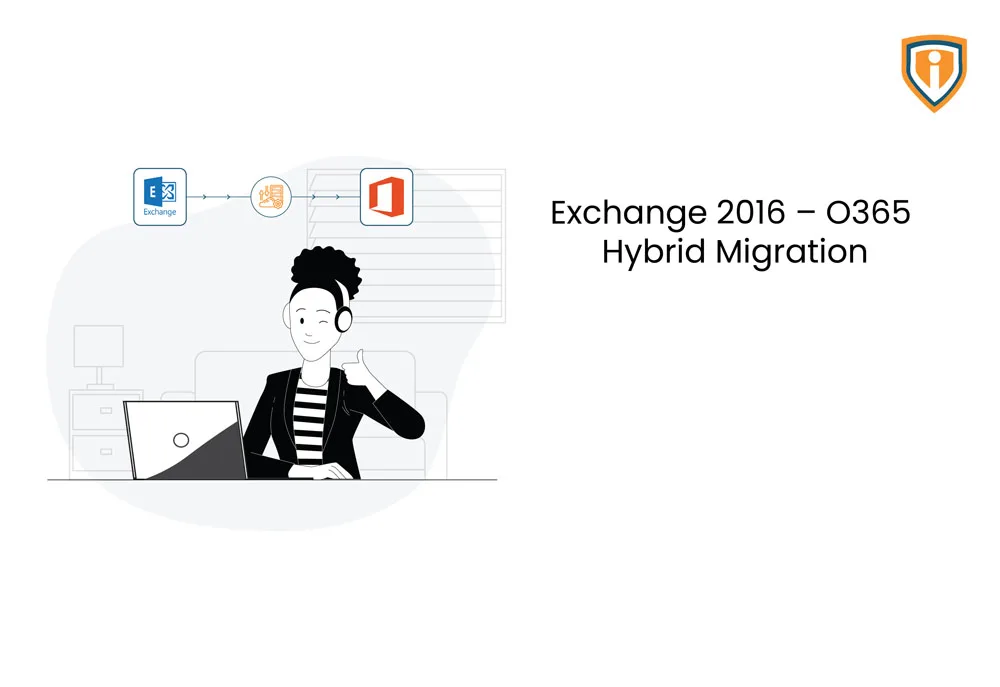
Microsoft Native Hybrid Exchange Migration: Leverage Microsoft native methods for migrating all users’ mailboxes along with exchange configuration to Office 365, without the need for any extra application deployment under users’ devices for reconfiguring their outlook profiles. This approach was opted for flawless delivery of this project & again it is a recommended way to do so by Microsoft as well.
Download the Full Case Study
Every implementation detail, technical approach, and business outcome of this case study packaged up for your quick reference.
Download as PDF
Project Overview
Setup Hybrid Exchange Configuration and Migrating all users’, Shared Mailboxes & Public Folders to Exchange Online
One of our clients’ customers, an automobile manufacturing company called Olie Motors was running Microsoft Exchange Server 2016 15.1 (Build 1591.10) With CU Roll Up 11 installed for email services.
Frustrated and concerned with all the news surrounding attacks on on-prem exchange servers, Mr. Olie, the owner, was afraid that his valuable corporate data might get compromised. Cyber-attackers are no amateurs these days after all.
Olie’s friend suggested him to migrate all his data including shared mailboxes and public folders on the cloud and that’s how he came across our company.
The Objective: Setup Hybrid Exchange Configuration between on-premises Microsoft Exchange 2016 server and O365. Followed by migration of all users’, Shared Mailboxes & Public Folders to Exchange Online Environment.
His requirement: The migration should cause minimal or no interruption to end users.
Technical Challenges
Our team proposed two different approaches for migration of current on-premises exchange environment to Exchange Online (Office 365)
- Use some 3rd Party paid migration tools: Like BitTitan, SkyKick, AvePoint etc. which requires an additional software deployment either on the server or
users’ workstations, for email data migration & reconfiguring their Outlook Profiles.
- Microsoft Native Hybrid Exchange Migration: Leverage Microsoft native methods for migrating all users’ mailboxes along with exchange configuration to Office 365. In this method, there is no need for any extra application deployment under users’ devices for reconfiguring their outlook profiles.
Hence the second approach was opted- for flawless delivery of this project
& also as it is the recommended method by Microsoft.
Solution
The Aim: Seamless migration of entire exchange configurations & users’ mailboxes (including Public Folders, shared mailboxes, DLs, Contacts etc.) to Office 365.
The Process: For Olie, a Hybrid Exchange relationship was established between on-premises Exchange & Exchange Online Organization. The following procedures were carried out for the flawless migration of email services to the cloud.
- Setup Directory Synchronization between on-premises AD & Azure AD
using Azure AD Connect Tool.
- Configure Hybrid Exchange relationship between On-Premises Exchange & Exchange Online for seamless migration of users’ mailboxes & reconfiguration of their outlook profiles.
- Provisioning of Migration endpoint & batches for users’ & shared mailboxes, public folders migration in staged manner.
- Analyze results of configured migration batches, identifying any errors/warnings along with their remediation.
- Schedule & Perform DNS Switchover for routing mail flow to Exchange Online.
Once all users’ mailboxes & Exchange configuration was migrated successfully, A post-migration support was also provided for the next few
days.
Technologies Used

Accomplishment
The migration of all users’ mailboxes & Exchange Configuration to Office 365 was successful. It was a seamless process where productivity of the staff wasn’t hampered moreover the migration led to an enhanced performance and reliability.