The customer was using hosted on-premises SharePoint 2016 server for their document storage, collaboration and intranet portal. Users’ personal files were also residing on a Windows File Servers hosted in their LAN environment & mounted as a network drive on their workstations. 60% users of the customers’ were located at their head office while 40% comprised of remote workers & placed across various geographical locations. Read on to find out how we implemented a tailored solution to modernize the customer’s document management system for enhanced collaboration and accessibility for both office-based and remote users.
Download the Full Case Study
Every implementation detail, technical approach, and business outcome of this case study packaged up for your quick reference.
Download as PDF
Solution
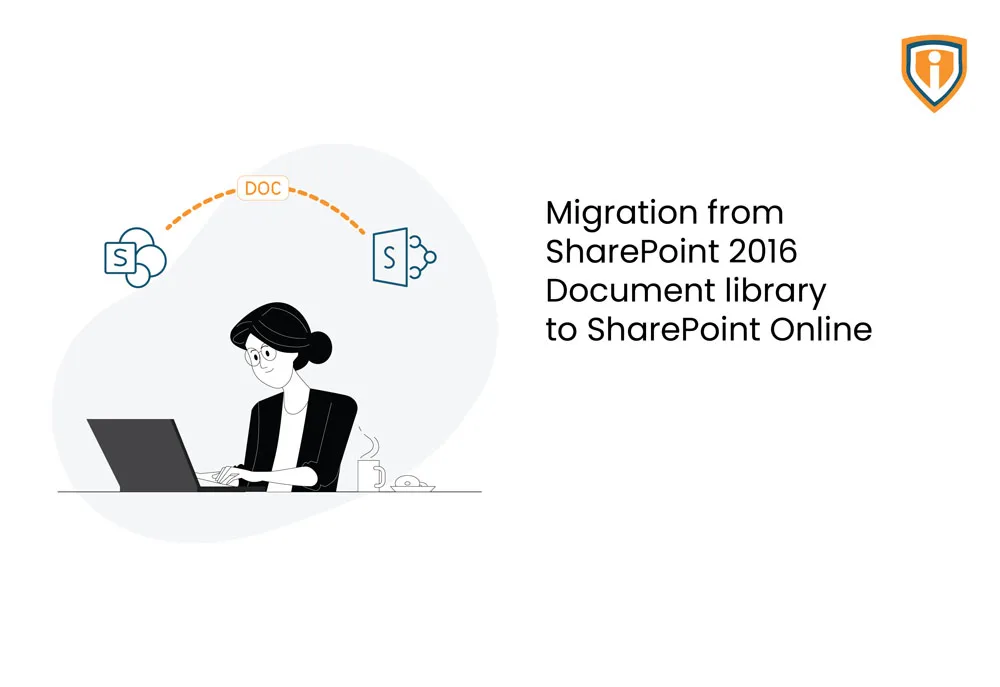
As part of their SharePoint migration journey we helped them move their SharePoint 2016 Document library to SharePoint Online using Microsoft SharePoint Migration Tool in a seamless manner which also includes User’s personal files from SharePoint shared document and file server to their individual OneDrive
We also created integration between Facebook workplace and SharePoint online by Microsoft power automate so it fetched Workplace posts to SharePoint online list and created a News webpart to show content of list whenever they post on work place it will reflect on news webpart in communication site.
Technical Challenges
The customer was using hosted on-premises SharePoint 2016 server for their document storage, collaboration and intranet portal. Users’ personal files were also residing on a Windows File Servers hosted in their LAN environment & mounted as a network drive on their workstations. 60% users of the customers’ were located at their head office while 40% comprised of remote workers & placed across various geographical locations.
They were using On-Premises AD Servers for User Management & Authentication with VPN connectivity for remote users. On-Premises SharePoint Sites were created using SharePoint Classical experience where in permissions were being managed at an individual site/list/ document library level by means of SharePoint Groups. There were some workflow and application integration to on-premise SharePoint like for Time management, Projects etc
Technologies Used

Accomplishment
- Re-designed SharePoint Online Architecture from scratch using Modern Experience & created one root communication site (Intranet Root Landing Page) along with navigation to different team sites created for various departments in an organization
- Rephrased permission models where in access to various team sites is being managed via O365 groups instead of legacy SharePoint groups approach along with seamless migration of 4 TB data volume to respective team sites & users’ personal files to their One Drive Cloud Storage