MSPs do not switch RMM tools often. When you do, you are retraining technicians, rebuilding automation, and explaining downtime to clients. Getting it right saves months of pain. Getting it wrong means revisiting every automation, every integration, and every technician workflow when you finally make the switch you should have made the first time.
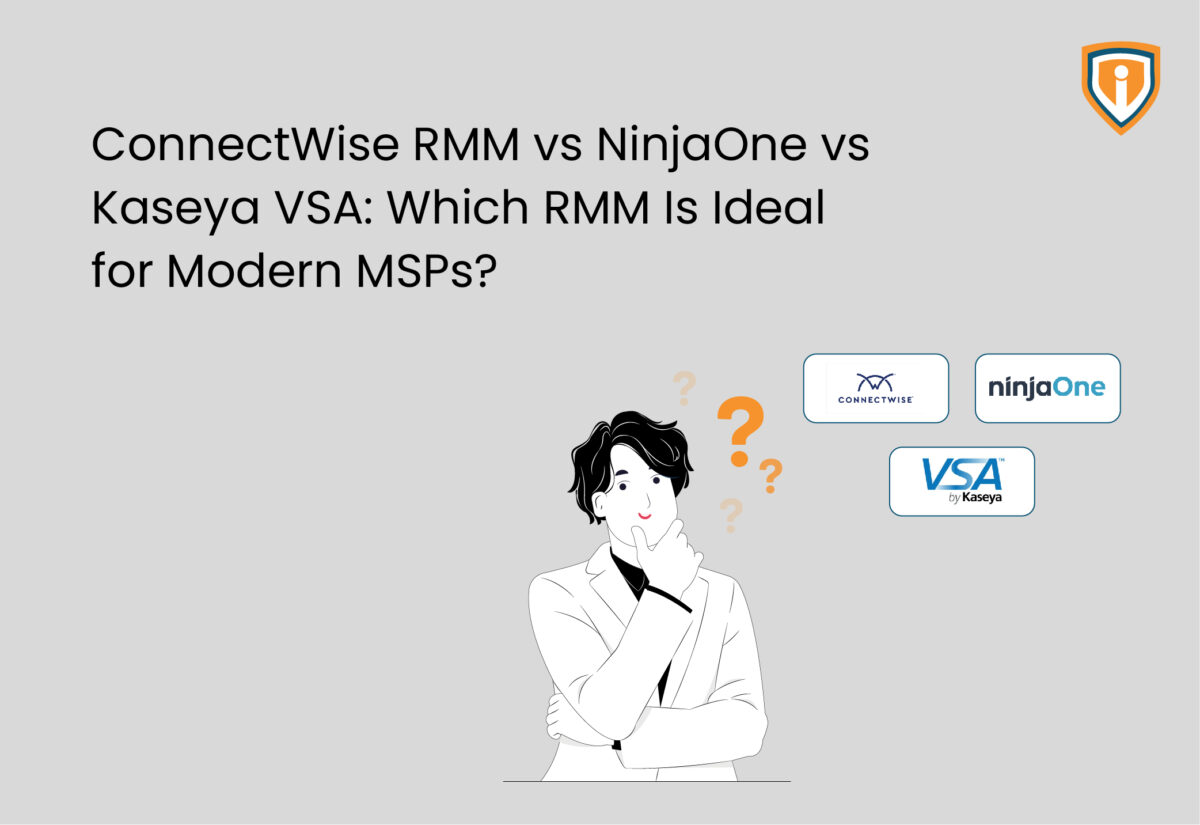
ConnectWise RMM, NinjaOne RMM, and Kaseya VSA are three of the most widely deployed platforms in managed services right now. Each has genuinely different strengths and genuinely different problems. Without a shadow of a doubt, what technicians grapple with after months on these platforms looks nothing like a vendor demo.
Three platforms, a myriad of differences between them. Which one fits depends on your team’s technical depth, your client mix, and how much configuration overhead you can carry before it starts eating into margins. Let’s take a look, but before that, let’s dive into what MSPs require from an RMM solution.
What MSPs Need From an RMM
A good demo does not tell you much about Day 200. That is when a junior tech needs to modify a script, a patch window fails across thirty endpoints, or a client wants a report you have never had to pull before. Build your evaluation criteria around those moments, not the feature list.
These are not aspirational criteria, but the gaps that show up in post-mortems when an MSP realises the platform they chose looks great in a controlled environment and falls apart under the actual weight of client diversity, staff turnover, and the kind of edge cases that never appear in a vendor walkthrough.
The things that separate good RMM platforms from expensive headaches in practice:
- Remote access that works across Windows, macOS, and Linux and hence no platform-specific workarounds
- Patching that runs on schedule and as per the pre-defined priority groups without needing someone to watch every deployment
- Automation that fits your team’s actual technical level, not the ceiling case in a vendor demo
- Clean integrations with the PSA, AV, and backup tools you already run
- Contract terms you can exit without a lawyer when a client churns
ConnectWise RMM
Server-heavy environments and enterprise client mixes are where ConnectWise RMM earns its money. The monitoring depth means writing custom alerts from scratch is rarely necessary. For shops already running ConnectWise Manage as their PSA, the integration is native and obvious. One thing worth knowing before the sales conversation: ConnectWise RMM and ConnectWise Automate are not the same product. MSPs evaluating ConnectWise often conflate the two, which leads to mismatched expectations.
Best for: MSPs managing large, complex environments already running ConnectWise Manage as their PSA.
Core Strengths:
- Intelligent alerting reduces alert volume by up to 80%
- Scales to 100,000 devices in a single tenant
- Automated ticket consolidation delivers up to 50% reduction in tickets
- Patch management with Windows updates assessed by the NOC before deployment
- PowerShell, bash, and batch scripting supported; integrates via open APIs
- AI-assisted script creation through ConnectWise Sidekick for RMM
Limitations:
- Steeper learning curve; settings shift between releases
- New features occasionally ship before full maturity
- Mac endpoint support lags Windows
- Pricing requires a sales conversation
NinjaOne RMM
Speed is NinjaOne’s sharpest edge. New technicians get comfortable in a week or two because the interface is consistent, and basic tasks feel obvious rather than learned. RMM, patch management, remote access, endpoint backup, and documentation all sit in one console, covering Windows, macOS, Linux, and 200+ third-party applications. The one real gap: no native PSA. Teams that want a single-vendor stack will need to bolt on a ticketing tool separately.
Best for: Growing MSPs that prioritize fast onboarding, consolidated tooling, and daily usability.
Core Strengths:
- Onboards new technicians in one to two weeks
- Patching covers Windows, macOS, Linux, and 200+ third-party applications natively
- RMM, patch management, remote access, backup, and documentation in one console
- Ranked #1 RMM on G2 for 23 consecutive quarters; 4.7/5 from 3,500+ verified reviewers
- Monthly contract options available; per-device pricing published
- API solid enough for custom integrations beyond what ships out of the box
Limitations:
- No native PSA; ticketing needs to be added separately
- Less scripting depth compared to Kaseya VSA
- Integration ecosystem still growing compared to ConnectWise
Kaseya VSA
VSA is the most powerful of the three if your team has the scripting experience to use it. Kaseya VSA automates everything from endpoint configuration and system maintenance to patching, incident response, and reporting. Policy-based automation scales across the network to remediate incidents as soon as they are detected. For shops already running Autotask, IT Glue, or Datto, the within-ecosystem integrations make it an obvious candidate. Reading current security documentation and checking how your RMM’s security posture holds up before committing is worth an afternoon.
Best for: MSPs with experienced scripting teams already operating within the Kaseya ecosystem.
Core Strengths:
- Policy-based automation scales across the network to automate repetitive tasks and remediate incidents on detection
- Real-time monitoring with automated alerts, ticket creation, and auto-remediation built in
- Behavior-based ransomware detection with instant quarantine of infected endpoints from the RMM console
- End-to-end asset control covering hardware, software, VMs, cloud infrastructure, and IoT devices
- Automated patching of operating systems and third-party applications
- Integrates with PSA platforms, IT documentation tools, backup and recovery solutions, and security systems
Limitations:
- Steepest onboarding curve of the three
- Advanced reporting requires configuration investment to get actionable output
Side-by-Side Comparison
Automation depth and ease of use pull in opposite directions across all three platforms. More scripting power means more configuration burden on whoever runs it day to day. That is where the real pain points live. The comparison chalked out below is based on onboarding speed, monitoring depth, automation capability, integrations, and pricing flexibility. A junior technician can be productive on NinjaOne in under two weeks. The same technician on Kaseya VSA will grapple with policy structures and procedure builder logic for considerably longer. ConnectWise sits closer to Kaseya on the complexity side.
| Criteria | ConnectWise RMM | NinjaOne RMM | Kaseya VSA |
|---|---|---|---|
| Ease of Use | Moderate | High | Moderate |
| Onboarding Speed | Moderate | Fast (1–2 weeks) | Slow |
| Monitoring Depth | Strong | Strong | Strong |
| Automation/Scripting | Good | Good | Strongest |
| Integrations | ConnectWise products and third-party tools via open APIs | Remote access, security, backup, PSA, documentation, and analytics | PSA, IT documentation, backup, recovery, and security systems |
| Native PSA | No | No | No |
| Pricing Transparency | Low | Low | Low |
| Contract Flexibility | Contact for pricing | Contact for pricing | Contact for pricing |
| G2 Rating | 4.1 / 5 | 4.7 / 5 | 4.0 / 5 |
NinjaOne gets technicians productive fastest. ConnectWise takes longer, a few weeks typically, before people stop hunting through menus. Kaseya VSA is the slowest to onboard on, and that gap matters when a client is waiting on something.
None of them make pricing easy to find. NinjaOne at least offers monthly options and publishes starting ranges. ConnectWise and Kaseya both default to a sales call before numbers appear, which makes comparisons awkward until you are already deep in a vendor conversation. Factor in contract length, bundled modules, and what happens at renewal before any number feels real.
One thing all three share: built-in reporting is weak. Most MSPs end up with third-party reporting tools for anything client-facing — budget for it.
If these three are not quite the right fit, the 10 best RMM tools for MSPs are worth a look before the shortlist closes
Which RMM Platform Fits Your MSP?
Each platform has a real use case. The wrong choice becomes evident six months in, when technicians are rebuilding scripts, raising tickets about broken automations, and spending more time managing the tool than using it. Team size, technical depth, client mix, and how much configuration overhead your operation can absorb without it cutting into margins: those factors matter more than any feature comparison.
ConnectWise RMM fits if:
- Your client base is server-heavy and complex — the monitoring depth earns its cost in those environments
- Your team runs ConnectWise Manage already and wants the PSA integration without additional plumbing
- You have senior technical staff who will configure it properly and keep pace with updates
NinjaOne fits if:
- Fast onboarding matters — technicians need to be useful quickly, not after a two-month ramp
- You want RMM, patching, remote access, and backup in a single monthly bill
- Month-to-month contract flexibility fits your business better than long lock-ins
Kaseya VSA fits if:
- Deep scripting and automation are core to how your MSP operates, not a nice-to-have
- You are already running Autotask, IT Glue, or Datto, all within-stack integration adds real value
- Your client base is stable enough that a three-year contract does not create risk
Inherited environments come with their own set of unknowns. Understanding whether an RMM audit can help repair damage before committing to a new platform can surface issues that are not immediately visible and save months of cleanup work afterward.
Still Weighing Your RMM Options?
Infrassist works hands-on with ConnectWise, NinjaOne, and Kaseya environments every day. If you want an honest assessment of what fits your MSP before you commit, that is exactly the conversation we have.