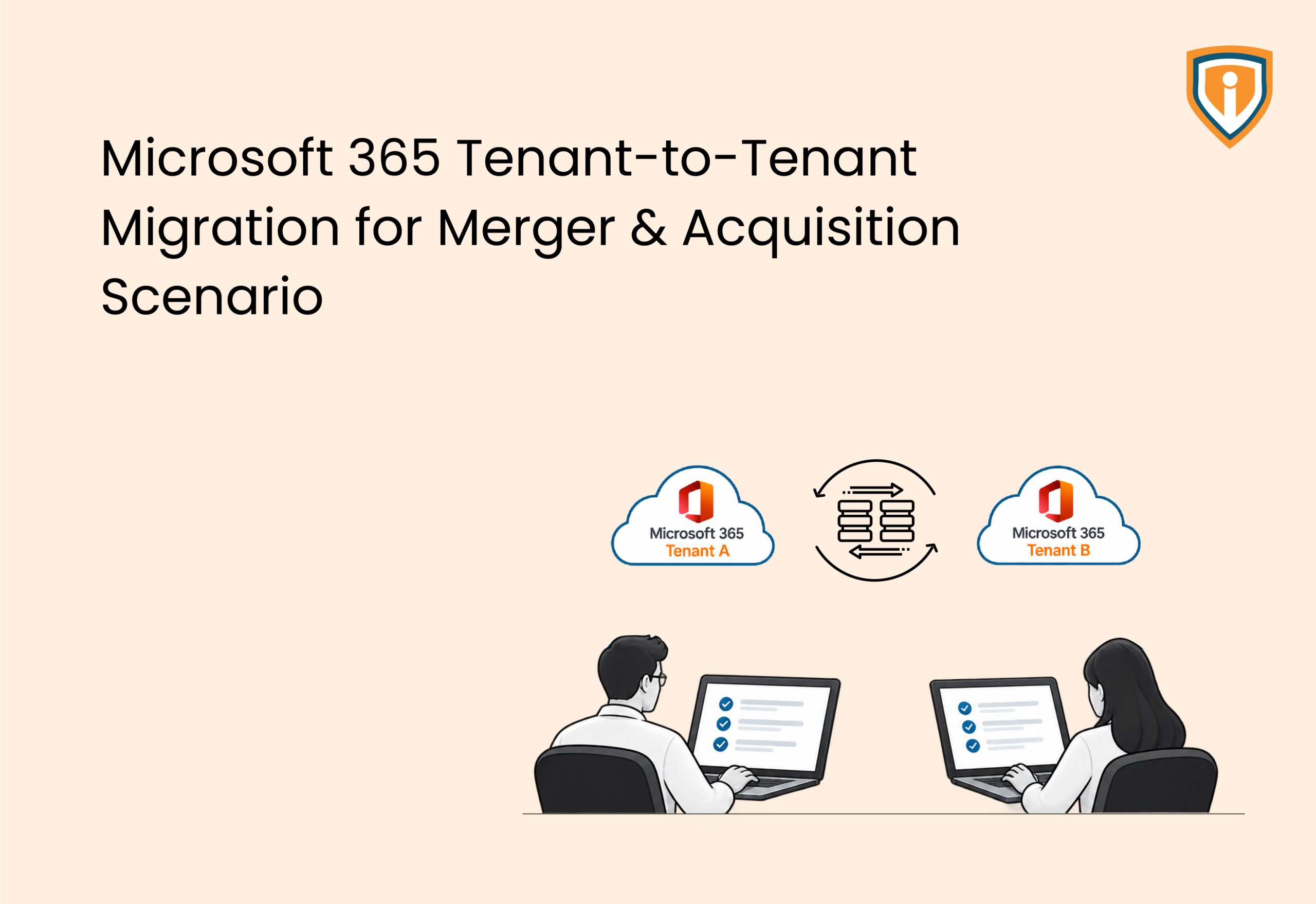
Mergers and acquisitions often close in weeks, but improperly planned IT integration can derail business operations for months. A Microsoft 365 tenant-to-tenant migration is critical to deal success, yet it is frequently treated as an afterthought, leading to cutover chaos, data loss, and unexpected operational costs.
Technically, it looks simple: move user identities, mailboxes, SharePoint sites, OneDrive files, and Teams data from one Microsoft 365 tenant into another. Any tenant consolidation project does the same. M&A introduces tight constraints that routine cleanup projects rarely encounter.
A legal hold cannot lapse mid-migration. Dual licensing keeps billing both tenants until cutover finishes. A brand rename might need to go live on the same day as a public announcement. If you skip planning any of these constraints, a migration that looked simple on paper quickly runs over budget.
What Makes Tenant-to-Tenant Migration Different in an M&A Deal
Strip away the M&A context, and every M365 migration works the same way. Provision identities. Migrate mailboxes and files. Cut mail flow over. Decommission what’s left. A standard office 365 tenant to tenant migration runs that exact sequence. What’s missing is the pressure.
What separates an M&A migration for mergers and acquisitions from a routine consolidation is the timeline pressure that has nothing to do with technology. A deal closes on a date set by lawyers and bankers, not IT readiness. Unlike routine internal consolidations, M&A migrations frequently introduce unique complexities:
- Dual licensing overlap: both tenants keep running, and both get billed, until cutover finishes.
- Legal holds and litigation data: any mailbox under a hold has to stay intact and defensible through the move.
- Brand and domain identity: a rebrand often needs mail flow and sign-in pages to switch in step with an announcement date.
- Divergent IT maturity: cloud-only on one side, on-premises Active Directory on the other. The migration has to bridge both.
- Compliance jurisdiction: cross-border mergers stack overlapping data protection regimes into one tenant, and retention has to satisfy the strictest one.
None of this is exotic. A provider used to internal tenant cleanups is usually seeing it for the first time, on the client’s dime.
Is Microsoft’s Native Migration Tool Enough for M&A?
Microsoft’s own tools can move a mailbox from one tenant to another, plus a user’s personal OneDrive content. Cross-tenant mailbox migration, built into Exchange Online, uses PowerShell and the Mailbox Replication Service, or Microsoft’s native Microsoft 365 Cross-tenant User Data Migration add-on (licensed on a per-user basis) without requiring third-party tools like Quest or BitTitan for core user data. For a small, clean environment with no coexistence requirement, that native path can cover real ground on its own; the fundamentals of how to migrate to Microsoft 365 apply here too, just across two tenants.
M&A migrations rarely stay that simple. Microsoft’s own migration orchestrator documentation states plainly that shared data such as Teams channels and SharePoint sites is not migrated by the native solution and remains in the source tenant. Native tools also do not solve coexistence, keeping users at both companies able to email and share files mid-migration, and they do not rewrite outbound SMTP addresses to reflect a new domain. One detail worth knowing before deal day, by the same design: a mailbox under any type of hold is blocked from migrating until released.
That gap is why most M&A tenant migrations layer a third-party platform, such as Quest On Demand Migration, Cloudiway, or BitTitan, on top of the native move.
| Capability | Native Microsoft Tools | Third-Party Migration Platform |
| Mailbox data migration | Yes | Yes |
| OneDrive personal content | Yes | Yes |
| SharePoint sites and Teams channels | No, stays in source tenant | Yes |
| Coexistence mail routing | No | Yes |
| SMTP address rewrite | No | Usually built in |
| Batch orchestration and monitoring | PowerShell only | Project console with reporting |
For M&A migrations where coexistence, shared workloads, address rewriting, or complex orchestration are required, a third-party platform can close gaps left by Microsoft’s native tooling.
What a Well-Run M&A Tenant Migration Looks Like
A well-run M&A tenant migration is a structured, phased execution that maintains business continuity, data integrity, and cross-organization coexistence while transitioning users and workloads to a unified Microsoft 365 environment.
The trigger behind the deal changes the details, but not the underlying shape of the work. Whether it’s an academic calendar forcing a hard deadline or a license renewal date in another geography, the groundwork looks the same: new identity provisioning, coexistence setup for SMTP rewrite, staged data migration, and a hypercare window sized to match the deal’s complexity. Under the hood, it’s still standard M365 tenant consolidation work, just compressed into a timeline neither side controls. A provider offering end-to-end Microsoft 365 migration services typically owns every one of those phases rather than splitting them between vendors.
A wave-based tenant migration in M&A typically follows this order:
- 1. Discovery and pre-migration assessment: inventory both tenants, map licensing, flag legal holds and oversized mailboxes.
- 2. Identity provisioning: create matching user accounts in the target tenant and configure synchronization.
- 3. Coexistence setup: configure SMTP address rewrite and mail routing so both companies can communicate through the transition.
- 4. Pre-stage data sync: begin migrating mailbox, SharePoint, OneDrive, and Teams content in the background, weeks ahead of cutover.
- 5. Delta sync and cutover: capture final changes and switch mail flow, typically over a weekend window.
- 6. Post-migration hypercare: a dedicated support period, commonly five to thirty days, to resolve issues before the project closes.
Skipping from step one to step five is the most common way these projects go over budget.
Where These Migrations Go Wrong
Most tenant migration failures aren’t exotic technical problems. They come from skipping ordinary planning under deal pressure.
- Treating discovery as optional: skipping a full inventory of licensing, mailbox sizes, and legal holds means surprises surface mid-migration, not before.
- No dual-licensing plan: nobody budgets for the overlap period, and the client is caught off guard by months of double invoices.
- Ignoring archive mailboxes: a few oversized ones can double a migration wave’s timeline on their own.
- Treating it as IT-only: legal, compliance, and HR all touch holds and retention. Cut them out and rework follows.
- No hypercare window: support ends the moment mail flow switches, right when users need it most.
Every one of these is avoidable. Discovery just needs the time deal pressure keeps trying to take away.
How Long Does Tenant-to-Tenant Migration Take, and What Drives the Cost
How long. How much. Those are the two questions that open nearly every first call about tenant migration, and neither has a fixed answer. Both scale with user count, data volume, archive size, coexistence complexity, and how much work runs parallel to a deadline nobody set for IT’s convenience. The table below breaks down the variables that move the needle on both:
| Factor | Lighter-Scope Migration | Complex Migration |
| Primary Driver | Internal deadline or contract renewal | Regulatory, brand, or public announcement date |
| Data Volume | Mailbox data only, no large archives | Full mailbox plus multi-terabyte Exchange data, including oversized archives |
| Optional Scope | Minimal or none | Additional user groups scoped in based on budget |
| Coexistence Need | Simple SMTP rewrite | Mail coexistence across multiple geographies |
| Delivery Phases | 5 to 7 phases | 10+ phases |
| Support Window | 5 to 10 business days hypercare | 30-day post-migration support |
Cost follows the same pattern. A handful of clean mailboxes with no coexistence requirement can migrate in days. Add oversized archives, multiple geographies, SharePoint document management system content, and a compliance-driven retention policy, and the same headcount can take months longer and cost far more. Anyone quoting cost from mailbox count alone is quoting blind.
Legal Holds, Compliance, and Data Retention During Migration
Legal holds are one of the few things that can stop a migration outright. A mailbox under any type of hold is blocked from migrating until released, by Microsoft’s own design, since moving held data mid-litigation risks breaking the chain of custody a court expects. A litigation hold requires an Exchange Online Plan 2 license per mailbox and expands the Recoverable Items folder to hold what the mailbox would otherwise lose.
In practice, discovery has to identify every mailbox under a legal hold, in-place hold, or retention lock before planning starts, not after a batch fails partway through. Holds tied to active litigation stay in the source tenant until counsel confirms release, even once the rest of that department has moved.
Compliance adds another layer. A cross-border merger, for example, might need a retention policy running a decade or longer to satisfy one jurisdiction’s tax, commercial, or liability record-keeping rules. A merger spanning multiple jurisdictions often needs the combined tenant to satisfy the strictest applicable regime, decided early in planning.
Can Employees Keep Working During the Migration?
Employees at both companies generally keep working normally through a well-run migration when coexistence is configured correctly:
- Mail coexistence routing: outbound mail gets tagged so messages between the two companies route correctly, even while some mailboxes have moved and others have not.
- SMTP address rewrite: mail sent from the still-migrating tenant appears to come from the new combined domain, so external contacts see one consistent brand.
- Temporary credentials: users in a cloud-only source tenant typically receive a temporary password at provisioning and reset it on first login, since passwords cannot sync directly across tenants.
- Delta syncs: data keeps updating in the background between the initial bulk copy and final cutover, so nothing sent in the interim gets lost.
The actual cutover, when mail flow switches for good, is usually scheduled for a Friday night or weekend to minimize how many people are mid-task.
How MSPs Offer Tenant-to-Tenant Migration Without an In-House Team
Executing a complex tenant migration requires a dedicated team of specialists, including a Solution Architect, Cloud Consultant, and Cloud Engineers, which most MSPs do not maintain in-house. That is the gap white label M365 migration services exist to close. A specialized partner delivers the full technical capability on demand, while the MSP remains in the trusted face to the client.
The expertise involved is narrow and it’s deep, which is exactly why it doesn’t build up naturally. Coexistence configuration and archive migration at scale take repeated project reps most MSPs never rack up handling one merger every few years. Outsourced M365 migration services solve that math: say yes to the deal, skip the crash course in an unfamiliar toolset, keep the deadline nobody can move.
Seamless M365 Tenant Migration, Built for M&A Timelines
A mismanaged tenant-to-tenant migration can disrupt business operations immediately. Proper discovery, coexistence, and hypercare ensure your M&A integration proceeds without downtime or data loss.
How to Choose a Tenant-to-Tenant Migration Partner
A deal-driven migration partner search looks nothing like picking a general IT vendor. Get it wrong here, and the cost lands on a fixed calendar nobody in the room controls.
Tool-specific experience: ask which coexistence platform they have delivered projects on, not just which ones they can name.
A documented approach to legal holds: a partner should describe, unprompted, how they identify and handle held mailboxes before migration starts.
Comfort with dual licensing math: they should model the overlap window cost before the project begins, not discover it partway through.
A real hypercare plan. Get a number: how many days of post-migration support, and what happens the day after that window closes.
A cutover communication plan. Weekend cutovers need specific check-in points committed in advance, not a vague promise to keep an eye on things.
There’s a real upside beyond the deal too: one licensing agreement, one security baseline, one admin console instead of two, the standard business benefits of Office 365 migration playing out at merger scale. One short reference call, specifically about a slipping deadline or a hold that surfaced late, tends to say more than any feature comparison ever will.