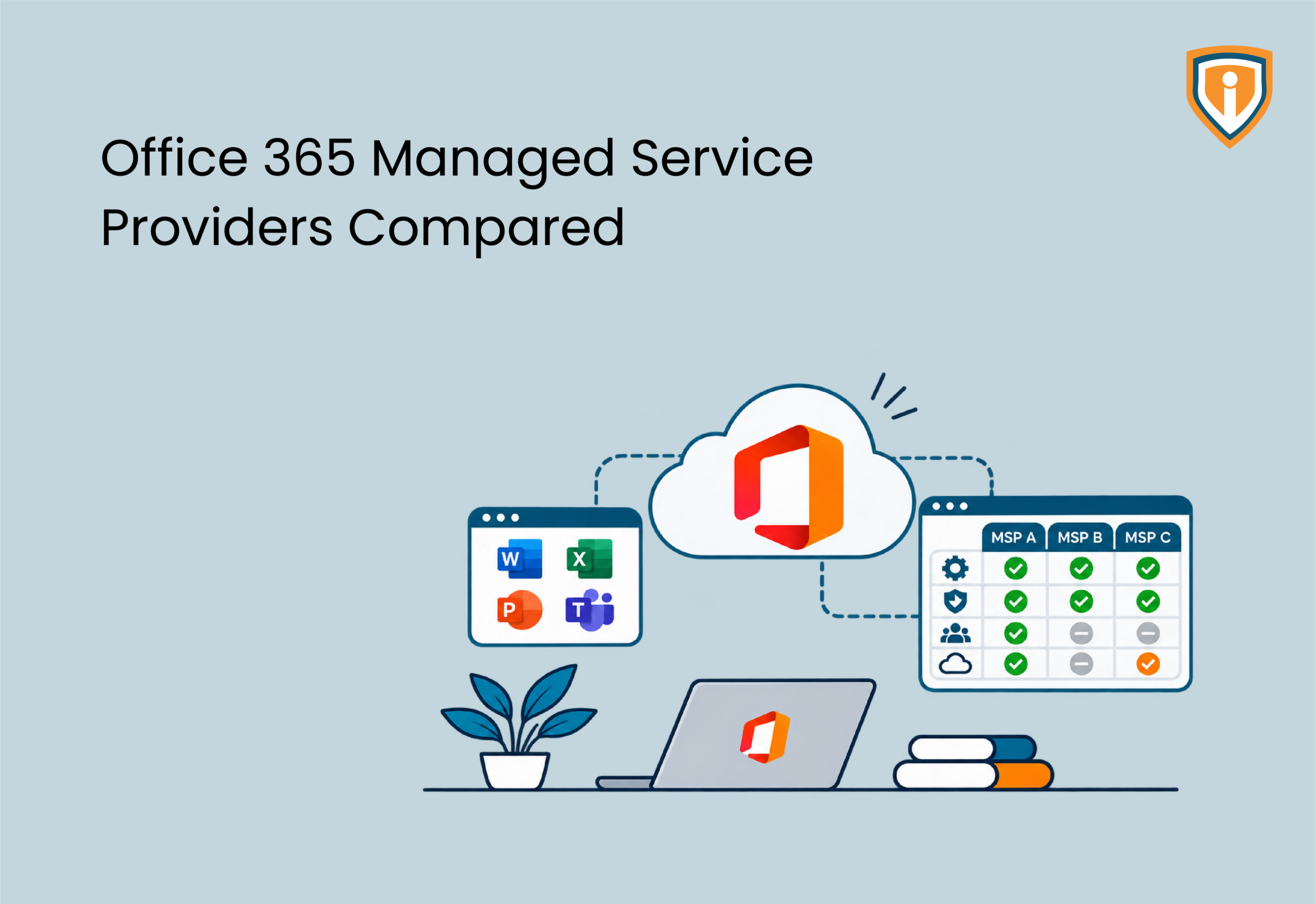
Three quotes, three formats, and zero overlap. That’s what you get when you ask Office 365 managed service providers to price the same job. One bundles license. One doesn’t. One says $39 a user and mentions on page six that security monitoring costs extra.
We’ll save you the spreadsheet. Below are the four types of providers you’re likely to meet, what each charges in 2026, what a sane SLA looks like and the awkward questions to ask before you sign. If you run an MSP, jump to the in-house versus white label section.
One note on naming. Microsoft rebranded most Office 365 business plans as Microsoft 365 in 2020 and left the E-series plans under the old name while also adding broader Microsoft 365 E-series bundles. The industry isn’t consistent about it, and neither are we.
What Microsoft 365 Managed Services Include, and What Costs Extra
Think of an Office 365 managed service provider as the person who deals with everything the rest of the company would rather not own. A new starter needs a mailbox by Monday. A leaver’s access needs to die on Friday, not in March. Someone has to notice that the sales team’s shared mailbox has hit its limit, again.
On paper, Microsoft 365 managed services usually cover the following:
- People join, move and leave, and somebody has to create, change and kill their accounts, groups, shared mailboxes and license.
- When Outlook freezes or Teams won’t load a meeting, there’s a help desk to call, and the response time isn’t a vague promise.
- Somebody configures MFA, conditional access and Defender, and, more to the point, somebody reads what they flag.
- A monthly report shows risky sign-ins and licenses nobody is using. With Microsoft’s July 2026 price rise, the unused licenses are often the finding that saves the most money.
Then come the extras, where quotes stop resembling each other. Migrations? Backup? Compliance work? Copilot readiness? Evening support? Each one can be in, out, or not offered at all. Ask about all of them. Has your tenant gone unwatched for six years? Then expect a cleanup bill, plus a Microsoft 365 security baseline before anyone can safely manage it.
Office 365 MSP Comparison: Four Provider Types Side by Side
Why no brand names? Because a league table can’t account for what actually decides this: your size, your in-house skills and how tangled your tenant is. A provider that’s perfect for a 20-person accountancy would drive a 400-seat manufacturer mad. So, we compare models.
| Provider type | Best suited to | Main strength | Watch-out |
| License reseller (CSP only) | You already have IT people and just want someone to handle the invoice. | Your Microsoft subscriptions and billing come through one partner. | Don’t expect much help once a ticket goes beyond licensing. |
| Full-service MSP | You’re a small or mid-size business with no IT staff of your own. | One number to call, laptops to Teams. | Generalists. Their Microsoft 365 knowledge can be a mile wide and an inch deep. |
| Microsoft 365 specialist | Messy setup, several tenants, or a regulator breathing down your neck. | They know Entra, Defender and Exchange inside out. | Don’t ask them to fix the office printer. |
| White label Microsoft 365 partner | You run an MSP and your engineers are already stretched. | Their engineers work under your brand. | Sort out who escalates what before ticket one, because afterwards it’s a row. |
A rough guide, with exceptions. With under 25 users and no IT staff, a full-service MSP will probably do. Between 25 and 150, co-managed or a specialist tends to work better, because someone on your side knows where the bodies are buried. Beyond that, or if you’re regulated, pay for the specialist even if it means two vendors.
CSP vs MSP: Not the Same Thing
This one catches people out. A CSP, or Cloud Solution Provider, is a Microsoft partner that sells and supports subscriptions, and Microsoft’s CSP documentation describes indirect and direct-bill versions of the program. An MSP is the outfit that actually runs your environment. The same company can be both, which is handy until you want to leave and discover it holds your billing and your Global Administrator role. So ask at the start who owns both. And ask whether your subscriptions can move to another partner if you leave, because Microsoft needs both partners to approve a transfer.
Office 365 Managed Services Pricing: What You’ll Pay Per User
Every quote contains two prices. One is what Microsoft charges for the license, and the other is what the provider charges for looking after it.
Start with the license. Microsoft put prices up on July 1, 2026, and its own Microsoft 365 pricing update has the full list. Basic climbs from $6 to $7 a user each month and Standard from $12.50 to $14, while Premium is listed at $22. Existing customers see the new prices at their next renewal after July 1, and for 50 people on Standard that’s roughly $900 extra a year.
The service layer is wilder:
| Pricing model | Where the price comes from | What it covers | Watch-out |
| License only (CSP) | Microsoft list price: $7 Basic, $14 Standard, $22 Premium per user per month. Business plans stop at 300 users. Above that, Microsoft 365 E3 lists at $39. | Just Microsoft’s subscription and the billing. | The provider takes no responsibility for support requests. |
| Microsoft 365 administration and support | Set by the provider, quoted per client | A team administers the tenant, works through your Microsoft 365 tickets and in many cases looks after backups too. | Ask about minimum monthly spends and contract length. |
| Co-managed IT | Set by the provider, quoted per client | They pick up what your own IT staff haven’t got the time or skills for. | The edges of who does what get blurry. |
| Fully managed IT | Set by the provider, quoted per client | Devices, network, security and Microsoft 365 all sit under one roof. | Microsoft 365 is only a slice of that bill. |
| Microsoft add-ons | Microsoft list price: Copilot Business $21 ($18 until December 31, 2026), Purview Suite $12, Defender Suite $12 | Specialist licenses on top of the base plan. | Somehow they never appear in the number on the front page. |
Why do two quotes for the same 50 people end up so far apart? Blame these five.
- Ask how they count a user. Do ex-staff on retained license count? Shared mailboxes? Frontline workers? Providers answer differently, and on 50 seats that’s real money.
- A cheap per-user rate can hide a big monthly minimum. A dearer rate with no minimum might win. Run both sums.
- 24/7 cover is nearly always a separate tier.
- HIPAA or SOC 2 in the mix? Budget more. Somebody has to write and maintain those policies.
- Setup and migration usually appear as separate one-off charges, and our guide to Microsoft 365 migration services costs breaks that side down.
For 50 people on Standard at $14, licenses come to $700 a month. Say a provider quotes $40 per user for administration and support. That adds $2,000, so you’re at $2,700 in total. Say another quotes $100 per user for fully managed IT. That adds $5,000, so you’re at $5,700 in total, licenses included.
Distrust the lowest quote. Where is the saving coming from? Usually thinner cover, slower responses, a long minimum term, or a fee that appears in month four. Have each provider price the same headcount in writing, license on their own line.
Microsoft 365 Managed Service Provider SLA: Read the Fine Print
SLAs aren’t regulated. Your contract is the only rulebook, so read it. A decent one answers four questions. What counts as urgent? How quickly will someone respond? How quickly will it be fixed? What do you get if they miss? Plenty only bother with the second.
Scale the urgency to the damage. If the whole company can’t send email or the CEO’s account has been hijacked, you want minutes. If one person can’t open Teams, a few hours is fine. Get actual numbers on paper, because “prompt” and “as soon as possible” won’t help in a dispute.
Here’s what a solid SLA pins down:
- 1. The coverage hours: business hours, extended hours or 24/7. Hijacked accounts don’t wait for Monday, so security alerts are the part most worth covering around the clock.
- 2. Priority levels. What counts as critical, what’s high, what’s routine? Each gets its own response time and its own fix time.
- 3. Escalation to Microsoft. Who opens the case? Who chases it? How do you hear what’s happening?
- 4. Request turnaround. How long does a new starter take, or a leaver, or a permissions change? Watch leavers closest, since a live account is a data leak waiting to happen.
- 5. The reporting and remedies, which means monthly figures against the targets, a review call and service credits when targets are missed.
Finally, ask for last quarter’s actual results against those targets. A provider that can’t show them is handing you a brochure, not an SLA.
Microsoft 365 Managed Services vs In-House IT
We’ve all met the accidental admin. The person who was good with computers, got handed Microsoft 365 in 2019, and still has it now, alongside their actual job. That works until they go on holiday, leave, or the tenant gets complicated.

You’ve got four ways out:
- Keep the in-house admin. Control and local knowledge stay with you, though the whole tenant then depends on one person who is unlikely to be equally strong in security, Exchange and licensing.
- Go co-managed. Your admin keeps daily ownership while a provider handles specialist work and out-of-hours cover, which suits teams with one to three IT staff.
- Outsource it fully. The monthly cost is fixed and coverage is wider. The catch? They take a while to learn your business.
- If you’re an MSP, use a white label partner that works under your brand. You can say yes to a tenant project or a Copilot rollout before you’ve hired anyone.
Why bother? Because the work doesn’t arrive evenly. One month a client buys a rival and needs an Office 365 tenant to tenant migration. The next, another has read about Copilot and wants the Microsoft 365 Copilot implementation guide turned into a real rollout. Hiring an engineer for every spike? Not realistic. Borrowing one is far cheaper.
Choosing a Microsoft 365 Managed Service Provider: Six Questions to Ask Before You Sign
Shortlist ready? Ask every provider these six questions, then lay the answers side by side.
- 1. Which of your staff will hold Global Administrator rights in our tenant, and can we see a log of the changes they make?
- 2. How is a billable user counted in your quote, and do shared mailboxes or accounts for people who have left count towards it?
- 3. Say we part ways next year: who owns the tenant and license, and how does handover work?
- 4. What security do you turn on from day one, and can we see the baseline in writing?
- 5. Which things are in the monthly fee, and which get quoted as projects?
- 6. Can we talk to two clients about our size?
Judge them on the first ninety days, because that’s when you find out what you bought. Good onboarding tends to run like this:
- 1. They start by looking around: license, admin roles, mail flow and whatever security settings are already there.
- 2. Cleanup follows, so stale accounts go, wasted licenses get rescued and the obvious holes get closed.
- 3. Then the baseline goes on: MFA, conditional access and mailbox protection, all switched on.
- 4. Reporting delivers the first monthly review against the agreed SLA.
If they skip all that and just say “we’ll monitor it”, you’ve bought a help desk with a nicer name.

How Infrassist Supports Microsoft 365 Managed Services
Team Infrassist sits behind MSPs and next to in-house IT teams, which suits Microsoft 365 work: a steady trickle of tickets with the odd big project dropped in. Our managed M365 admin services cover tenant administration, joiners and leavers, license cleanup, security settings and the help desk. Every SLA is in writing. Every month there’s a report showing how we did against it.
MSPs can use us as a white label extension of their own team. Hand over migrations, security baselines or Copilot readiness and keep the client relationship. Not an MSP? You get a scope based on headcount, with what’s included spelled out.
Not Sure About a Microsoft 365 Quote?
Got a quote you’re unsure about? Send it over. Team Infrassist will price your environment and point out where the quote falls short. Connect with Team Infrassist to get started.
Conclusion
Office 365 managed service providers will each quote in their own format, so line the quotes up before you compare. Pick the type that fits your size. Make every firm price the same headcount. Put response and fix times into the SLA as numbers. License cost more in 2026, so waste does too, and a good provider should be the one finding it.