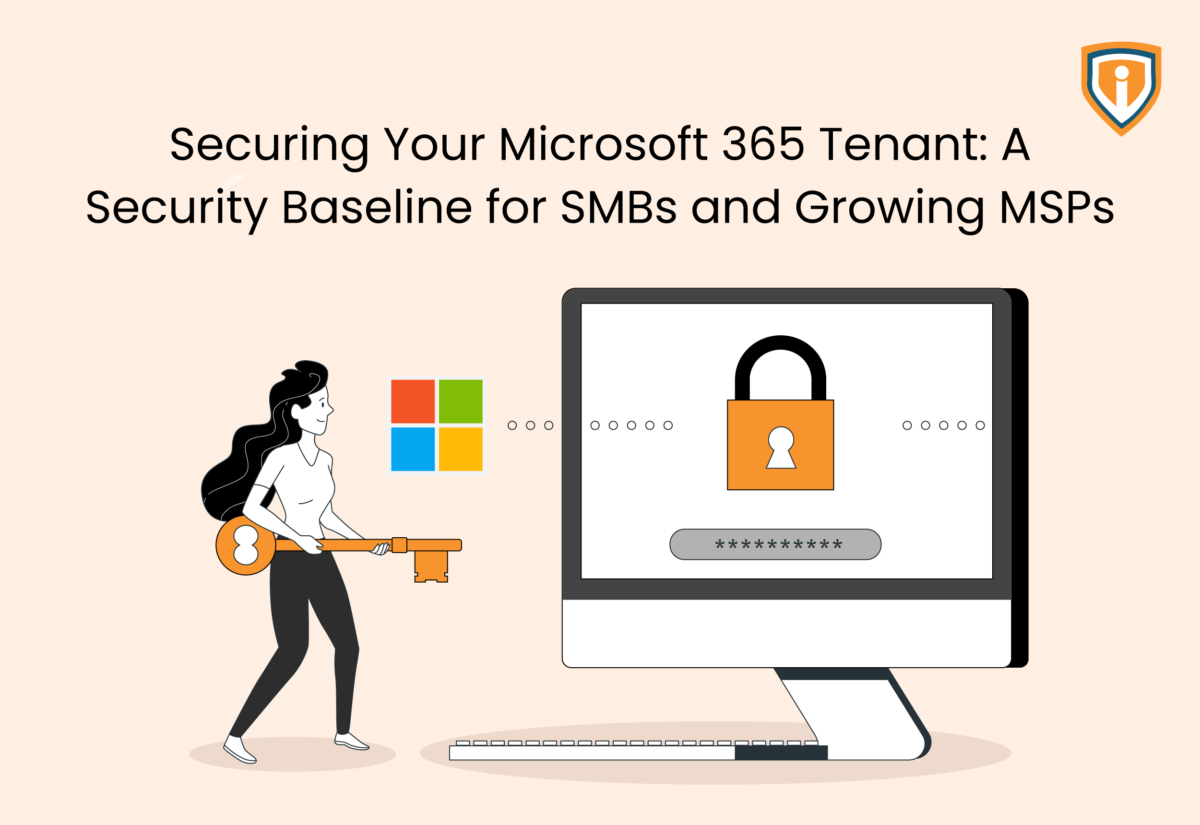
So, you set up a Microsoft 365 tenant six months ago and now it looks nothing like the way it did on day one? Don’t let that surprise you.
Over time, new users may have joined, contractors might have been given temporary access, or team members could have enabled external sharing for a project.
There’s also the possibility of an administrator creating an exception to get a migration over the line. Months later, your business has moved on, but many of these changes haven’t.
That’s how most security gaps appear.
It’s not that Microsoft 365 lacks security features. Tenant configurations gradually drift away from the original standard.
An M365 security baseline gives you this standard. It defines the minimum security controls every tenant should meet before day-to-day changes begin piling up.
For SMBs, it creates a stronger foundation that’s easier to maintain. For MSPs, it brings consistency across client environments, making onboarding, support, and ongoing security management far more predictable.
This post looks at the controls that belong in every baseline and the areas worth reviewing before small configuration changes turn into larger security problems.
What Is an M365 Security Baseline and Why Does It Matter?
Ask five Microsoft consultants what belongs in a baseline and you’ll probably get five slightly different answers. The fact is, the details change depending on the business.
Every tenant needs a minimum security standard. Without one, settings get added whenever someone raises a request. A practical M365 security baseline keeps those settings consistent from the beginning. Most organizations build theirs around similar core areas. These include:
- Identity and access
Decide who gets access, how they sign in, and who can administer the tenant. These aren’t settings you revisit after an incident. They need to be accurate right from the start.
- Email protection
Exchange Online is still one of the busiest attack paths. Phishing, impersonation, malicious attachments, and credential harvesting haven’t disappeared. It’s just that now they’re more convincing than they used to be.
- Data protection
Business data moves constantly between Teams, SharePoint, OneDrive, and external users. Sharing policies should reflect how people actually work instead of relying on Microsoft’s defaults.
- Governance
Permissions don’t clean themselves up. Administrative roles, guest accounts, and security exceptions all need regular attention or they’ll continue growing.
- Monitoring
Sign-in logs, risky users, and policy changes only become useful when someone reviews them. Otherwise, they’re simply records of something that already happened.
Robust Microsoft security baselines focus on the controls that reduce the most risk first. From there, the broader Microsoft 365 security framework becomes much easier to build because every new policy sits on a consistent foundation instead of another exception.
Secure Identity and Access Before Anything Else
If you spend enough time reviewing Microsoft 365 tenants, certain findings become familiar. For instance, you may see that local admin accounts are long gone, but Global Administrators are everywhere. Or MFA (multi-factor authentication) covers most employees, but some service accounts and senior users somehow escaped the rollout. Or legacy authentication is still enabled because one application hasn’t been replaced yet.
This happens more commonly than you think.
It cannot be denied that identity deserves attention before anything else because every Microsoft 365 service depends on it. If an attacker signs in with valid credentials, the platform assumes they’re the right person. Here’s what you can do.
Start with MFA for Microsoft 365, Then Check the Exceptions
Rolling out MFA for Microsoft 365 isn’t usually the difficult part. Finding the accounts that were skipped is. It’s worth checking for:
- Administrator accounts created during previous projects.
- Service accounts that still rely on older authentication methods.
- Executive accounts excluded to avoid additional sign-in prompts.
- Temporary accounts that quietly became permanent.
These exceptions tend to survive much longer than anyone expects.
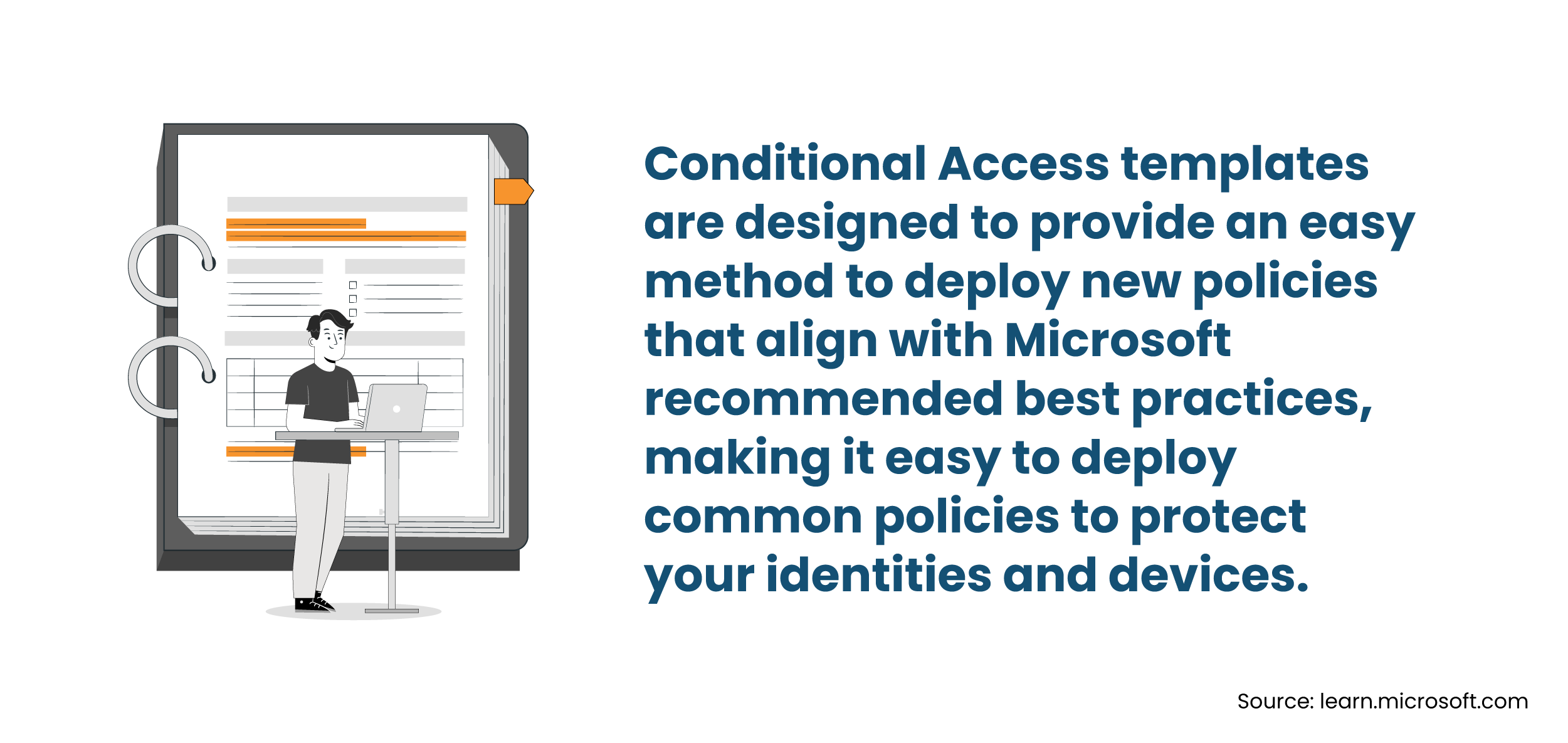
Build Microsoft Conditional Access Around Real Usage
A typical rollout starts with one or two policies. Then the business grows. Before long, there are dozens of policies, overlapping conditions, and exceptions that nobody has reviewed in months.
That’s why Microsoft Conditional Access deserves regular attention. The objective is making sure the right users can sign in under the right conditions.
When reviewing M365 Conditional Access, consider the following:
- Are legacy authentication protocols still allowed?
- Do privileged accounts face stricter controls than standard users?
- Are trusted locations still relevant?
- Have old exceptions outlived the projects they were created for?
These answers usually tell you more than the policy count ever will.
Administrative Access Should Stay Small
As part of Microsoft 365 identity and access management, it’s crucial to keep administrative access under regular review. The following steps should have you covered:
- Separate administrator accounts from everyday user accounts.
- Assign only the roles needed for the task.
- Review privileged roles on a schedule instead of waiting for an audit.
- Remove dormant accounts and unnecessary permissions before they become someone else’s opportunity.
Strong Microsoft 365 tenant security comes from making small, sensible decisions consistently over time.
Strengthen Email Security and Protect Business Data
Have you ever considered what would happen if a malicious email lands in a team member’s inbox? It’s highly possible they’ll click links they shouldn’t, or open attachments without thinking twice.
We know every organization conducts security awareness training, yet phishing campaigns continue to work because attackers have become much better at blending in. That’s exactly why Microsoft 365 email security shouldn’t depend on users making the right decision every time.
Let Microsoft Defender for Office 365 Handle the First Round
Most organizations already use Exchange Online protection. Microsoft Defender for Office 365 adds another layer to it by inspecting emails after they arrive instead of relying only on traditional filtering. It’s worth reviewing whether features like these are enabled and properly configured:
- Safe Links to inspect URLs before users visit them.
- Safe Attachments to analyse files before they’re delivered.
- Anti-phishing policies for executive impersonation and spoofed domains.
- Protection against business email compromise attempts.
While these controls won’t stop every attack, they will reduce the number of suspicious emails that reach end users in the first place. This is exactly how Microsoft 365 phishing protection and broader Microsoft 365 threat protection become much more effective.
Don’t Forget Where the Data Actually Lives
A lot of security conversations still revolve around Exchange. Meanwhile, users are sharing files through Teams chats, SharePoint sites, and OneDrive folders all day. That’s usually where permissions begin drifting away from what was originally intended.
The following areas need regular attention:
- External sharing policies across SharePoint and OneDrive.
- Guest users who no longer need access.
- Teams created for short-term projects that never got cleaned up.
- Anonymous sharing links that remain active long after the work is finished.
If you prefer keeping things simple, start with the question: “Who can access this file today, and should they still be able to?”
That single question catches more issues than most organizations expect. From there, build stronger Microsoft 365 data protection with controls such as:
- Sensitivity labels for confidential information.
- Data Loss Prevention policies where sensitive data is involved.
- Retention policies that align with business or regulatory requirements.
- Sharing policies based on business need rather than convenience.
Strong Microsoft 365 security controls don’t stop people from collaborating. They simply make sure collaboration doesn’t expose information that was never meant to leave the organization.
Measure and Improve Your Microsoft 365 Security Posture
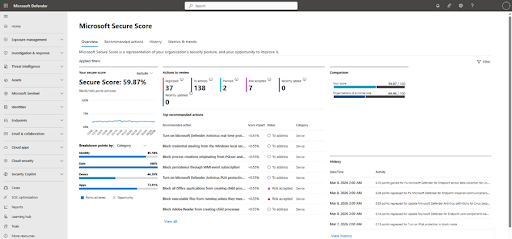
You might think that the Microsoft Secure Score sounds like a certification, but it’s really not. It isn’t a compliance report either. Think of it as Microsoft’s way of highlighting configuration gaps based on the features available in your environment.
So, a lower score doesn’t automatically mean your tenant is insecure. A higher score doesn’t automatically mean you’re well protected. The value comes from understanding why certain recommendations appear.
Use Microsoft Secure Score to Spot Security Gaps
A typical Microsoft 365 security review often begins here because the recommendations are already prioritized. You might see suggestions such as:
- Enable MFA for remaining accounts.
- Disable legacy authentication.
- Reduce Global Administrator assignments.
- Enable Safe Links or Safe Attachments.
- Configure stronger sharing policies.
Some recommendations can be completed immediately, while others need planning because they affect users, devices, or business applications.
Focus on the Recommendations That Reduce Risk
Trying to achieve the highest possible M365 Secure Score usually isn’t the final goal. Instead, ask questions like:
- Which recommendations reduce the biggest risks?
- Which changes affect business operations?
- Which recommendations require user communication before rollout?
- Which ones can become part of every new tenant deployment?
Approaching it this way turns Microsoft Secure Score recommendations into a practical roadmap instead of another dashboard to monitor.
Over time, those reviews contribute to stronger Microsoft 365 security posture management because configuration decisions become intentional instead of reactive. That’s a much better outcome than simply watching the score increase.
Maintain Your Security Baseline Through Ongoing Management
No Microsoft 365 tenant stays the same for very long. New users join and business units expand. Applications are introduced, retired, or replaced. Conditional Access policies change and sharing requirements evolve. If nobody checks these changes periodically, the existing secure tenant can stagnate over time. This is why Microsoft 365 security management should be a part of day-to-day operations. Here’s what to do.
Keep an Eye on What Changes
While you don’t need to investigate every alert, you do need to become aware when something important changes. Regular reviews should include:
- Failed and risky sign-in activity.
- Changes to Conditional Access policies.
- New Global Administrator assignments.
- Newly created guest accounts.
- High-priority security alerts.
- Changes to sharing or collaboration settings.
Examining these regularly makes Microsoft 365 security monitoring much more useful than reviewing logs after an incident has already occurred.
Schedule Reviews Instead of Waiting for Problems
Most tenants don’t receive attention until someone reports suspicious activity or an audit is approaching. The fact is, a scheduled review works far better. It’s best to include activities such as:
- A Microsoft 365 security assessment after major infrastructure or licensing changes.
- A periodic Microsoft 365 security audit to validate administrative roles, sharing policies, and identity controls.
- A broader Microsoft 365 security review to confirm that security policies still reflect the way the business operates.
- Reviewing Microsoft 365 security policies whenever new services, locations, or user groups are introduced.
This is also where Microsoft 365 security governance comes in. Policies should evolve because the business changes, not because an incident forced remediation.
Common Gaps That Leave Microsoft 365 Tenants Exposed
Timely security reviews effectively uncover issues everyone assumed had already been addressed. If you’re reviewing your own environment or managing multiple client tenants, these are some of the first places worth checking.
- MFA isn’t enforced everywhere. A handful of excluded accounts can undermine an otherwise solid deployment. Service accounts, legacy users, and privileged accounts deserve extra scrutiny.
- Global Administrator roles have grown over time. People change roles, projects end, and responsibilities shift. Permissions don’t always follow.
- Legacy authentication is still enabled. Outdated protocols remain one of the easiest ways around modern authentication controls if they haven’t been fully retired.
- Guest access hasn’t been reviewed recently. External collaboration is part of everyday business now. Access granted six months ago may no longer be necessary.
- Sharing policies are more permissive than intended. Anonymous links, unrestricted external sharing, or inherited permissions often stay in place because nobody has revisited them.
- Microsoft Secure Score recommendations are ignored. Not every recommendation needs immediate action, but dismissing them altogether means missing opportunities to reduce risk with relatively small configuration changes.
- Security policies haven’t kept pace with the business. New offices, acquisitions, remote workers, and cloud applications all change how people access Microsoft 365. Security settings should evolve alongside those changes.
The objective here is making sure yesterday’s temporary decision doesn’t become tomorrow’s security issue.
Build a Stronger Microsoft 365 Security Baseline
Protect identities, email, and data with expert Microsoft 365 security tailored to your environment.
Conclusion
Every Microsoft 365 tenant ends up reflecting the decisions made over time. Some are deliberate, others are made to solve an immediate problem and never revisited. This is usually where inconsistencies begin.
A well-defined M365 security baseline gives you a consistent reference point as the environment grows. New users can be onboarded against the same standards and fresh workloads can follow the same security model. Additionally, reviews become more straightforward because there’s a clear benchmark instead of years of accumulated exceptions.
For SMBs, this means reducing avoidable risk without adding unnecessary complexity. For MSPs, it means delivering a repeatable approach to Microsoft 365 security across every client tenant, making ongoing management, troubleshooting, and future security improvements far easier to handle.
All in all, a strong baseline won’t eliminate every threat. But it will make the tenant more predictable, easier to manage, and far less likely to be compromised because of basic configuration gaps.