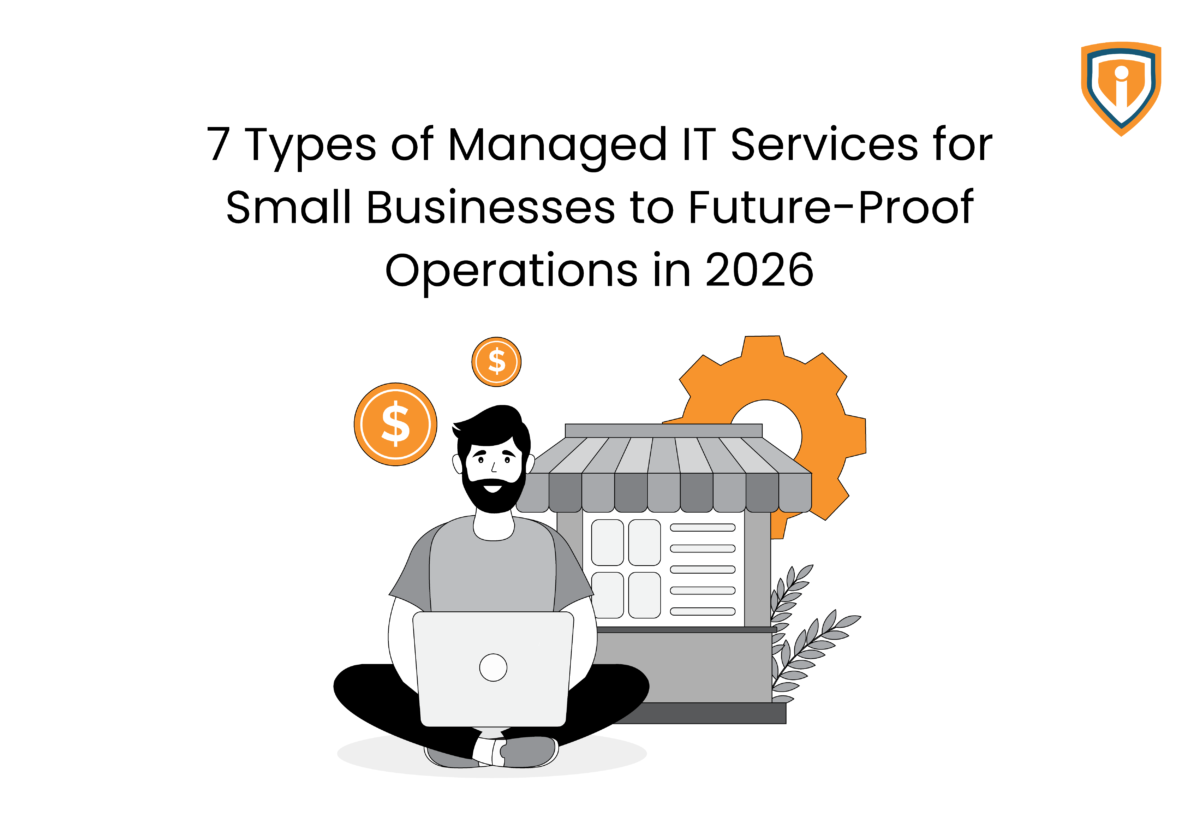
Running a small business today means running an entire IT environment behind the scenes. Systems, devices, data, and security all need constant attention, yet most teams don’t have a full in-house IT department watching over it all.
Managed IT services for small businesses plug this gap by acting as a steady, external backbone that keeps operations moving.
To understand why, let’s take a look at the key reasons behind this shift and the types of managed IT services for small businesses shaping how companies operate in 2026.
1. Network Monitoring and NOC Services
This is the element most businesses never think about until something goes wrong. It works in the background, steady and unseen, keeping the digital foundation from slipping.
What This Usually Involves
Network monitoring and NOC (Network Operations Center) services focus on keeping systems stable at all times. This includes tracking server performance, monitoring network activity, and scanning for unusual alerts that signal potential trouble. When an IT function starts to drift, small fixes are applied early, long before they turn into outages that disrupt work.
Why It Matters in Practice
As mentioned, most businesses only notice their network glitches when they stop working. For example, when screens freeze, and operations grind to a halt. By then, time and money are already leaking. Managed IT services for small businesses don’t wait to react to failures. Instead, there’s always someone watching, preventing problems before they ever reach the surface.

2. IT Helpdesk Support
The majority of IT problems show up when they’re least expected. This can be in the middle of a workday, ultimately slowing things down one small frustration at a time.
The Everyday Problems Employees Run Into
It starts with the usual suspects: emails stop syncing, passwords refuse to work, software springs errors at the worst possible moment, and printers stop cooperating. Individually, these issues seem minor, but collectively, they undermine productivity, focus, and patience. Managed IT services for small businesses step in here to handle the constant stream of small but disruptive problems.
Why Small Teams Rely on External Helpdesks
In many small businesses, there’s always that one person who becomes the unofficial “IT fixer.” It pulls them away from their real role and slows the entire team down. External helpdesk support removes this burden. Instead of looking for temporary fixes, employees get quick support, and work continues without unnecessary interruptions.
3. Cloud Setup and Cloud Management
Switching to the cloud typically starts at a smaller scale, but over time, it takes over how work gets done.
Moving Systems to the Cloud
A team might begin by shifting their email to a cloud platform, followed by moving their files, and then the collaboration tools. Due to this, work moves between devices, people, and geographies. Managed IT services for small businesses can handle the move without impacting existing operations and processes.
What Ongoing Management Looks Like
Even after everything is live, someone responsible still needs to stay on top of it and constantly assess who can access what, which accounts are active, how much storage is being used, and what needs updating. It doesn’t feel like much, but ignore these tasks for a few weeks, and things will start slipping. Managed services take care of this upkeep, so teams don’t have to stop their work every time something needs fixing.
4. Cybersecurity and Endpoint Protection
There was a time when cybersecurity was treated as an afterthought. However, with increasing risks, this approach can be dangerous.
Security Basics Most Businesses Need Today
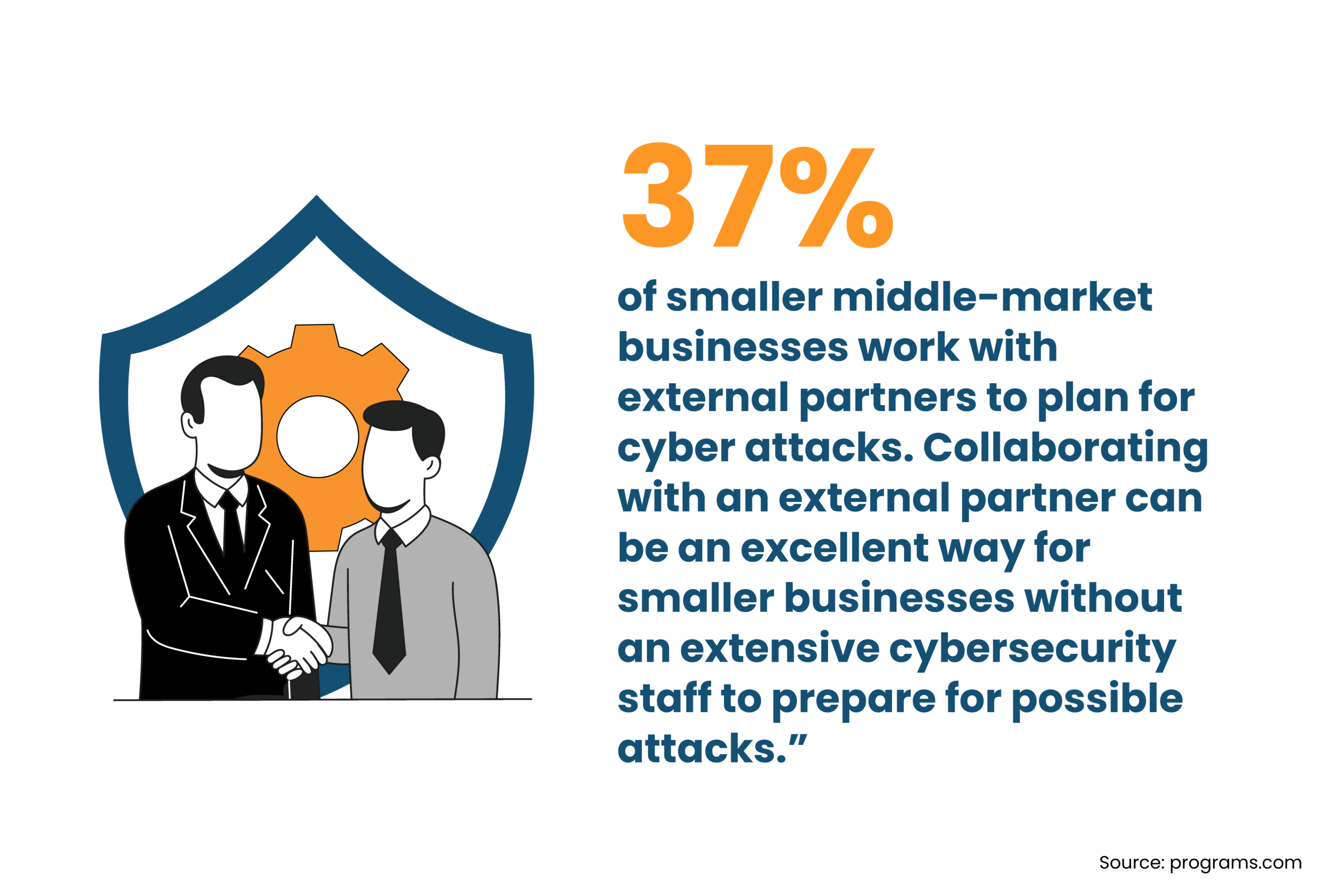
Every laptop, login, and shared file created adds another point that needs protection from cybercriminals. This means securing every device, controlling who gets access, and keeping an eye on activity across systems. Managed IT services for small businesses usually cover these basics so nothing gets overlooked.
Why Smaller Companies Are Paying More Attention
Attackers don’t just go after big companies now. Smaller businesses get targeted because they’re easier to breach, as they usually have less protection and fewer checks. One weak password or one missed update is enough to invite trouble, followed by major losses. More teams are starting to take this seriously because they’re now aware of what happens when they don’t.
5. IT Infrastructure Administration
While certain parts of IT systems don’t require attention every day, they can start causing issues if they’re ignored repeatedly.
Systems That Usually Need Ongoing Management
There’s always a base layer holding everything together, like Microsoft 365 environments, internal networks, firewall settings, and access rules. These IT components go on to become the foundation of almost every task. With managed IT services for small businesses, a qualified professional monitors how these components are set up and how they function over time.
Why Consistency Matters Here
Fortunately, these systems don’t need constant overhauls, but only regular care. This includes updates applied on time, permissions reviewed, configurations kept in check, and so on. Skip these for too long, and access gets messy, security gaps open up, and performance dips. Ongoing infrastructure management keeps the foundation steady so crucial functions don’t start slipping.
6. IT Automation and Routine Task Management
A lot of IT work tends to be repetitive: the same small tasks, again and again. These can and should be automated for everyone’s benefit.
Small Technical Jobs That Repeat Constantly
Think about how often systems need updates. Or how often user accounts are created, adjusted, or removed. Tasks such as regular system checks, user device provisioning, and basic maintenance aren’t difficult, but can overlap and take up resources unnecessarily. Managed IT services for small businesses can take over the routine work that tends to pile up and automate it for good.
Where Automation Helps
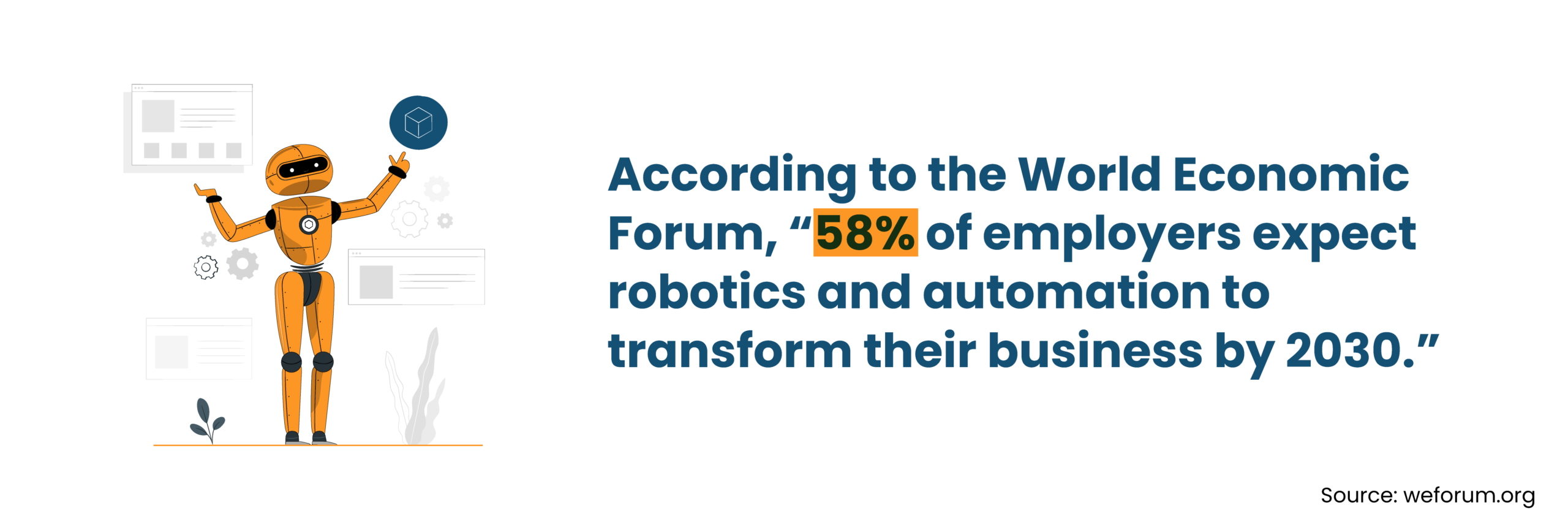
Many of these tasks don’t require manual intervention and can run on their own consistently. For example, updates get pushed automatically, systems get checked on a schedule, and accounts are managed through set workflows. It saves time and reduces the chances of unintentional neglect.
7. Backup and Disaster Recovery
It’s important that businesses prioritize backups before they actually need one to avoid stressful situations.
The Safety Net All Businesses Need
Backups entail making copies of data and systems, which are stored securely so they can be restored if something goes wrong. These usually run in the background without interrupting work. Managed IT services for small businesses make sure those backups are not just running, but actually usable when needed.
What Disaster Recovery Planning Is
Think about some practical questions that you might potentially need to ask: if a system goes down, how fast can it come back? If data is lost, where is the latest copy? If a server fails, what’s the next step? These are the questions that shape a recovery plan that minimize downtime and enables effective retrieval.
Why Managed IT Support Has Become Part of Everyday Business
The shift to partnering with managed IT service providers has become vital as technology has now moved from the sidelines to the center of how businesses function.
Technology Powers Almost Every Task
Look closely at a typical workday, and you’ll see it: invoices are generated through software, conversations happen over email or collaboration tools, and customer records are stored in cloud platforms. Even something as simple as accessing files depends on stable systems. When technology is the backbone of everyday operations, it becomes more than mere “support.” That’s exactly why managed IT services for small businesses are no longer optional.
IT Issues Can Have Major Repercussions
There was a time when a minor glitch meant a quick restart and moving on. Today, however, a missed update or a small security gap can spiral into downtime, data loss, or worse, a breach. With managed IT services for small businesses, issues are handled before they grow teeth, keeping disruptions from turning into expensive setbacks.
Hiring a Full Internal IT Team Can Be Impractical
Building an in-house IT team sounds ideal until costs, hiring challenges, and skill gaps enter the picture. For many small businesses, external support offers flexibility, expertise, and consistency without the overhead, making managed IT services for small businesses the smarter, scalable choice.
Keep Your IT Running Smoothly
Let Infrassist handle the day-to-day IT while your team focuses on growing the business.
Conclusion
At the end of the day, most small businesses are running on a mix of tools, systems, and logins that need to work in tandem. Because even if one element collapses, all other functions feel the impact.
Managed IT services for small businesses aren’t about adding more tech. They’re about keeping what you already use from turning into a daily headache.
If handling all of these tasks in-house feels like a challenge, Infrassist’s managed IT services will enable you to tackle all of them without building or adding to your internal team.