Signing with an outsourcing partner feels a lot like hiring your first senior technician. Except you don’t get a 90-day trial, and the mistakes show up on your client’s invoice, not yours.
It isn’t uncommon for MSPs to get this wrong. Most of the time, it’s not because they picked the wrong IT outsourcing partner, but because they never asked the right questions before signing the contract.
Onboarding day is not the time to discover your new partner doesn’t work with SonicWall, or that “24/7 support” actually means a two-hour callback window in someone else’s time zone.
Here’s the deal: outsourcing your IT isn’t a vendor purchase. It’s an extension of your team, wearing your logo, talking to your clients, and working with your stack. Get it wrong and you’re rebuilding trust with customers who think you dropped the ball.
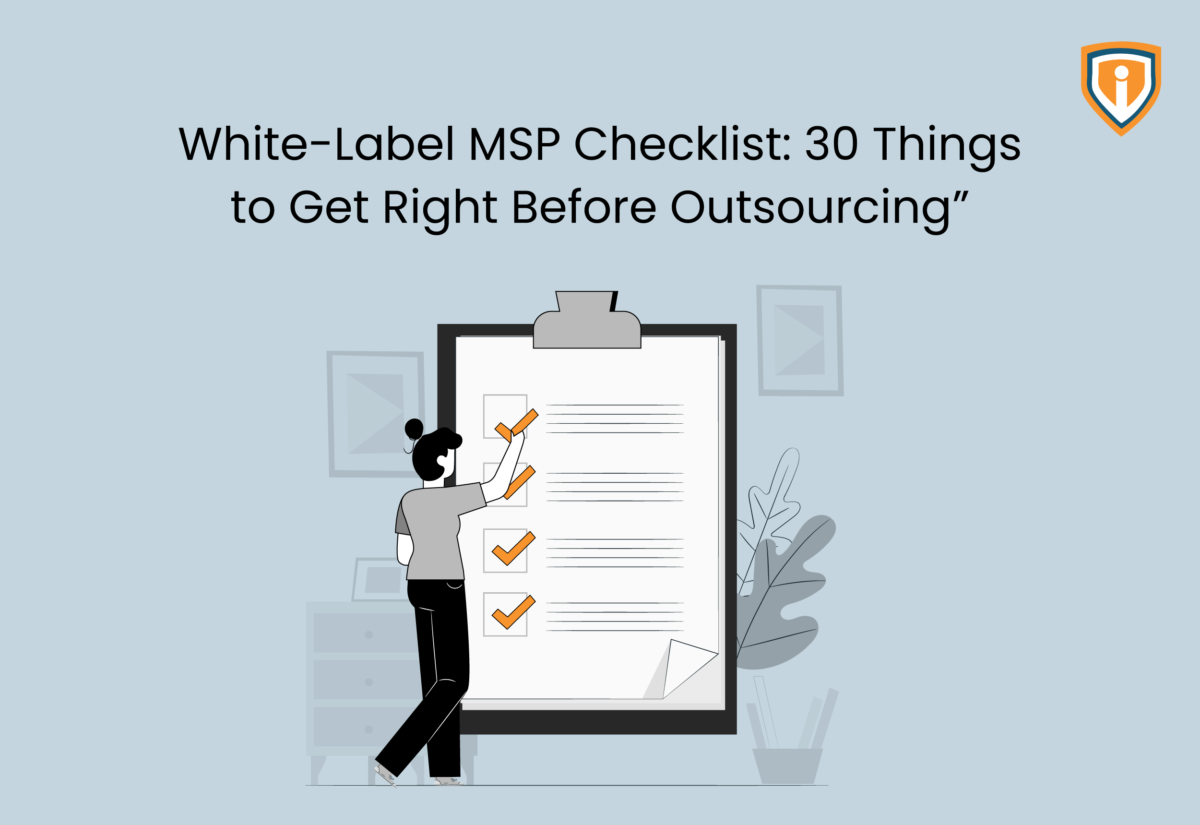
With this in mind, we’ve prepared a white label MSP checklist that covers the 30 things worth nailing down before you sign anything, grouped into six critical areas.
I. Scope & SLAs
Usually, when partnerships fall apart after a few months, it’s because “support” meant one thing on the sales call and something else entirely once tickets started flowing in. To avoid confusion, make sure you get this part in writing. Here’s what you’ll need to think over.
- What’s actually covered: NOC monitoring, helpdesk resolution, or both? Some pitches are deliberately vague here, because vague sounds more comprehensive than it is.
- SLAs that scale with severity: A server down at 2AM and a “my-mouse-won’t-click” ticket are not the same emergency, so they shouldn’t share a response window. Push for specific numbers (15 minutes for critical, 4 hours for standard) and pin them to the contract.
- What “24/7” really means: Does it hold up on festive days? A random Sunday at 5AM? Ask directly, because some partners downgrade coverage around holidays you’ve never heard of, and you won’t find out until you need them.
- Who owns an escalation: When a ticket stalls, does their technician pick it back up, or does it land on your desk? And if it blows past SLA, who’s the one explaining that to your client?
- The stuff they won’t touch: We’re talking legacy exchange, ancient print servers, Windows Server 2012 boxes that haven’t been decommissioned, and so on. Get the exclusion list up front before it shows up as a surprise line item.
If a partner can’t hand you these five answers without circumventing them, they’re not dependable.
II. Tools & Technology Compatibility
You can negotiate the tightest SLA in the industry and still lose your first month to something as (seemingly) minor as mismatched software. Herein lies the importance of details. Does the tech actually connect, or are you about to spend three weeks building a bridge between two systems that were never meant to talk? To get clear answers, check for:
- RMM & PSA compatibility: If you’re running ConnectWise Automate and their team only knows Datto and NinjaOne, that’s not a minor detail. It’s a real delay before a single ticket even gets touched.
- Security stack overlap: Firewalls, AV/EDR, backup, or any other tool you’ve standardized on (Fortinet, SonicWall, pfSense), must match with what they actually support day-to-day, not just what’s listed on their website.
- Access provisioning: Ask exactly how they handle credentials. Least-privilege logins that expire are fine; one shared admin account everyone on their team uses is a liability, not a footnote.
- PSA integration: Find out if their technicians work directly inside your PSA, or if every ticket routes through a separate portal you now have to babysit on top of your own.
- Real-time visibility: Confirm whether you can see what they’re doing as it happens, or whether you only find out at month-end when the report lands in your inbox.
One or two mismatches here can usually be worked around. Anything more than that, and you’ve signed up to be the full-time translator between two toolsets that were never built to cooperate.
III. Security, Compliance & Data Handling
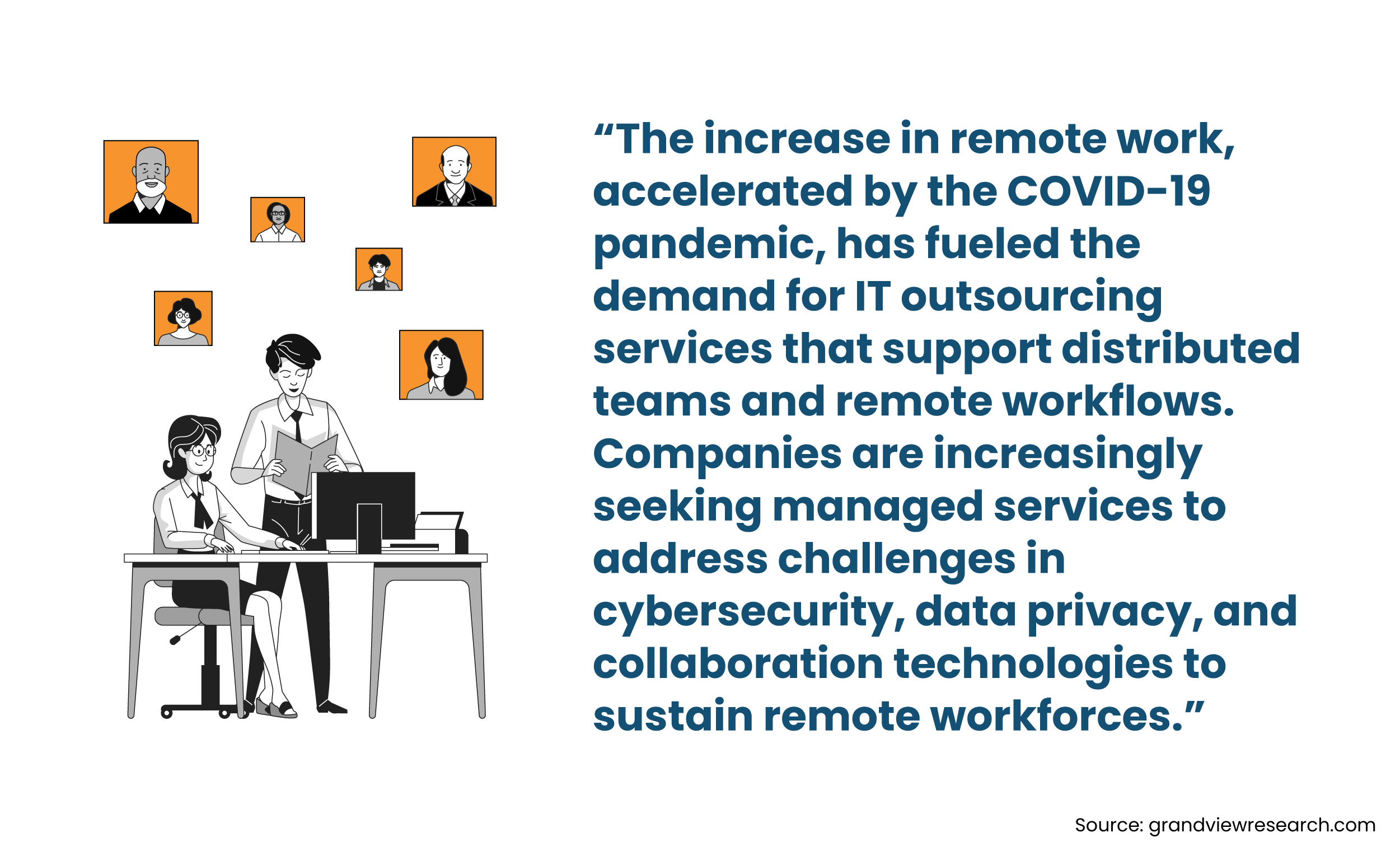
This one’s a non-negotiable on any white label MSP checklist. When you bring on a white-label partner, your name is still the one on the line with the client; not theirs. If their technician logs into your customer’s tenant and something goes wrong, you’re the one making that phone call. So, take your time enquiring about this, even if everything else about the partnership feels ready to go. You’ll want to know about:
- Certifications: Start by asking about ISO 27001, SOC 2, whatever they lead with. It’s fine to be impressed, but ask a follow-up or two. When was it last audited? What does it actually cover? A certification that’s a few years old, from a team that’s since tripled in size, doesn’t tell you as much as it used to.
- Data residency: Where does your client’s data actually sit while their team is working on it? If you work with healthcare or finance clients, this one can matter more than people realize going in.
- Staff vetting: Are technicians background-checked before they get anywhere near a client environment, or is that just assumed?
- Breach response: If something does go wrong, how quickly do you find out, and through what means? For instance, will it be through a call, an email, a formal writeup, or something else?
- NDAs: Signed and sealed, not just agreed to informally on a demo call.
It’s easy to spend most of your energy comparing pricing and SLAs, since those numbers are right there in front of you. Security questions take more effort to ask and can feel like you’re being difficult. But a partner who gets a little evasive here is telling you something worth listening to.
IV. Communication & Escalation Protocols
You can partner with the most technically sharp team out there and still end up with frustrated clients if the communication piece isn’t solid. And this is the one area where things become clear only after a few weeks into the relationship, i.e., once real tickets start moving. Ask about:
- The actual communication channel: Slack, email, a shared ticketing queue, it doesn’t matter which one is used, as long as it’s decided ahead of time and not something you’re figuring out together mid-crisis.
- Continuity: Will you have a named contact who gets to know your account over time, or a rotating group of technicians who pick up each ticket fresh? Neither answer is wrong, but you want to know which one you’re signing up for, rather than assuming.
- Critical incidents: When something’s genuinely on fire, who picks up the phone, and how quickly? “Someone will reach out” isn’t an answer, but a name and a number certainly are.
- Time zone overlaps: If their team is ten hours ahead of yours, what does a 3 PM emergency on your end actually look like on theirs?
- What they are (and aren’t) allowed to say to your clients: Do their technicians know they’re representing your brand, not their own? And if a client asks who they’re really talking to, what’s the answer?
The whole point of white-label is that it stays invisible. The moment a client senses otherwise, you’re not just resolving a ticket anymore, you’re rebuilding trust.
V. Pricing, Contracts & Flexibility
Let’s be honest about this point being on a white label MSP checklist. It’s usually the first thing anyone looks at, and for good reason. But the sticker price only tells you part of the story, and the rest is where partnerships either stay comfortable or turn sour. Start with:
- The pricing model: Per-seat, per-ticket, or a flat retainer, each one works differently depending on how your client base is shaped. A retainer might feel simple, but if your ticket volume swings a lot month to month, you could end up paying for capacity you’re not using half the year. It’s worth mapping the model against your actual usage patterns before you commit.
- Contract length: And more importantly, the exit clause. A one-year term isn’t unreasonable on its own, but ask yourself: if this partnership isn’t working out in month four, what does getting out actually look like? Some contracts make this easy while others make it expensive on purpose.
- Scaling terms: Can you actually ramp up or down as your client base shifts? Or does that require renegotiating the whole agreement?
- Hidden costs: From onboarding fees and tool licensing to after-hours surcharges, get all of it listed out in detail. Don’t settle for just the headline number.
- A trial or pilot period. Even a 30-day trial with a smaller slice of your workload tells you more than any sales conversation will.
If a potential partner is confident in what they offer, they usually won’t mind you asking for a shorter first commitment. It’s the ones who push hard for a long lock-in right away that deserve a second look.
VI. Team, Culture & Onboarding Process
At the end of the day, you’re bringing a group of people into your operation who’ll be talking to your clients and touching your systems. So, it’s worth getting a real feel for who they are, not just what they’re capable of on paper.
- Go beyond certifications: Ask if their team specializes in the areas your clients actually need, or if it’s a broad, generalist group spread thin across everything.
- Ask about turnover: It’s an uncomfortable question, but a necessary one. High turnover means you’re constantly re-explaining your environment to someone new, which defeats a lot of the point of outsourcing.
- Get a structured onboarding timeline: Week one, week two, what happens when? Or is it more of a vague “we’ll ease you in” approach?
- Check how they document: Documentation and SOPs that live somewhere permanent are very different from knowledge that only exists in one technician’s head.
- Ask for references from MSPs your own size: A glowing testimonial from a 500-seat operation, for example, doesn’t tell you much if you’re running a 40-seat shop. The challenges, and what “good support” looks like, aren’t the same at every scale.
Outsourcing Shouldn’t Feel Like a Gamble
Get straight answers on all 30 checkpoints from Infrassist before you sign the dotted line.
Conclusion
We get that the 30 items on this white label MSP checklist are a lot to hold in your head, so here’s the shorter version: this checklist isn’t really about catching a bad partner trying to pull something. Most IT outsourcing partners are decent operators. It’s about making sure both sides are picturing the same partnership before you sign anything.
Scope and SLA-related discussions tell you what you’re actually getting, while asking about tools gives an idea of how much friction to expect on day one. Enquiring about security helps you understand who’s accountable when something breaks, whereas their communication tells you how it’ll feel to work together day to day. Pricing reveals what happens when things change. And learning about their team and culture shows you whether you can really count on them.
Get honest answers on all six, and you’re not just avoiding a bad contract, you’re setting up a partnership that can actually support your business as it grows.