The end customer is an educational institute based in Doha, Qatar. They are
fast becoming the premier choice for all families looking for an outstanding,
all-round education for their child in the country.
Download the Full Case Study
Every implementation detail, technical approach, and business outcome of this case study packaged up for your quick reference.
Download as PDF
Overview
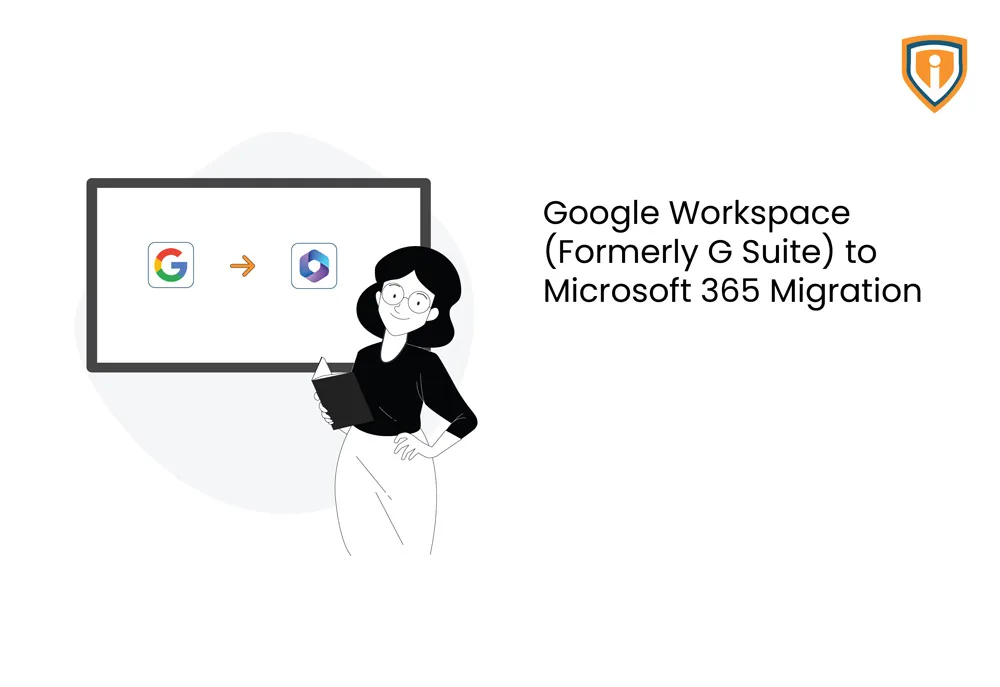
The college is currently running an on-premises Active Directory domain environment for centralized identity & device management for all their employees’ & devices. Also, they are using Google Workspace for their emails, files & Office apps. One of our MSP Client engaged Infrassist where we were asked to provide professional services for migration of the college’s Google Workspace email (users’ mailboxes) & file data (Google Drive & Shared Drive) to Microsoft 365 Cloud Platform for meeting enhanced pro ductivity, collaboration, security & compliance requirements.
Requirement
To migrate Google Workspace email (users’ mailboxes) & file data (Google Drive & Shared Drive) to Microsoft 365 Cloud Platform
Solution
All Google workspace users’ mailboxes, Drive & Shared Drive (organization wide data) was successfully migrated to Microsoft 365 platform under Ex change Online, One Drive & Share Point Online respectively.Following proce dures were carried out for Azure File Share & On-Premises Authentication.
Also, as part of this project, there’s directory synchronization configured be
tween on-premises Active directory & Azure AD for ensuring seamless single
sign-on experience for users while accessing any of O365 apps.
- Laid down centralized identity Infrastructure for newly subscribed Microsoft 365 tenant by synchronizing on-premises user identities to Azure AD using Azure AD Connect tool
- Migration (Initial sync) of all users’ mailboxes to Exchange Online from Google Workspace using native tools
- Migration (initial sync) of all users’ Google drive (personal data) & shared drive (organization wide data) to Microsoft One Drive for Business & SharePoint Online Team Sites respectively
- Setup required Group Policy Objects for deployment & automatic configuration of M365 Apps at the time of switchover
- Performed mail flow & data switchover from Google Workspace to Microsoft 365 Cloud Platform followed by final sync to get any remaining files/email data updated
Technologies Used
- Google Workspace
- Microsoft 365
- Microsoft native migration tools
- Microsoft Active Directory
- Azure AD Connect
Accomplishment
All user’s email, file & organization wide file data is successfully migrated to
Microsoft 365 platform from Google Workspace. This was done in a seamless
fashion with zero downtime & automatic configuration for their Email
Account Profile under Microsoft Outlook App.