Cloud used to be a “set it and forget it” decision. But it’s not anymore.
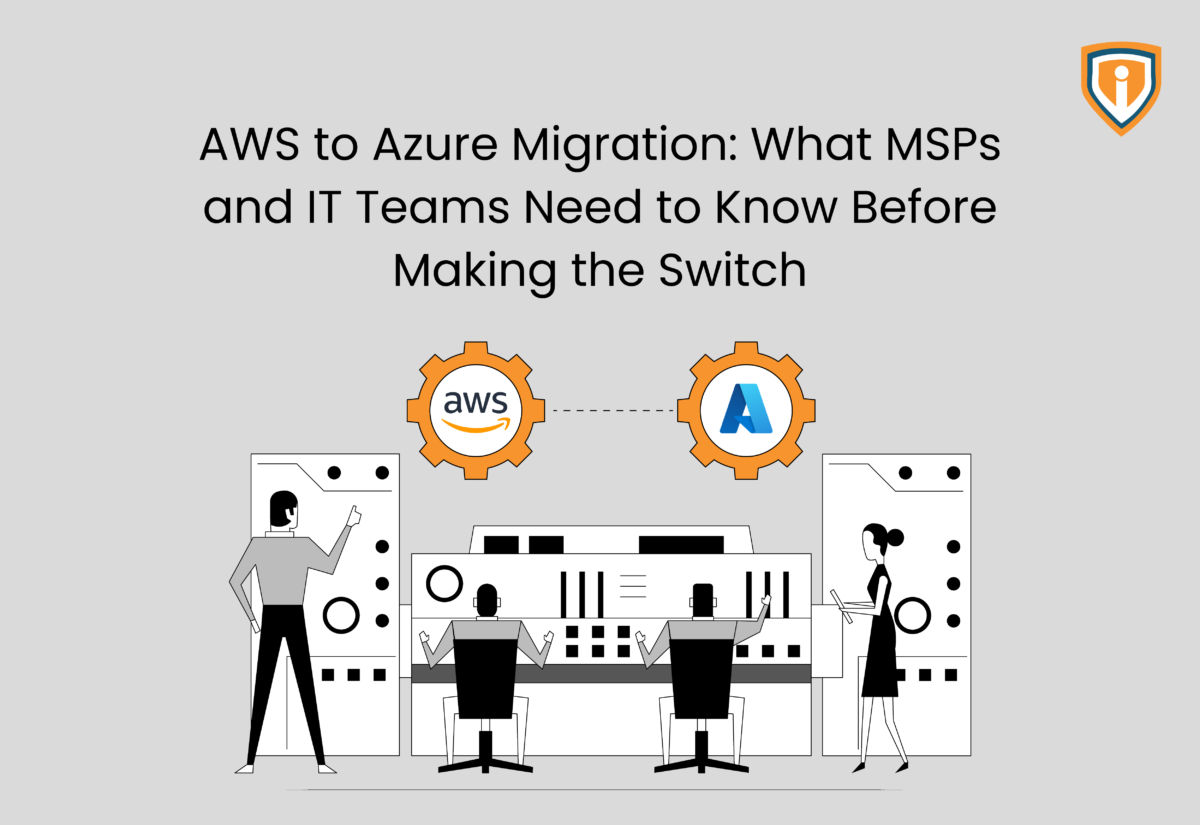
In 2026, businesses are rethinking where workloads should exist. Rising costs and complexity are pushing teams toward AWS to Azure migration. For many, AWS vs Azure pricing and tighter Microsoft integration make Azure a smarter fit.
But moving from AWS to Azure is not just technical, it’s strategic. For MSPs and IT teams, migration from AWS to Azure impacts cost control, performance, and scalability.
This post explains what matters, including tools like Azure Migrate, key risks, real costs, and a practical AWS to Azure migration step by step approach for teams planning to migrate from AWS to Azure.
Why Businesses Are Moving from AWS to Azure
Before you get deep into the mechanics of AWS to Azure migration, it’s worth asking a simpler question: why are so many teams even considering the move?
It usually starts with pressure that builds gradually.
- Costs start adding up faster than expected
With AWS vs Azure pricing, the difference becomes hard to ignore over time. Azure Hybrid Benefit can reduce virtual machine cost by up to 29% versus leading cloud providers (for SQL Server). In fact, Azure Hybrid Benefit (when combined with Reserved Instances for SQL Server) allows customers to save up to 80%* more than the standard pay-as-you-go rate. If you already pay for Microsoft licenses, staying on AWS often feels like paying twice for the same thing.
- The Microsoft ecosystem feels seamless
When you’re moving from AWS to Azure, tools like Microsoft 365, Teams, and Active Directory just click into place. Identity management becomes cleaner with fewer moving parts.
- Pricing becomes easier to predict
Azure’s enterprise agreements and bundled pricing do bring a level of clarity. In contrast, AWS billing can feel layered, where each service adds to the total.
- Your team already knows the environment
If your IT team already works with Windows Server and SQL Server, choosing to migrate from AWS to Azure feels natural. Familiar tools mean faster adoption, fewer errors, and smoother day-to-day operations.

Key Differences Between AWS and Azure
Before starting an AWS to Azure migration, it helps to focus on the differences that actually affect daily operations. Let’s find out what they are.
- Compute
Between AWS EC2 and Azure Virtual Machines, AWS gives more control and flexibility. However, Azure is simpler to manage and fits better with enterprise environments. This matters when you are moving from AWS to Azure for long-term stability.
- Storage
When it comes to AWS S3 vs Azure Blob storage, the base pricing looks similar. But AWS to Azure data transfer and data retrieval charges can increase your total cost, if not planned properly.
- Networking
Let’s consider AWS VPC vs Azure Virtual Network. Both offer strong capabilities. During a migration from AWS to Azure, however, Azure often feels easier to manage if your systems already rely on Microsoft tools.
- Identity Management
AWS IAM Identity Center vs Microsoft Entra ID. Think of this as the login layer. Microsoft Entra ID handles users, authentication, and single sign-on across apps. During an AWS to Azure migration, this makes life easier if your team already uses Microsoft tools.
- Access Control
AWS IAM vs Azure RBAC. Once somebody logs in, this tool decides what they are allowed to access. Both systems handle permissions at a resource level. When you migrate from AWS to Azure, Azure RBAC keeps things structured and easier to manage at scale.
- Pricing structure
AWS pricing is flexible, but can be hard to predict. Azure pricing becomes more cost-effective when you migrate from AWS to Azure using existing Microsoft licenses.
Factors You Need to Evaluate Before the Migration
Prior to committing to an AWS to Azure migration, make sure to get clarity on the following basics.
- Understand your workloads
Start with a full inventory. List your applications, dependencies, and usage patterns. Separate mission-critical systems from low-risk ones. This will help you migrate from AWS to Azure without unnecessary risk.
- Get a clear cost baseline
Know exactly how much you are spending presently. Include compute, storage, and AWS to Azure data transfer costs. Then compare this figure with Azure estimates. This is where AWS vs Azure pricing goes beyond the theoretical.
- Check application compatibility
Windows and SQL Server workloads usually move smoothly. But if you rely heavily on AWS-native services, moving from AWS to Azure may necessitate a total re-architecture, and not just migration.
- Review compliance and security needs
Data residency, regulations, and audit requirements must carry over cleanly. This is non-negotiable during any migration from AWS to Azure.
- Define downtime tolerance
Some systems can handle planned downtime, while others cannot afford even minutes offline. Your migration approach depends heavily on this.
Migration Strategies That Work in the Real World
When it comes to AWS to Azure migration, every approach comes with certain considerations. The goal is to pick what fits your timelines, budget, and risk tolerance. Here’s more on this aspect.
- Rehost (Lift and Shift)
You move workloads as they are without making any major changes. This is the fastest way to migrate from AWS to Azure. It works well when speed matters, but you carry existing inefficiencies with you.
- Re-platform
You make small improvements during the move, like optimizing databases or adjusting configurations. This is a balanced approach when moving from AWS to Azure, giving better performance without slowing things down too much.
- Refactor (Re-architect)
You rebuild applications using Azure-native services. This takes time and effort, but it delivers the most value long-term. If done right, your AWS to Azure migration becomes an upgrade rather than just a relocation.
- Hybrid approach
You don’t move everything at once. Some workloads stay on AWS while others shift from AWS to Azure. This works well when a full transition is not practical immediately.
Tools That Make the Migration Less Stressful
No tool is going to magically handle your AWS to Azure migration for you. But the right ones will make the process a lot smoother and far less chaotic. These include:
- Azure Site Recovery (ASR)
One of the first tools any Azure engineer reaches for, ASR handles continuous replication of servers and enables near-zero downtime cutover. When moving from AWS to Azure, it helps keep workloads running while the transition happens in the background.
- Azure Migrate
Azure Migrate helps you discover what you actually have, assess readiness, and track progress. Most Azure migration services rely on it, which is why it sits at the core of most Azure migration tools.
- Azure Database Migration Service
Databases are where things can get disorderly. This tool helps you migrate from AWS to Azure with minimal downtime, if planned properly. It keeps critical systems running while the move happens in the background.
- Third-party tools
Tools like Zerto and Veeam are commonly used when moving from AWS to Azure, especially in MSP environments. Zerto supports live replication across platforms, while Veeam handles both migration and backup, making it a practical choice if you already use it.
- Automation
Terraform, Azure Bicep, and PowerShell scripts and templates make deployments consistent, helping teams save time. During a migration from AWS to Azure, consistency matters more than speed.
Common Pitfalls That Can Derail the Entire Migration
The common issues in AWS to Azure migration usually start surfacing at this stage. Watch out for the following:
- Data transfer costs creep in unexpectedly
AWS to Azure data transfer can often be underestimated, regardless of the platform you’re using. Both AWS and Azure charge for outbound data transfer (egress), and these costs can inflate during migration if not planned properly.
- Some applications do not move cleanly
Not everything shifts easily from AWS to Azure. Legacy systems and AWS-native services often need rework. A simple lift-and-shift is not always enough.
- Downtime hits harder than projected
Even a short outage can impact operations. Without proper planning, moving from AWS to Azure can disrupt more than you estimated.
- Skill gaps slow things down
AWS expertise does not automatically translate into flawless migration. Teams often feel the gap when they migrate from AWS to Azure, especially in the early stages.
- Security gaps during transition
Access controls and identity settings need careful attention. Even small mistakes in this aspect of an AWS to Azure move can create bigger risks later, especially if cloud security best practices aren’t followed.
Cost Reality and ROI Expectations
An AWS to Azure migration can pay off, but not overnight. It involves upfront investment and gradual returns. Here’s what you need to know.
- Migration is not free
There are upfront costs. AWS to Azure data transfer, tooling, and sometimes external support all add up. Even the best Azure migration services cannot eliminate that.
- Your ongoing costs depend on your setup
If your environment is Microsoft-heavy, moving from AWS to Azure often makes financial sense. But if you run mostly Linux workloads, the savings may not be as strong.
- ROI takes time
Most teams do not see immediate returns. In a typical migration from AWS to Azure, ROI starts becoming visible somewhere between 6 to 18 months.
- Optimization is where the real savings happen
Right-sizing VMs, using reserved instances, and setting up auto-scaling can significantly improve AWS vs Azure pricing outcomes after you migrate from AWS to Azure.
When Moving to Azure Makes Sense and When It Doesn’t
Not every AWS to Azure move is a smart move. It depends on your setup, your team, and your long-term goals.
It makes sense when:
- You already rely heavily on Microsoft tools.
- You want tighter identity and security integration.
- You can clearly map long-term savings before starting your AWS to Azure migration.
It does not make sense when:
- Your workloads depend heavily on AWS-native services.
- The cost of moving from AWS to Azure is higher than the expected benefits.
- Your team is not ready to manage Azure after the migration from AWS to Azure.
Plan Your Cloud Move Right
Infrassist brings clarity, control, and expert execution to every cloud consulting engagement.
Conclusion
An AWS to Azure migration is not just a technical move. It affects budgets, performance, and how your environment runs long-term. The difference comes down to planning, choosing the right tools like Azure Migrate, and knowing where Azure actually fits your setup.
If you are planning to migrate from AWS to Azure, Infrassist’s Azure migration services can become a powerful extension of your team. From assessment to execution, we bring the experience, structure, and consistency needed to get it right without slowing you down or overwhelming your internal resources.