The help desk at an MSP is responsible for dealing with client issues pertaining to their IT infrastructure. Help desks today use a blend of technical expertise along with PSA, RMM, AI, and automation to respond faster and solve tickets quickly.
Key Takeaways
- An MSP help desk facilitates assistance with all sorts of client problems, support requests, troubleshooting, and technical challenges in various IT environments.
- An organized help desk enables MSPs to enhance response time, deal with tickets effectively, resolve routine issues, and deliver consistent client service.
- Help desk solutions may vary from in-house, outsourced, and hybrid configurations based on workload, level of expertise, coverage, and operational requirements.
- MSP help desks in the modern world utilize PSA, RMM software, automation technologies, knowledge base, and artificial intelligence to optimize ticketing processes.
- The most effective help desk solutions require consideration of factors such as service coverage, technicians’ expertise, response time, scalability, security, reporting, and cost.
Are you using automation in your help desk? If not, why? Managed Service Providers (MSPs) are at the forefront of IT support, and with businesses relying more on cloud services and remote workforces, traditional help desks are struggling to keep up. Clients these days demand proactiveness, faster response times, and smarter troubleshooting—all while MSPs juggle to optimize their costs and scale services.
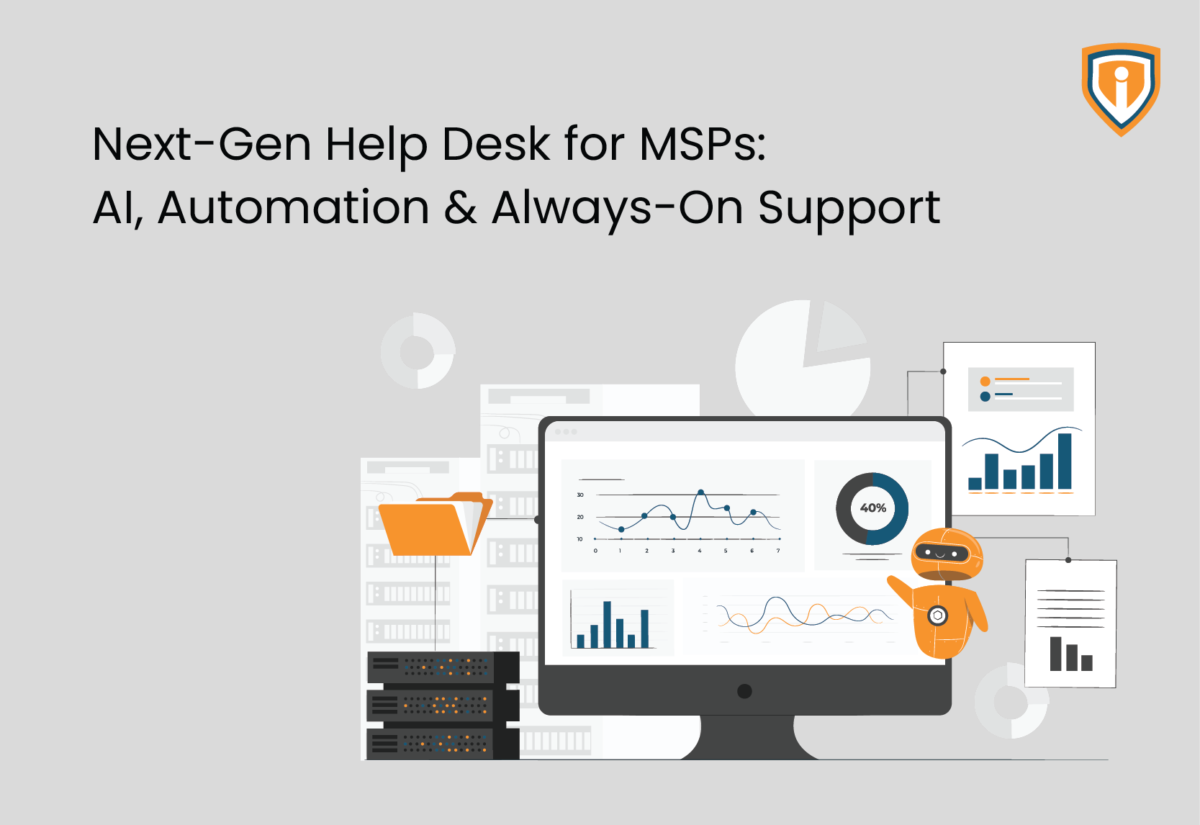
AI-powered and automated help desk for MSP, leverage machine learning, chatbots, self-service portals, and predictive analytics. Automation however proves beneficial because instead of reactive ticket handling, MSPs can automate routine tasks, and free up their engineers to deal with complex tasks.
In this blog, let’s explore how one can use AI and Automation in their help desk managed services.
The Role of a Help Desk for MSP Operations
For an MSP, the help desk is usually the first team a client turns to when something goes wrong.
A user may report a login problem, a device issue, a network problem, or simply need help with a routine IT request. The help desk receives the ticket, works through the issue, and escalates it when the problem needs deeper technical expertise.
There is plenty of work involved beyond troubleshooting. For example, the team has to assign tickets, track SLAs, update clients, document resolutions, and make sure unresolved issues reach the right L2 or L3 technician. These become harder as the MSP grows.
Obviously, more clients mean more tickets, and ticket volume does not always arrive at a steady pace. A busy morning, a major outage, or a client-wide issue can put a small support team under pressure very quickly.
Here, a traditional setup can leave technicians spending too much time on routine work. They may have to sort and assign tickets manually, send standard updates, check alerts, look up known fixes, and perform other tasks that do not require much technical judgment.
This is one reason MSPs are bringing more automation and AI into their help desk operations. These tools can help classify and prioritize tickets, route requests, suggest solutions, search documentation, and handle certain repetitive tasks.
According to Kaseya’s 2026 State of the MSP report, 53% of MSPs are already using AI to automate IT tasks such as ticketing, patching, and monitoring.
The technicians still deal with the issues that require experience, investigation, and a proper understanding of the client’s environment. As you can see, the aim is simply to let them spend less time managing tickets and more time resolving the problems behind them.
Here’s What AI Brings to the Table
AI is now being used across several parts of the MSP help desk. It can sort tickets, find information, assist with troubleshooting, monitor systems, and automate routine actions. Here’s more in this regard.
AI-Powered Chatbots and Self-Service
AI chatbots can handle common questions and basic support requests at any time. They can guide users through simple troubleshooting, answer common questions, and send more complex issues to a technician.
Smarter Ticket Triage
AI can review incoming tickets, identify the issue, assess its priority, and route it to the right technician. Some tools can also consider technician skills and workload when making assignments. This reduces the amount of manual sorting the help desk team has to do.
Knowledge Management and Troubleshooting
AI can search internal knowledge bases, SOPs, past tickets, and other documentation to find relevant information. Technicians can use these suggestions while troubleshooting instead of searching through multiple systems themselves. AI can also summarize ticket histories and help document the work completed.
Proactive Monitoring
RMM and monitoring tools allow MSPs to identify certain problems before users report them. They can watch for things such as service failures, resource issues, device health problems, and other conditions that may require attention.
Self-Healing and Automated Remediation
When a monitoring tool detects a known problem, automation can take a predefined action without waiting for a technician. This could mean restarting a failed service, clearing a known issue, or running a remediation script. More complex problems can still be sent to a technician.
The practical benefit is simple. AI and automation take care of more repetitive work, while technicians spend their time on problems that need investigation, experience, and human judgment.
Challenges of Implementing AI and Automation in MSP Help Desks
Many MSPs encounter technical and operational roadblocks when shifting from traditional managed help desk services. Here’s what you can expect-
1. Client Resistance
Some clients would prefer human interaction and may be skeptical about AI handling their IT problems. You’ll need to assure your clients that AI-powered systems will improve response times without sacrificing personalized support.
2. High Investment Costs
AI functionalities are slowly getting integrated into the PSA tools. If the learning curve seems time-consuming and tiring, consider AI-powered outsourced help desk support for MSP services instead of building from scratch.
3. Complexity of Integration With Existing MSP Tools
Most MSPs rely on Professional Services Automation (PSA) and Remote Monitoring and Management (RMM) tools to run their operations. Look for solutions with solid API support and pre-built integrations, so everything works smoothly with your existing tech stack.
4. AI and Errors
AI is smart, but it’s not perfect. It can sometimes misinterpret complex IT issues, leading to less-than-ideal resolutions. And if you rely too much on automation, you might miss critical problems that need a human touch. The key? A human-in-the-loop approach. Let AI handle the routine stuff, while your engineers step in for escalations and quality checks. That way, you get the best of both worlds—efficiency and expertise.
How MSPs Can Transition to an Automation and AI-Powered Help Desk
A phased approach is the best way to transition to an AI-driven outsourced help desk for MSP without disrupting existing operations. Here’s a step-by-step guide to ensure a smooth implementation:
Step 1: Identify areas for AI & Automation
Not all help desk functions need AI from day one. Start by pinpointing repetitive tasks that can be automated, such as:
- Basic troubleshooting and FAQs (handled by AI-powered chatbots).
- Ticket triaging and assignment (AI can automatically categorize and prioritize tickets).
- Patch management and software updates (self-healing automation tools can handle this for you).
Deploy an AI chatbot for first-level support to handle common issues like password resets and software inquiries.
“According to a poll by Canalys, MSPs are not yet seen as significant participants in AI implementations. Although 61% of partners still have difficulty moving AI projects past the proof-of-concept stage with clients, these statistics are rapidly shifting, and it is undeniable that AI is being quickly embraced and modified by clients and partners in some capacity.”
Step 2: Choose the right AI & Automation tools
Select a solution that aligns with your current help desk workflow and integrates with your existing PSA and RMM systems. Key points for consideration are:
- Chatbot capabilities for handling customer inquiries.
- AI-driven analytics to predict and prevent IT failures.
- Automation features for ticket management and remote issue resolution.
Step 3: Monitor, Optimize, and Scale
- Continuously monitor AI performance—analyzing response times, resolution rates, and client feedback.
- Use advanced analytics to fine-tune automation scripts and AI behaviour.
Build a Help Desk That Keeps Up with Your MSP
Get reliable help desk support, faster ticket handling, and skilled technicians without expanding your in-house team.
Conclusion
An efficient help desk system is an integral component for any MSP. It addresses client issues and tickets, solves common problems, handles escalations, and supports SLA compliance.
When the number of clients and tickets increase, MSPs need more than just extra technicians. Remote monitoring and management, PSA systems, artificial intelligence, automation, and proactive monitoring can help speed up routine tasks and response time.
Deciding the best strategy for you should be based on factors like the workload, requirements from clients, service offerings, and the availability of resources. Some MSPs can manage their support themselves, while some will resort to outsourcing it.
Finally, the aim of any MSP is simple: provide quality support and develop an effective help desk system.