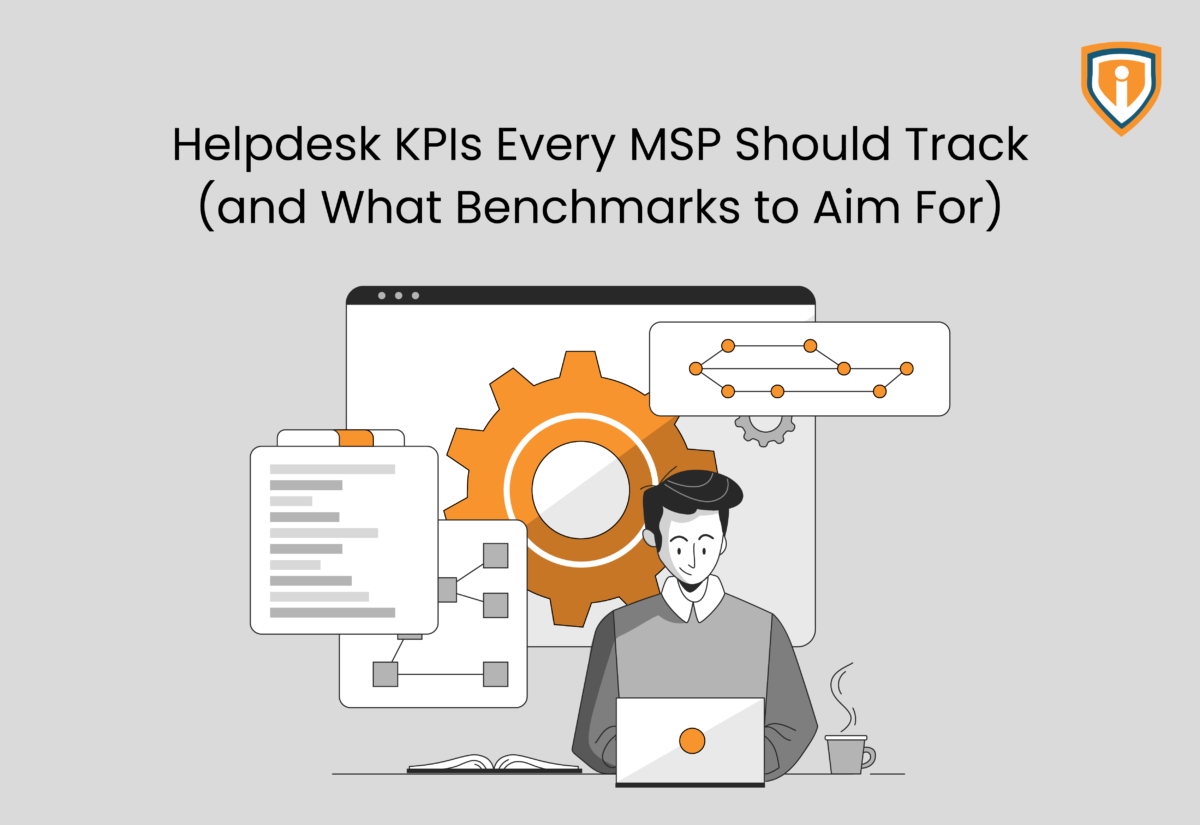
While their dashboards look full and reports look polished, most MSP helpdesks today are drowning in data. It’s no surprise that the same IT-related performance issues continue to persist.
The real problem is not visibility, but clarity. Teams often chase numbers that feel important but do little to improve outcomes, leading to missed SLAs, reactive firefighting, and constant strain on technicians.
This is where helpdesk KPIs and IT help desk metrics need a reset.
The goal is not to track more, but to track what actually keeps operations going. The right help desk performance metrics and service desk reporting metrics reveal where time is lost, where service slips, and where efficiency can be reclaimed.
In this post, we’ll focus on help desk KPI examples that count, break down meaningful IT support KPIs, and share practical help desk benchmarks and help desk efficiency metrics MSPs can realistically aim for.
What Are Helpdesk KPIs?
For easy understanding, think of helpdesk KPIs as indicators that tell you if your service desk is actually doing a good job or just staying busy. A board full of tickets might look productive, but without the right IT support KPIs and IT help desk metrics, it is just noise masquerading as progress.
The trick is knowing what you are really measuring.
Activity metrics show the hustle. Consider how many tickets came in, how many are open, how much is piling up. Basically, they tell you how much work is to be done rather than how well it is getting done.
Performance metrics, on the other hand, show the outcome. How fast issues are resolved, whether SLAs are being met, how smooth the experience feels for the end user. These help desk performance metrics reveal the actual state of affairs.
Next, layer in the MSP reality, and:
- You’re juggling multiple clients at once.
- Every client comes with their own rules and SLAs.
- Your team is constantly switching gears, sometimes mid-ticket.
This is exactly why the right help desk efficiency metrics matter. They cut through the clutter and show you what is actually working so you have clear data on where you should focus your resources.
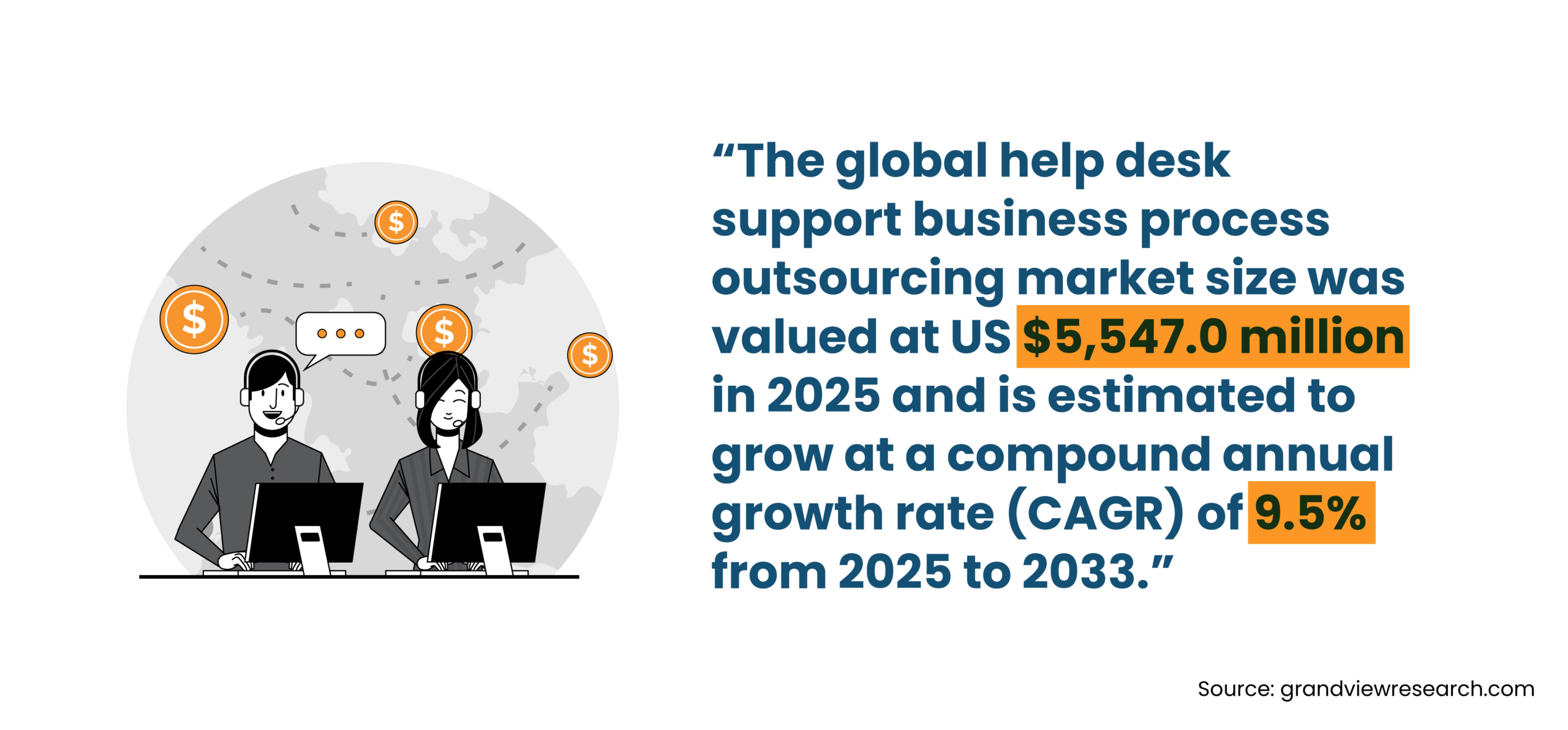
Core Helpdesk KPIs Every MSP Should Measure
If you are running a helpdesk inside an MSP setup, you already know that not all metrics deserve your attention. Some look impressive on a dashboard, but do nothing to improve delivery. The real value lies in tracking helpdesk KPIs that expose how work flows, where it slows down, and how it feels on the client side.
The following help desk KPI examples and IT support KPIs are the ones that consistently separate well-run service desks from reactive ones.
First Response Time (FRT)
First Response Time tracks how soon a ticket is acknowledged (not resolved) after it is raised. It is a simple metric, but carries immense weight.
This is your first touchpoint with the client. A prompt response reflects control and attentiveness. Even if the issue takes time to fix, early acknowledgment sets expectations and reduces uncertainty. Slow responses, on the other hand, create friction before the work even begins.
A reasonable help desk benchmark for high-priority tickets sits between 15 to 30 minutes. For lower-priority issues, this can stretch depending on the SLA.
What matters here is consistency. Delays are often not about workload but about poor routing, unclear ownership, or tickets sitting in queues without visibility. Strong service desk reporting metrics will highlight where that first delay is creeping in.
Average Resolution Time (ART)
Average Resolution Time measures the total time taken to fully resolve a ticket. This is where efficiency becomes visible.
It reflects how well your processes are defined, how accessible your documentation is, and how smoothly your team handles escalation paths. A lower resolution time usually signals clarity, while a higher one often points to loopholes in the workflow.
For standard issues, most MSPs operate within a 4 to 8-hour window, though this varies based on complexity and contractual SLAs. The number itself matters less than the pattern behind it.
If resolution times are stretching, the cause is rarely obvious at first glance. It could be approval delays, unnecessary escalations, or technicians spending too much time rediscovering solutions. This is where help desk efficiency metrics become critical. They help isolate where time is actually being lost.
First Contact Resolution (FCR)
First Contact Resolution measures the percentage of issues resolved during the first interaction, minus the follow-ups, escalations, and back-and-forth.
This metric is a strong indicator of both technician capability and the quality of your internal knowledge base. When technicians have the right information at the right time, resolution becomes faster and cleaner.
A healthy range sits between 70 to 80 percent. Hitting this consistently requires more than technical skill. It depends on documentation, training, and how well recurring issues are captured and standardized.
Low FCR rates often show up as repeat escalations for simple problems, like password resets, access issues, basic configuration errors, and so on. If these are not being resolved in one touch, something is likely amiss in your system.
Among all help desk performance metrics, FCR is one of the clearest signals of operational maturity.
SLA Compliance Rate
SLA Compliance Rate tracks the percentage of tickets resolved within agreed timelines. This internal metric is directly tied to client commitments.
Most MSPs aim for 95 percent or higher. Falling below that threshold consistently is not just a performance issue, but a trust issue.
What makes this metric valuable is the patterns behind it. Missed SLAs are rarely random. They tend to cluster around specific ticket types, clients, or time windows.
Strong service desk reporting metrics will help you break this down. For example:
- Are certain clients generating tickets that are harder to resolve within SLA?
- Are specific issue categories consistently breaching timelines?
- Are delays happening at the response stage or during resolution?
These insights turn SLA tracking from a compliance exercise into a diagnostic tool.
Ticket Volume (by Type and Priority)
Ticket volume tracks the incoming workload, but on its own, it does not tell you much. The real value comes from how you synthesize it.
You need to look at volume across:
- Issue type
- Priority level
- Client
This is where IT help desk metrics start to reveal patterns. For instance, a spike in a specific issue type might point to a deeper infrastructure problem. Similarly, a surge in high-priority tickets could indicate instability in a client environment.
Over time, this data helps you move from reactive support to proactive problem management. Among all help desk efficiency metrics, this is the one that tells you where demand is coming from and how it is evolving.
Ticket Backlog
Ticket backlog measures the number of unresolved tickets over time. A stable or decreasing backlog usually indicates that the team is keeping up with incoming demand. A growing backlog, however, is an early warning sign.
The danger here is slow accumulation: tickets that are not urgent, but never fully resolved. Over time, they stack up and start affecting response times, SLA compliance, and overall service quality.
Backlog trends are a critical part of service desk reporting metrics. They show whether your current capacity aligns with demand, or whether the system is quietly falling behind.
Technician Utilization Rate
Technician Utilization Rate measures how much of a technician’s time is spent on productive, billable, or ticket-related work. This metric helps proactively measure the health of that particular client account on the service delivery front.
The ideal range typically falls between 70 to 80 percent, and anything lower may indicate underutilization or inefficiencies. Having said that, anything consistently higher starts to raise concerns.
High utilization might look good on paper, but it often comes at a cost of fatigue, rushed resolutions, and increased error rates. Over time, this leads to burnout and higher attrition.
As a result, balance gets skewed. In such cases, effective IT support KPIs ensure productivity without compromising sustainability. Tracking this metric alongside resolution quality gives a more complete picture of performance.
Customer Satisfaction Score (CSAT)
Customer Satisfaction Score measures how clients feel about the service after a ticket is resolved. It is usually captured through short feedback surveys.
Here are a few real-life examples:
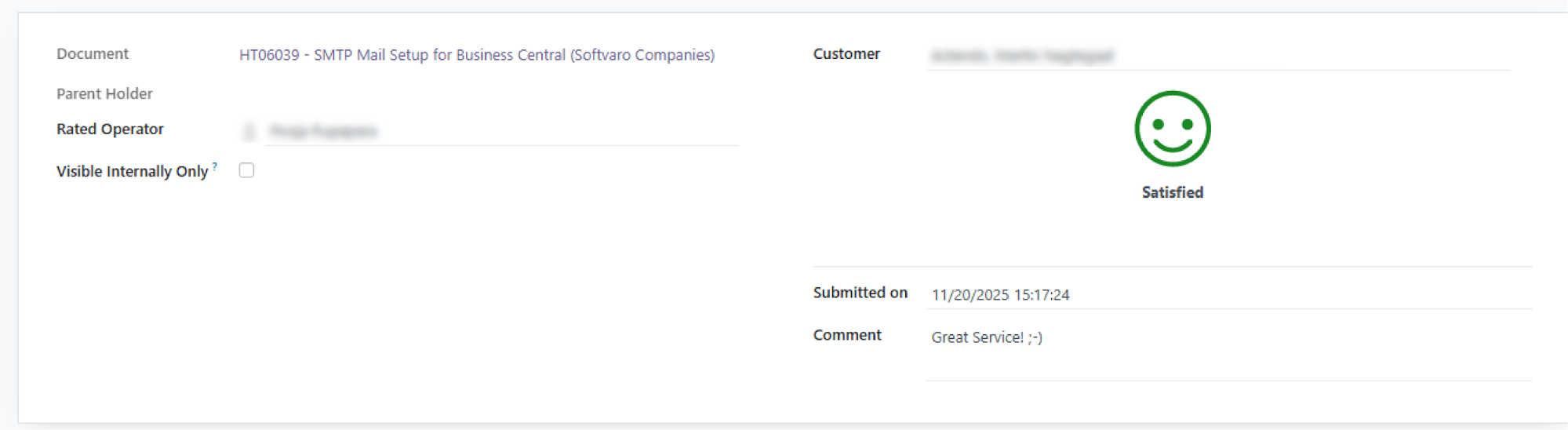
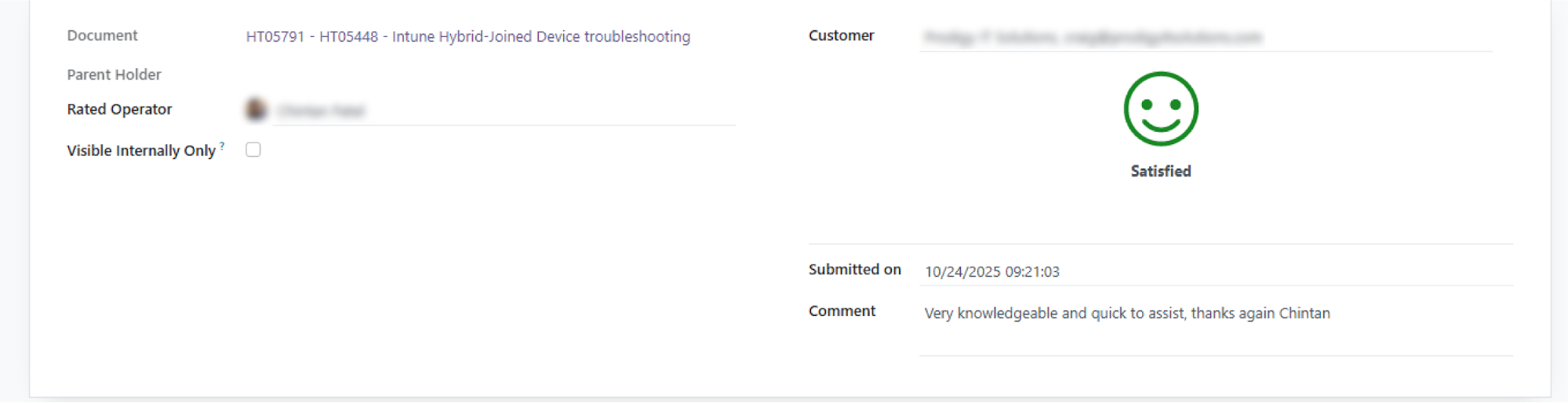
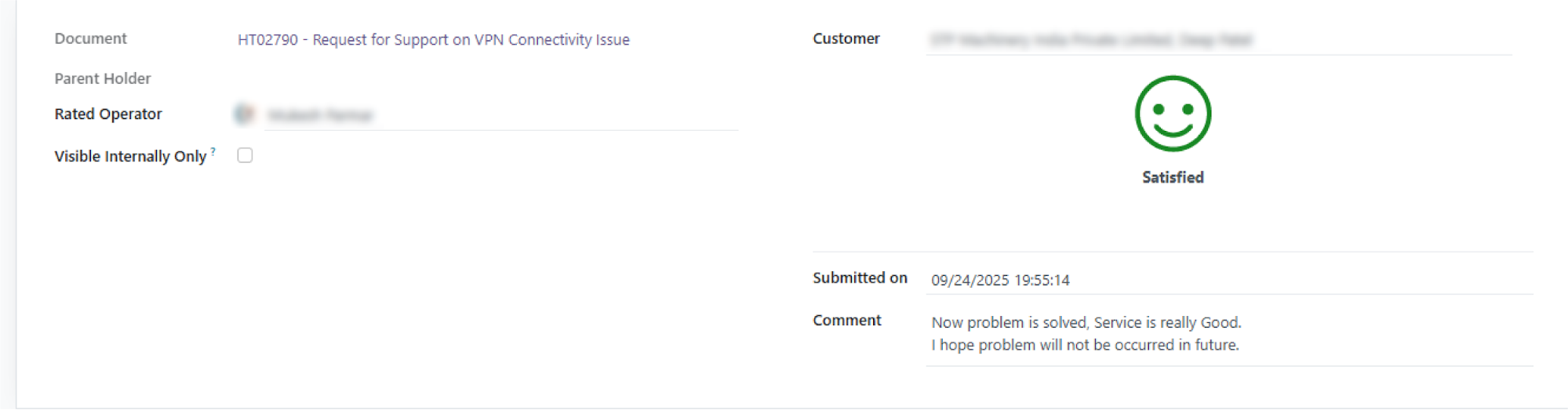
A score of 4.5 out of 5 or higher is generally considered strong. But the number alone does not tell the full story.
CSAT reflects perception based on more than just technical outcomes. Generally speaking, low scores are rarely about technical failure alone. They often point to gaps in updates or the lack of visibility during the resolution process.
Communication plays a major role here. For example, delays explained clearly are often better received than silent efficiency.
Among all helpdesk KPIs, this is the one that brings the client’s voice into your system. It connects your internal help desk performance metrics with real-world experience.
How to Choose the Right KPIs
Choosing the right helpdesk KPIs is mostly about tracking what actually drives service quality. A focused set of IT support KPIs will always outperform a crowded dashboard filled with disconnected help desk performance metrics.
Here is how to approach it:
- Start small
Focus on 4 to 6 KPIs that directly influence service delivery. Too many IT help desk metrics dilute attention and slow decision-making.
- Align with what you promise
Your service desk reporting metrics should reflect SLA commitments and the services you offer. If a metric does not tie back to client expectations, it adds little value.
- Map KPIs to roles
L1: response time, first resolution, speedL2/L3: handling complexity, reducing escalations, long-term fixes
This ensures your help desk efficiency metrics match how tasks are executed.
- Avoid reporting overload
More data does not mean better insights. Clean, focused reporting leads to faster action.
- Refine as you grow
As operations mature, your help desk benchmarks and KPIs should evolve to reflect higher standards and deeper insights.
Common KPI Tracking Mistakes
Even well-intentioned teams get helpdesk KPIs wrong when the focus shifts from insight to overload. The most common mistake is tracking too many IT help desk metrics without a clear purpose.
- Too many metrics, no direction: Overloading service desk reporting metrics without tying them to outcomes
- Speed over quality: Chasing faster numbers while resolution quality drops
- Ignoring trends: Looking at daily help desk performance metrics without spotting patterns
- Limited visibility: Keeping IT support KPIs restricted to management instead of the team
- Using KPIs as pressure: Treating help desk efficiency metrics as targets to chase, not signals to improve
Bring Stability Back to Your MSP Helpdesk
Deliver consistent, SLA-driven support at scale with Infrassist’s fully managed 24/7/365 helpdesk services.
Conclusion
A helpdesk improves when the right signals are clear and acted upon. That is the role of well-defined helpdesk KPIs. They highlight what truly affects service quality, and bring focus to where it matters most.
When your IT help desk metrics and service desk reporting metrics are tied to real outcomes, decisions become simpler and performance becomes more consistent. Over time, this clarity results in fewer unpleasant surprises, reduced escalations, and a team that operates with confidence.
But sustaining this level of control is not always easy, especially as ticket volumes grow and client expectations rise. Having the right support system can change the game though. With Infrassist’s 24/7/365 helpdesk services, MSPs gain the structure, coverage, and reliability needed to meet SLAs, improve service delivery, and scale without overworking internal teams.