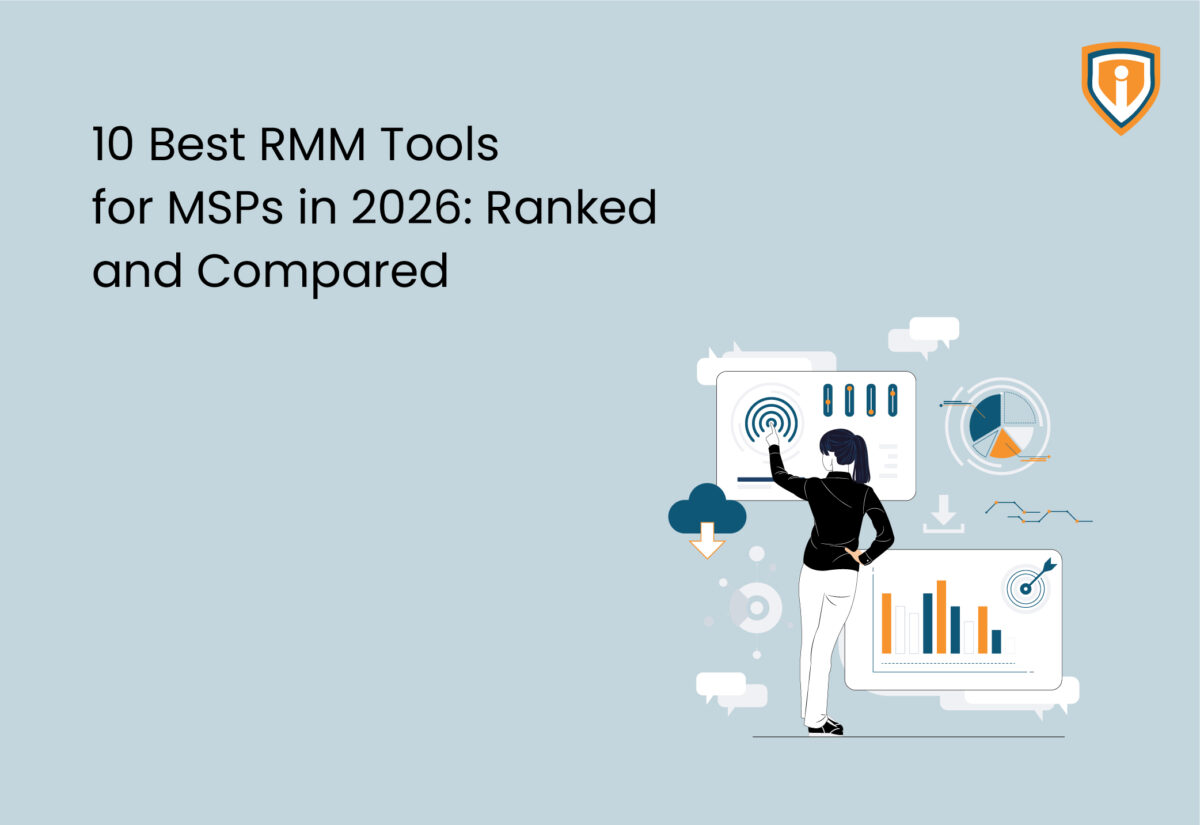
No RMM, no visibility. It’s that simple. Your platform is where alerts land, where patches move, where your team decides what fires to fight first. And it’s what decides how much of that grunt work actually gets off your plate, and how much stays on it.
The market looks different in 2026. Prices have shifted; RMM automation has actually gotten good in places, and a slew of newer platforms have pushed their way into conversations that used to be dominated by the same four or five names. Here’s what you need to know: the 10 best RMM tools for MSPs this year, what each one genuinely does well, and who it’s actually built for.
How to Evaluate RMM Tools in 2026
Pick the wrong RMM and you will spend more time grappling with the platform than running your business. Switching is never as clean as the sales pitch makes it sound.
Before you start comparing demos, get clear on a few things.
- Patch management that actually holds. Across Windows, Mac, and Linux, without someone babysitting it every morning. If patches are slipping through the cracks or someone’s chasing them manually, that’s a problem you’re paying for in time every single week.
- Real automation depth. Not “automation” that keeps a developer engaged in writing every script from scratch. Your team should be able to build and run automations without calling in a favour every time.
- PSA integration that doesn’t need babysitting. Tickets should open and close cleanly. If someone’s reconciling two platforms by hand at the end of each week, the integration isn’t working.
- Pricing that makes sense for your model. Per-device and per-technician pricing land in very different places depending on how your business is structured. So, do the actual maths yourself before you sign.
- One dashboard that shows you everything. Client status should not require a five-screen search. Multi-tenant visibility across clients is non-negotiable at any meaningful scale.
Top 10 RMM Tools for MSPs in 2026 at a Glance
1. NinjaOne
NinjaOne keeps turning up at the top of these lists for a reason that isn’t complicated: it works, and it doesn’t make your team fight it to get there. Onboarding a fresh client doesn’t turn into a week-long configuration project. That speed matters when you’re scaling or even when you are just trying to keep up with what you have.
What actually works here:
- Patching across Windows, Mac, and Linux holds up without constant hand-holding
- The scripting engine makes automation a genuine tool, not a recurring pain point
- PSA connections with ConnectWise Manage and HaloPSA are tight and don’t need constant attention
- Day-to-day interface is clean and doesn’t slow your team down
The ceiling is real, though. Heavy automation at scale is where things get tight, and ConnectWise Automate is where those MSPs usually end up looking.
2. ConnectWise Automate
Powerful is the right word here. So is demanding. ConnectWise Automate has an advanced automation engine, which essentially means that if you can write down a process, there’s a good chance you can automate it. For MSPs managing large client volumes across varied environments, that depth is what keeps the wheels turning.
Where it earns its place:
- Native ConnectWise Manage integration is a value-added advantage if you are already using it
- Ticket creation, asset syncing, billing reconciliation — all of it clicks without workarounds
- Automation capabilities that larger MSPs actually need, not a dumbed-down version of the real thing
- Handles complex, messy client environments without falling apart
The reality: getting it configured properly takes real time and often benefits from professional services involvement early on. The interface might be daunting for a new technical team. MSPs without a dedicated platform admin can find it becomes a burden rather than a time-saver. Know what you’re getting into.
3. Datto RMM
Already running Datto backup and DR? Adding Datto RMM is less of a decision and more of a natural next step. It fits into what you have without a drawn-out setup process to get everything talking.
The bit that makes a real difference: your RMM alerts and backup status live side by side. One screen tells you what’s covered, what’s exposed, and where you need to act
Where it stands out:
- RMM-to-backup integration becomes evident fast when something goes wrong at midnight
- Patch management and remote access both excel
- Multi-tenant dashboard is clean enough to use.
- Platform has improved meaningfully since the Kaseya acquisition
Worth knowing: outside the Kaseya/Datto world, the pricing gets harder to justify. As a standalone RMM it’s capable, but the full value really only shows up when it’s part of the wider stack.
4. Atera
Atera’s pricing model is the main reason smaller shops end up here. Per-technician billing prevents costs from climbing every time an endpoint is added. The built-in PSA means you’re not managing two platforms and two logins, which keeps things lean and solves a real problem for teams already stretched thin.
Why smaller MSPs pick it:
- Fixed monthly cost that stays predictable rather than climbing with every new device you onboard
- RMM and PSA combined in one interface make the stack easy to use.
- AI features — ticket summaries, anomaly detection, suggested responses — come in handy for small teams without a dedicated NOC
- Getting started doesn’t require weeks of configuration to get any value
Where it falls short: once you’re managing genuinely complex environments or a large number of clients, the automation depth starts to feel limited next to ConnectWise Automate or NinjaOne. It suits MSPs well up to a certain size.
5. N-able N-central
N-central isn’t trying to be easy. It’s trying to be thorough. For MSPs running 24/7 NOC operations or managing clients with myriad complex monitoring requirements, that’s exactly what you need. Some complexity is inevitable when you’re dealing with environments that are messy by nature.
For teams that need serious depth:
- Monitoring here goes well beyond basic alerting. Most RMMs in this category do not come close to the same depth.
- Automation stays flexible enough to handle the weird edge cases that come up in messy client environments
- EDR and backup integrations are built out properly, not tacked on
- Network device monitoring works exceptionally well for businesses with a heavy infrastructure
- Doesn’t buckle under pressure when you’re managing a large client base
The daunting part: the configuration takes serious time to get right. New techs won’t find the interface intuitive on day one, or day five. Smaller MSPs will almost certainly find more here than they actually need.
6. Kaseya VSA
VSA has been in the market long enough to mature in ways newer platforms have not caught up to yet. For MSPs already committed to the Kaseya ecosystem, it’s the natural choice. Everything connects to everything else and the cross-product integration is genuinely an added advantage.
What works if you’re in the Kaseya world:
- Automation is solid and not a pain point for most teams
- Integrations with Datto, IT Glue, and BMS click together in a way that cross-vendor setups rarely match
- Asset management and patching both hold their own
- Cross-product visibility is a genuine operational benefit, not just a sales pitch
Outside the Kaseya ecosystem it gets harder to make the case. The interface has improved but still trails NinjaOne and Atera on the daily experience front. Support quality reportedly varies depending on your contract tier, which is worth factoring in.
7. SuperOps
SuperOps is worth paying attention to in 2026. RMM and PSA live in the same interface. AI features were baked in from the start rather than retrofitted after someone decided they had to have them. Onboarding doesn’t feel like a chore. The mid-market MSP is clearly who this was designed for, and that shows in how the product is put together.
Why growing MSPs are looking at it:
- Modern interface without twenty years of legacy baggage dragging it down
- Automation, patching, and client reporting all work without needing constant attention
- PSA side handles ticketing and billing without the friction that plagues older platforms
- Getting the team up and running is a relatively smooth process, not a weeks-long nightmare
Still maturing compared to the established names. A handful of integrations that MSPs depend on elsewhere are still being built out. MSPs with a well-established stack should think carefully about switching costs before committing.
8. Syncro
Syncro’s strength is that it doesn’t get in its own way. RMM and PSA together, clear pricing, an interface your team can figure out in a day. For smaller MSPs or anyone putting together a first proper stack, that simplicity removes a lot of the friction that makes bigger platforms feel like a second job.
Built for lean teams:
- Patching, remote access, and ticketing all work well for the audience it’s built for
- Billing handles common MSP contract structures without requiring workarounds
- Getting the team productive is a cinch compared to the heavier platforms
- Pricing is straightforward enough that you can explain it to a client without a spreadsheet
Not built for scale. MSPs managing large or complex environments will hit its limits. Automation and reporting cover the basics and stop there. MSPs needing granular data or complex automation logic find NinjaOne or ConnectWise Automate far better equipped.
9. ManageEngine RMM Central
Manage Engine RMM Central supports a wider range of operating systems and device types than most platforms at this level.
For MSPs dealing with genuinely mixed environments, that breadth becomes evident fast. If your clients run Windows in the office, Mac on the creative floor, Linux on the servers, and mobile devices on the road, most RMMs start to show gaps. This one doesn’t, or at least not in the same places.
Where it earns its place:
- Broader OS and device coverage than most RMM platforms in this category
- Network monitoring is stronger than the typical offering at this price point
- Pricing is competitive without asking you to justify the spend every renewal cycle
- Works well alongside other ManageEngine products if you’re already in that world
The catch: the interface is dense and takes genuine time to learn. Support can be slow. MSPs who need fast onboarding and an interface that clicks on day one won’t find this the easiest path.
10. Level.io
Level.io is the newest face on this list, and it’s earned the attention. Clean interface, a scripting engine that actually punches above its weight, fast device onboarding. For MSPs tired of carrying the baggage that comes with older platforms and wanting something that feels like it was built for the way MSPs work now, not ten years ago, it makes a real case.
Why efficiency-focused MSPs are looking at it:
- Interface is clean without legacy complexity dragging the experience down
- The automation capabilities are stronger than the platform’s age would suggest.
- Device onboarding is a breeze compared to platforms where it takes days to get a client fully set up
- PSA integrations exist and work without needing constant troubleshooting
What it lacks is a track record. The integration ecosystem is still growing. MSPs with specific or complex requirements may run into gaps that older platforms closed years ago.
90% of MSPs Waste Half Their RMM’s Potential.
Don’t be one of them. Get a full scale RMM Audit from Infrassist — flat 50% off for a limited time only.
Which RMM Actually Fits Your MSP?
Not every platform suits every operation. Quick guide:
- Small MSP, tight budget: Atera, Syncro
- Small to mid-size, growth focus: NinjaOne, SuperOps
- Mid-to-large, complex automation needs: ConnectWise Automate, N-able N-central
- Already in the Kaseya/Datto ecosystem: Datto RMM, Kaseya VSA
- Mixed OS environments: ManageEngine RMM Central
- Modern platform, clean slate: io
The Bottom Line
The best RMM for your shop isn’t the one with the longest feature list or the highest score on a review site. It’s the one that fits your client mix, your team’s technical depth, and how you charge for your services.
A platform that looks impressive in a demo but takes six months to configure is not a win. Pick the wrong one, and you’ll grapple with that decision for years. Take the time to match the platform to how you actually work. If you have already outgrown your current platform, here is a step-by-step RMM migration guide to help you switch without disruption.