Work no longer sits inside office walls. Teams move, scale, and operate from anywhere, and IT has to keep up without breaking pace. That shift is exactly why virtual desktop infrastructure solutions are gaining traction. What was once niche is now a practical way to deliver secure, flexible work environments.
But here’s the catch. There’s no single “best” virtual desktop solution anymore.
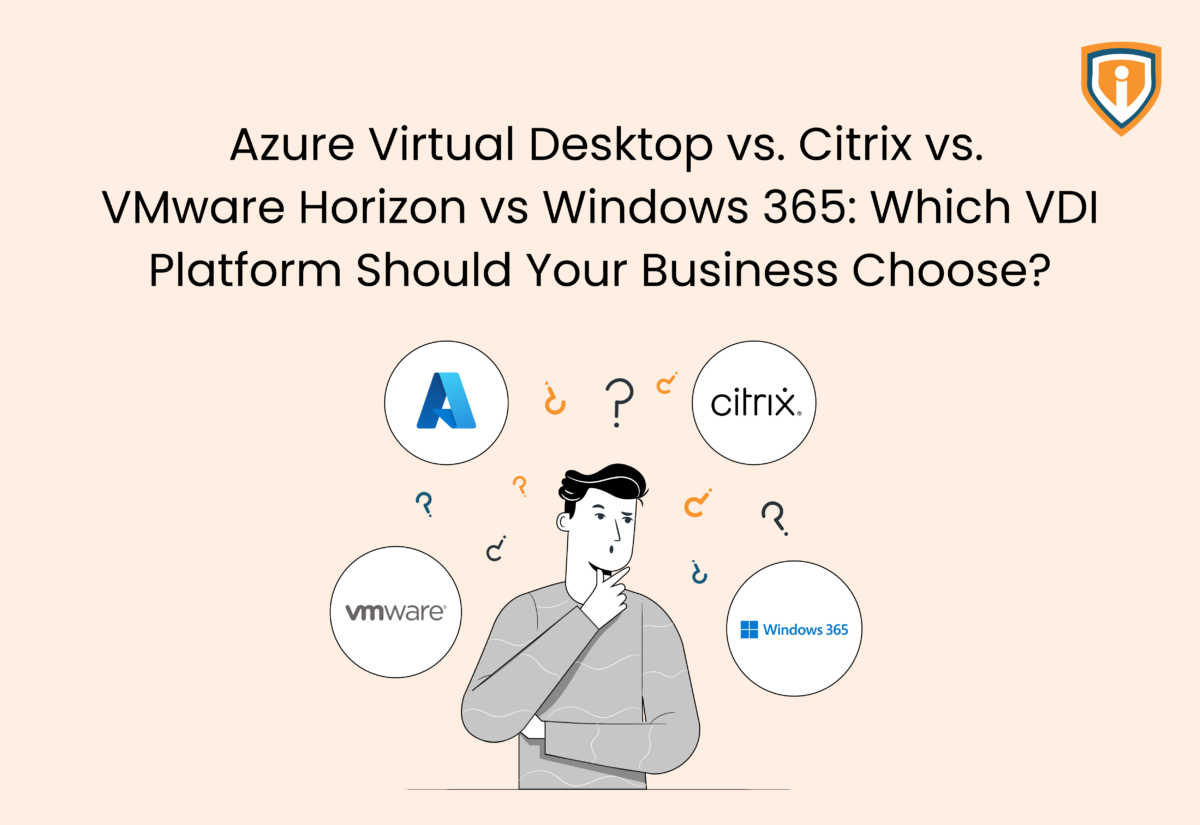
Businesses now have multiple options to evaluate, including Azure Virtual Desktop, Citrix Virtual Apps and Desktops, VMware Horizon, and Windows 365. Each comes with its own strengths, trade-offs, and pricing models, which makes choosing far from straightforward.
This post cuts through that noise. Instead of just listing features, we’ll compare these top four virtualization platforms across performance, security, management, and cost so you can identify the best VDI solutions for your business without overcomplicating the decision.
Understanding The Landscape: VDI, DaaS, And Cloud PCs
Before you compare tools, get the basics clear. These terms sound similar, but they are not the same.
- VDI (Virtual Desktop Infrastructure): Desktops run from a central system, often on-prem or in a private setup. You have full control, but you also handle setup, updates, and fixes.
- DaaS (Desktop as a Service): The same idea, but hosted in the cloud. You don’t manage hardware. Setup is easier, but you still make key decisions.
- Cloud PCs: This is the simplest option. Desktops are ready for use with little setup and most of the work handled for you.
Here’s the trade-off between the four options: more control means more responsibility, while less effort means less flexibility.

Meet the Contenders: A Quick Breakdown of Each Platform
Most businesses end up choosing from among the following four platforms when considering virtual desktop infrastructure solutions. While they all solve the same problem, each does it in a very different way.
Azure Virtual Desktop: Flexible Azure Native VDI
Azure Virtual Desktop runs fully on Microsoft Azure. It gives you a lot of control over how your setup looks and behaves. One big advantage here is multi-session support, i.e., you can have multiple users on the same virtual machine. This helps lower costs, if managed well.
Pricing is based on usage. So, if you keep things optimized, it can be cost-efficient. If not, bills can pile up faster than expected.
This is where Azure Virtual Desktop vs Windows 365 becomes a real decision. Azure Virtual Desktop gives you flexibility, but it expects you to know what you’re doing.
Where it fits best:
- Businesses already using Microsoft tools
- Teams that are okay handling some technical setup for more control
Citrix Virtual Apps and Desktops: Performance First Virtualization
Citrix has been around for a long time, and it shows in how polished it feels. It works across cloud, on-prem, or a mix of both. So, you’re not locked into one approach.
The standout feature here is performance. Citrix is known for keeping things smooth, even when the network isn’t great. That matters if your team is spread out or working remotely. You also get deep control over user access and policies.
That’s why comparisons like Citrix vs VMware and Citrix vs Azure virtual desktop keep coming up. Citrix usually wins on user experience, but it does take effort to manage.
Where it fits best:
- Larger setups with more moving parts
- Teams that care a lot about performance and user experience
VMware Horizon: Built For VMware Ecosystems
VMware Horizon is built for teams that are already using VMware and want things to stay consistent.
It supports on-prem, cloud, and hybrid setups. And if you already know VMware, this feels familiar from day one. That reduces the learning curve. It’s stable, predictable, and does what it’s supposed to do.
In most VMware vs Citrix or Citrix vs VMware VDI comparisons, VMware stands out for how well it fits into existing environments rather than pushing new ideas.
Where it fits best:
- Organizations already invested in VMware
- Teams that want continuity instead of a full shift
Windows 365: The Simplest Cloud PC Approach
Windows 365 is the easiest to understand. You get a Cloud PC for each user and it’s ready to go with very little setup. There’s no need for shared infrastructure or deep configuration.
Pricing is fixed per user each month. You know what you’re paying without watching usage all the time. But the compromise here involves less flexibility compared to other best VDI software options.
This is where the Windows 365 vs Azure Virtual Desktop debate becomes clear. Windows 365 is easier to run, but Azure Virtual Desktop gives you more control.
Where it fits best:
- Businesses that want something simple and quick to roll out
- Teams that don’t want to spend time managing systems
Where They Differ: Key Factors That Impact Your Decision
On paper, all four options can deliver desktops to your users. But there’s a huge difference in the way they do it, and what they demand from your team. Here’s what this means:
Setup and Deployment
This is the starting point, and it sets the tone for everything that follows.
- Azure Virtual Desktop: You’ll need to plan host pools, user access, scaling rules, and networking. It gives you control, but it expects you to think things through.
- Citrix and VMware: It caters to heavier setups. You’re dealing with infrastructure, policies, and sometimes hybrid environments. Setup takes time, and usually experienced hands.
- Windows 365: It’s the quickest by far. Assign a license, and the user gets a desktop. No deep setup or architecture planning is required.
If you need something live fast, Windows 365 gets you there. If you’re concerned about how everything is structured under the hood, the other three ask for more upfront effort.
Cost Structure
Many businesses don’t realize that it’s not just about price, but about how costs behave over time.
- Azure Virtual Desktop: The pricing is usage-based. You pay for compute, storage, and network based on what you use. It can prove to be very cost-efficient, if planned well. But go wrong, and it can pinch your pocket. This is why it often comes up in any VDI pricing comparison.
- Citrix and VMware: In each of these, you’re looking at licensing plus infrastructure. That includes servers, storage, and ongoing management. Costs are more predictable than Azure, but usually higher.
- Windows 365: You’ll incur a fixed monthly cost per user. There will be no surprises, but also less room to optimize.
Here, the Azure Virtual Desktop vs Windows 365 decision can be tricky. One gives you control over costs, whereas the other gives you predictability.
Performance and User Experience
The fact is, your users don’t care about architecture. They care about whether things work without lag. Getting this right is more important than you think.
- Azure Virtual Desktop: This offers a strong performance, especially within the Microsoft ecosystem. It has improved a lot over time and continues to get better.
- Citrix: It handles low bandwidth and high latency better than most. If your team works remotely or across regions, this can work well.
- VMware Horizon: This option is stable and consistent. It may not stand out, but it rarely springs unpleasant surprises.
- Windows 365: It works well for day-to-day tasks like email, apps, and browsing. But it is not built for heavy workloads like design or data processing.
As you can see, meeting user expectations (and maybe even exceeding them) is a crucial factor here.
Management and IT Effort
Your internal team will feel the weight of your decision. Here’s what you need to know.
- Azure Virtual Desktop, Citrix, VMware: All require skilled IT support. You need people who can monitor performance, manage updates, handle issues, and keep costs in check.
- Windows 365: Much lighter. Most of the backend work is handled for you. Your team focuses on users, not infrastructure.
If your IT team is small or already overwhelmed, this should be a serious factor when choosing a virtual desktop infrastructure solution.
Flexibility versus Simplicity
As mentioned, there’s no perfect balance here. You are always trading one for the other.
- Azure Virtual Desktop: High flexibility means you decide how resources are used, how users are grouped, and how scaling works.
- Citrix: You get even more control in some areas, especially around user policies and experience. But that control comes with complexity.
- VMware: This one is structured. It works best if you stay within its ecosystem and follow its approach.
- Windows 365: This option is relatively simpler with very little to configure. But it can also feel limited when your needs grow.
If you’re serious about using the best VDI solutions, this crucial factor will be an important part of your consideration set.
Security and Compliance
All four platforms take security seriously, but the difference lies in how much control you want.
- Azure Virtual Desktop: It is built on Microsoft Azure, with strong compliance coverage and global infrastructure.
- Citrix: It is known for detailed access control and policy-based security. You can get very specific with how users access resources.
- VMware: It comes with solid enterprise-level security, especially in controlled environments.
- Windows 365: It is equipped with Microsoft security features built in, with less setup required.
At the end of the day, all of them are secure enough for business use. But you will need to be clear on how much you want to manage versus how much you want handled for you.
Here’s a quick comparison table to enable easy decision-making:
| Factor | Azure Virtual Desktop | Citrix Virtual Apps and Desktops | VMware Horizon | Windows 365 |
| Deployment | Cloud-native (Azure) | Cloud, on-prem, hybrid | On-prem, cloud, hybrid | Fully cloud (Cloud PC) |
| Setup Effort | Medium to high | High | High | Very low |
| Pricing Model | Pay-as-you-go | Licensing and infrastructure | Licensing and infrastructure | Fixed per user/month |
| Performance | Strong, improving | Excellent, especially low bandwidth | Stable and consistent | Good for basic tasks |
| Scalability | High, flexible | High, complex setups | High within VMware ecosystem | Limited flexibility |
| Management | Requires skilled IT | Requires experienced IT | Requires VMware expertise | Minimal management |
| Flexibility | Very high | High | Moderate | Low |
| Security & Compliance | Microsoft security stack, strong compliance coverage (ISO, SOC, GDPR) | Advanced access control, granular policies, strong enterprise security | Enterprise-grade security, works well in controlled environments | Built-in Microsoft security, simpler but less customizable |
| Best For | Microsoft-focused businesses | Performance-heavy environments | Existing VMware users | Simple, quick deployments |

Choosing the Right Fit: Which Platform Works for Your Business
By now, it should be clear that the right choice depends on how your business operates, how much control you need, and how much effort your team can handle. Here’s the snapshot of things to bear in mind when making your final decision.
- Azure Virtual Desktop
This is for teams that want control and are okay putting in the work. You can give users a full desktop or just specific apps or tools using RemoteApp. That helps reduce risk since you are not exposing everything. It also supports multi-session, so multiple users can share one VM. That can bring costs down if you manage it well.
Use cases: Hybrid teams that need secure access to a full Windows setup, companies delivering apps without local installs, running older or specialized software, and giving contractors quick, temporary access.
- Citrix
If your users complain about lag, Citrix is usually the fix. It is built to handle weak networks better than most, so the experience stays stable even when conditions are not great. You also get detailed control over user access and policies. But it is not simple to run. so, you’ll need experienced technicians who know what they are doing.
Use cases: Teams spread across regions, low-bandwidth environments, regulated industries, or any setup where performance cannot drop.
- VMware Horizon
This is the safe choice if you are already using VMware. It fits into what you already have, so you are not starting from zero. It is steady, predictable, and familiar. But things have changed after Broadcom acquired VMware. Licensing is now subscription-based and tied to cores, which can push costs higher over time.
Use cases: Enterprises with existing VMware setups, private cloud environments, or teams that want stability without a big shift.
- Windows 365
This is the easiest option. Each user gets their own Cloud PC, and it stays the same every time they log in. No shared systems. No complex setup. Just assign it and move on. Pricing is fixed, so you know what you are paying. But you do have to compromise on flexibility compared to other options.
Use cases: Remote teams using personal devices, fast onboarding for new or temporary staff, or businesses that do not want to manage infrastructure at all.
In the end, the best VDI solutions are the ones that match your business’s reality, not just your wishlist.
Stop Guessing Your VDI Strategy
Infrassist helps you assess, migrate, and manage the right-fit platform without added complexity.
Conclusion
Choosing the best VDI solution comes down to a few things: how much control you want, how much effort your team can handle, and how complex your setup really is. Azure Virtual Desktop gives flexibility, Citrix focuses on performance, VMware builds on what you already have, and Windows 365 keeps things simple.
If you are still weighing options or planning a move, this is where the right guidance matters. Infrassist can help you plan, migrate, and manage your cloud setup without adding pressure on your team.