Not too long ago, most company systems were built on servers relegated to the back of a room in an office. You had to hire IT staff to keep an eye on them, patch them, and hope that nothing goes wrong. This setup still exists in some places, but the majority of businesses have moved a big part of their IT infrastructure to the cloud.
This is where Microsoft Azure Cloud Service usually comes up.
Azure is part of Microsoft’s cloud ecosystem. Instead of running everything on physical machines inside an office, companies can run applications, store files, and manage systems through Microsoft’s data centers.
But moving to the cloud does not mean the work disappears. You still need IT staff to monitor performance, manage updates, and keep systems secure. Many businesses rely on MSPs or CSPs for this. They handle the day-to-day management so companies can stay up to speed and don’t have to build large internal teams.
The Microsoft Azure Cloud Platform has now become a common choice in this space. For MSPs, understanding how it works is part of the job. Let’s learn more about this.
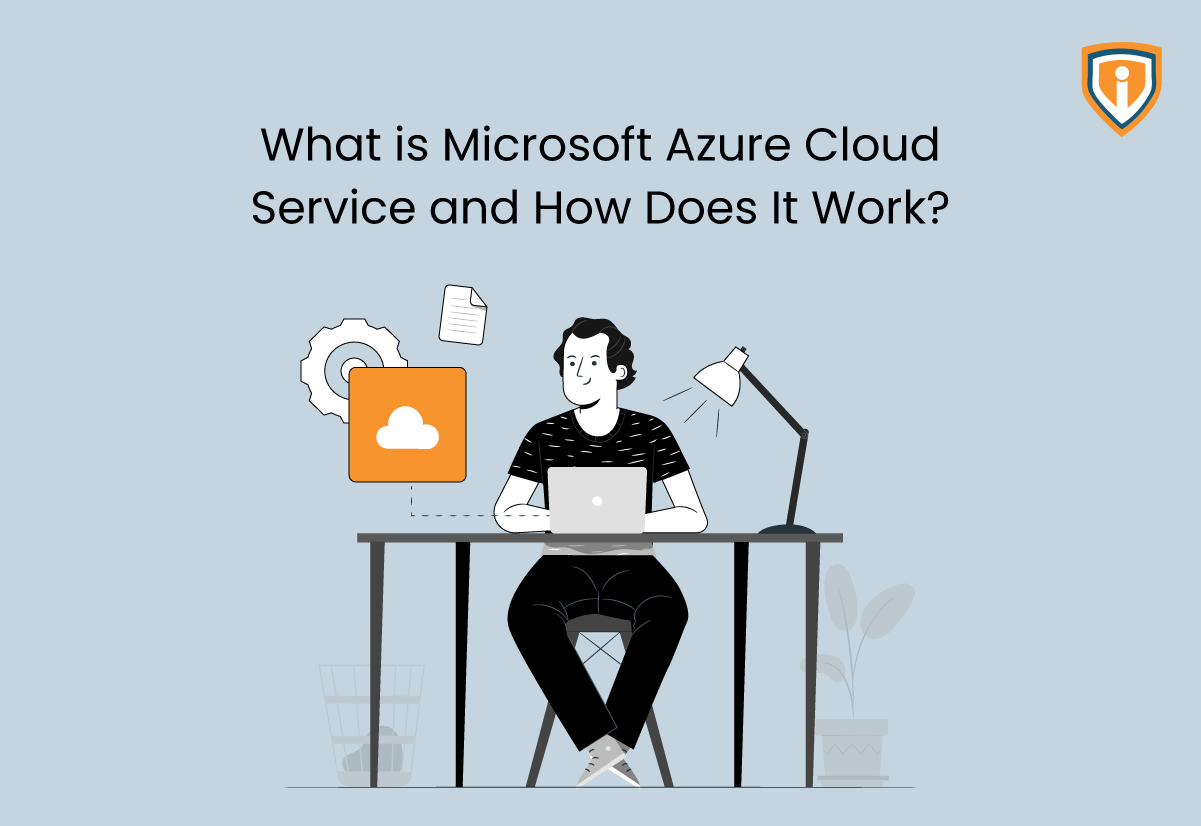
What Is Microsoft Azure Cloud Service?
At its core, Azure is Microsoft’s cloud platform. It gives businesses a way to run applications, store data, and manage IT systems without relying only on hardware inside their offices. Instead of buying servers and maintaining them on-site, companies can use infrastructure that runs in Microsoft’s data centers.
When people ask, “What is Microsoft Azure Cloud Service?” they’re usually trying to understand how cloud systems work in real business environments. Azure allows organizations to build and run systems in the cloud rather than depending entirely on local infrastructure.
Businesses use the Microsoft Azure Cloud Platform for many everyday workloads, including:
- Running business applications
- Hosting websites and customer portals
- Managing databases
- Storing large amounts of company data
- Creating backup and recovery systems
Today, many businesses rely on MSPs and CSPs for this. As such, they outsource day-to-day Azure management so they can stay up to speed with the latest practices without building large internal teams.
This is where the wide range of Microsoft Azure Services becomes useful. Organizations can start with a small set of services and expand as their systems grow. In this context, some companies use Azure mainly for storage and backups, while others run entire production environments on it.
Key Components of Azure Cloud
Azure provides different layers of services depending on what a business needs. These may include:
Infrastructure as a Service (IaaS)
This model provides the basic building blocks of cloud infrastructure. Businesses can run virtual servers and networks without buying physical hardware.
Typical IaaS resources include:
- Virtual machines that run operating systems and applications
- Cloud networking and virtual private networks
- Scalable storage systems
Many MSPs manage these environments for clients who want cloud infrastructure but do not want to maintain their own servers.
Platform as a Service (PaaS)
PaaS focuses more on application development. Azure provides an environment where developers can build and run applications while Microsoft manages most of the underlying infrastructure. This allows development teams to focus on building software rather than managing servers.
Common uses include:
- Web application hosting
- Application testing environments
- Development platforms for internal software
Development and Data Tools
Azure also offers services that help businesses work with data and build cloud-based applications.
These tools support tasks such as:
- Data analytics and reporting
- Application automation
- System integrations between different platforms
Together, these services form the foundation of Microsoft Azure Services. Businesses can combine them in different ways depending on their needs.

Microsoft Azure Global Infrastructure
Behind the scenes, Azure runs on a massive network of data centers located across the world. These facilities host the servers, storage systems, and networking equipment that power the platform. This global network is known as the Microsoft Azure Global Infrastructure.
For businesses, this infrastructure plays an important role. Applications and systems must remain available even if something fails in one location. Azure’s distributed architecture helps support that reliability.
Key Azure Infrastructure Capabilities
Global Regions
Azure operates data center regions in many parts of the world. Each region contains multiple data centers that work together.
This setup helps businesses:
- Run applications closer to their users
- Improve performance and reduce latency
- Meet regional data compliance requirements
Availability Zones
Within each region, Azure separates infrastructure into availability zones. These zones are physically separate locations that provide redundancy.
If one facility experiences an outage, workloads can shift to another zone. This reduces the risk of downtime for critical systems.
Global Connectivity
Azure’s network connects these regions through high-speed infrastructure. This allows applications, data, and services to communicate easily across locations.
Another key component of the platform is Microsoft Azure Storage. This service allows businesses to store different types of data in the cloud, including:
- Application data
- Files and documents
- Database backups
- Long-term archives
For MSPs, this global infrastructure provides a stable foundation. Systems can run in multiple regions, backups can be stored safely, and workloads can continue operating even if a single location experiences problems.
Core Microsoft Azure Services Businesses Use
Once a business starts using Azure, it rarely uses just one service. Most cloud setups are a mix of tools working together: one service runs an application, while another stores files or data, and yet another handles networking or security. Over time, these tools become crucial to the way the company runs its systems.
That being said, there are many Microsoft Azure Services available out there, but most businesses depend on a small group of core ones. These are the services that support everyday work, such as:
Compute Services
Compute services are where applications actually run. If a company has a website, an internal system, or a customer portal, those workloads need processing power somewhere.
In Azure, that usually means using:
- Virtual machines, which act like regular servers but run in the cloud
- Containers, which developers use to run applications in a controlled environment
- Application hosting services that support websites and online platforms
Virtual machines are often the first step for companies moving to the cloud. They work a lot like traditional servers. The difference is that the hardware sits in Azure’s data centers instead of a company office.
Containers are more common in newer development setups. Developers package an application and its dependencies together so it runs the same way across environments.
Storage and Data Services
Every business deals with data, like files, application records, backups, or reports. This data needs to be stored safely and easily accessed when needed.
This is where Microsoft Azure Storage usually comes in. Businesses use it for everyday tasks like:
- Storing shared files and documents
- Keeping application data
- Saving backups for recovery
- Maintaining long-term archives
One reason cloud storage works well for businesses is flexibility. When storage needs grow, companies can expand capacity without installing new hardware.
Networking and Security
To work well, cloud systems need to communicate with each other. This means applications connect to databases, employees access internal tools, and customers open websites and services.
Here, Azure provides networking tools that allow teams to create private networks, manage traffic, and connect systems across environments.
And yes, security is another ongoing concern. For this, many organizations rely on Microsoft Azure Cloud Security features to help control user access, monitor activity, and protect sensitive data.
For MSPs, working with these services becomes part of the daily routine. They monitor performance, review alerts, and make changes when systems need adjustments.

Microsoft Azure Migration
Even as cloud infrastructure has taken over, many still run systems on servers that were installed years ago. Eventually, these systems become harder to maintain, and businesses start looking for alternatives. That is usually when Microsoft Azure Migration enters the picture.
Migration simply means moving existing systems, including applications, databases, or entire server environments, into Azure.
Companies can migrate for different reasons: sometimes, hardware is aging, or teams need systems that can scale more easily. At other times, the goal is to improve backup and recovery options.
What Migration Usually Involves
Every migration project looks a little different, but the process often includes several common steps.
Teams may need to:
- Move existing servers into cloud-based virtual machines
- Transfer databases that support applications
- Adjust older systems so they run smoothly in a cloud environment
Some companies move everything at once. Others prefer to migrate gradually. They start with a few systems, test how they run in Azure, and then move the rest over time.
During this process, organizations often rely on Microsoft Azure Migration Services. These tools help teams review their current infrastructure and plan the move more carefully.
Role of Experts in Migration
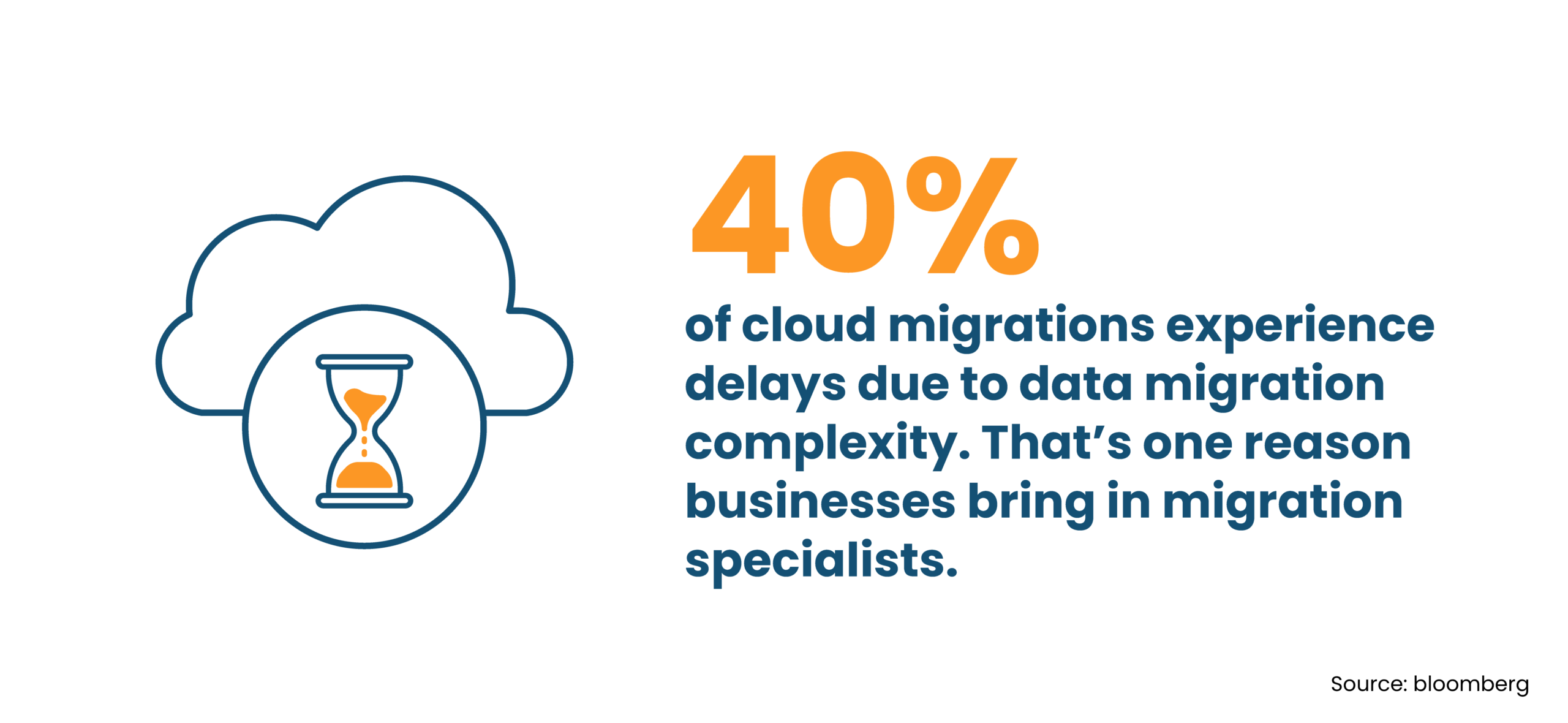
Migration projects can become complicated. After all, numerous systems are connected to each other, and a change in one place can affect something somewhere else.
As a result, businesses often work with specialists who provide Microsoft Azure Cloud Consulting Services. Their job is mostly practical, where they review the current environment, help plan the migration, and make sure everything works after the move.
For MSPs, migration is often the starting point of a longer relationship. Once a client’s systems are running in Azure, the MSP usually continues managing the environment and keeping everything running day-to-day.
Benefits of Using Microsoft Azure
Many businesses move to Microsoft Azure after dealing with the limits of running their own servers. Azure offers a different setup. Systems run in Microsoft data centers instead of a server room inside the office. The business still controls its systems, but the hardware sits somewhere else.
Flexibility
A company can add more storage or computing power when systems start getting busy. When activity slows down, they can reduce what they are using. This approach helps businesses adjust their systems without buying new equipment every time something changes.
Reliability
When a business depends on one physical server, a failure can cause real problems. Cloud platforms spread workloads across many machines in large data centers. This setup lowers the risk that one hardware issue will stop everything.
Costs
Traditional servers usually require large purchases every few years. With Azure, businesses pay for the resources they use. That structure often makes it easier to plan technology spending over time.
Security
Azure includes tools that help monitor activity, manage user access, and protect sensitive data. These tools do not replace good security practices, but they give businesses a solid base to work from.
Ongoing Azure Management and Support
Moving systems to Microsoft Azure does not mean the work is finished. Once applications and data are running in the cloud, someone still needs to manage the environment.
Daily management often includes several routine tasks:
- Monitoring system performance and checking for problems
- Managing user accounts and access permissions
- Installing updates and adjusting system settings
- Reviewing storage levels and computing usage
Cloud environments tend to grow over time. Businesses add new applications, teams store more data, and more users begin relying on the systems. Without regular oversight, it becomes harder to see how resources are being used.
That is one reason many organizations work with managed service providers. These teams watch the systems, respond when issues appear, and help keep the environment organized.
In practice, this arrangement allows businesses to focus on their normal work. Meanwhile, someone else handles the technical tasks that keep their cloud systems running properly.
Best Practices for Managing Microsoft Azure Environments
Running systems on Microsoft Azure works well when things stay organized. Cloud platforms give teams a lot of control, but that also means environments can grow messy if no one keeps an eye on them. A few simple habits make a big difference over time.
Here are some practices many teams follow.
- Keep resources organized. Group related services together so it is easy to see which systems belong to which project or team. When environments grow, this structure saves a lot of time.
- Check usage on a regular basis. Cloud resources tend to grow slowly. More storage is added. More computing power gets used. Examining your total usage every month can help catch unnecessary spending early.
- Watch system performance. Applications and services should be monitored so that problems appear before users start noticing them. Small performance issues are easier to fix when they show up early.
- Review access permissions. Over time, people change roles or leave teams. Access lists should be checked now and then to make sure only the right people can reach important systems.
- Keep reliable backups. Even though cloud systems are stable, backups still matter. Files get deleted. Systems fail. Backups help recover important data when something goes wrong.
- Add new services carefully. Azure offers many tools. It helps to pause and plan before adding something new. Otherwise, the environment can become harder to manage later.
None of these steps are complicated. But together they help keep Azure environments easier to manage as they grow.
Need Reliable Azure Management Support?
Work with Infrassist Technologies to keep your Azure environment stable, organized, and properly managed as it grows.
Conclusion
Whether you realize it or not, more companies are moving systems to Microsoft Azure because it solves problems that come with traditional servers.
Hardware needs constant care, storage runs out, and upgrades can become expensive over time. Azure changes how businesses handle these systems. Applications, storage, and infrastructure run in cloud data centers instead of a small server room in the office.
This setup gives businesses room to grow. Systems can scale when demand increases and adjust when things slow down. At the same time, cloud platforms still need attention. Costs, security settings, and performance all need to be watched.
When the environment is planned well and managed regularly, Azure becomes a stable place to run business systems. No wonder many organizations simply treat it as another part of their everyday IT operations!