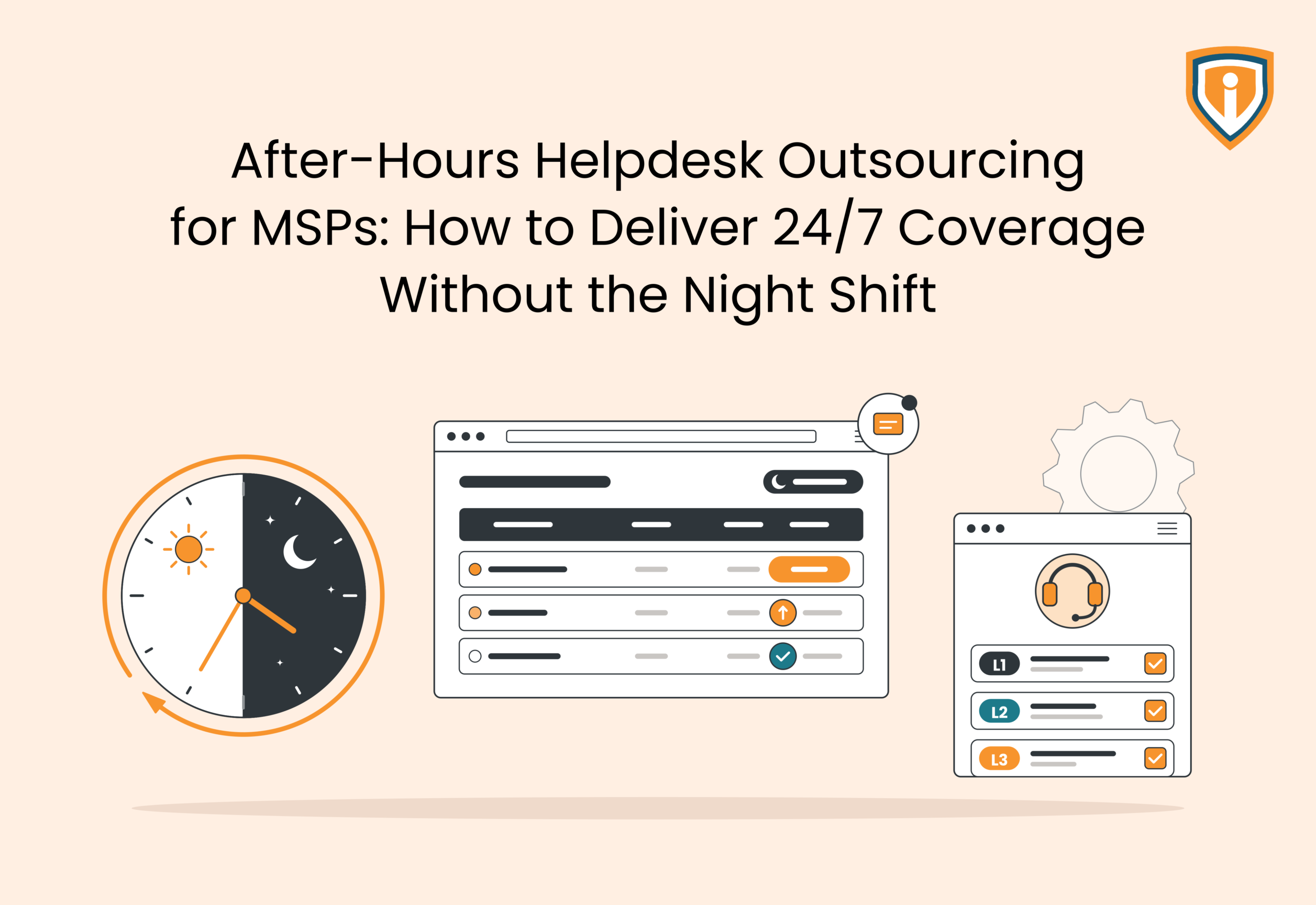
After-hours IT support involves tackling issues beyond the working hours of the MSP, while helpdesk outsourcing deals with issues that extend beyond just the after-hours support issues. It also includes all other daily support concerns. There are several differences between the two approaches in terms of staffing requirements, ownership of tickets, and communication. MSPs need to consider what fits them best before making a choice.
Key Takeaways
- After-hours IT support includes nights, weekends, and holidays without requiring MSPs to outsource their entire helpdesk.
- Full helpdesk outsourcing covers broader operations, including ticket intake, L1-L3 troubleshooting, end-user support, and technical escalations.
- Lacklustre shift handovers, inconsistent troubleshooting, and unclear escalation procedures can affect SLA compliance and support quality.
- White-label providers must follow the MSP’s communication standards, ticketing processes, and client-facing procedures across all support hours.
- The right outsourcing model depends on ticket volumes, internal staffing, support costs, client SLAs, and operational requirements.
Outsourcing IT support involves more than simply extending helpdesk availability beyond regular business hours. The scope of work changes depending on the working arrangement.
After-hours support usually covers a defined shift, while full helpdesk outsourcing involves handing over a much larger part of daily support operations to an external team.
The difference might seem straightforward on paper, but managing support across internal and outsourced teams takes careful coordination. For MSPs, this decision affects staffing costs, SLA commitments, ticket ownership, and client communication.
A full helpdesk arrangement comes with its own set of responsibilities, too. Before choosing either model, MSPs need to understand what they’re handing over and how it affects the service their clients receive.
That’s what this post will shed light on. We’ll explore some of the key differences between what it means to outsource after-hours IT support versus engaging full helpdesk support in the modern IT world.
What Is Outsourcing After-Hours IT Support vs. Full Helpdesk: Key Differences
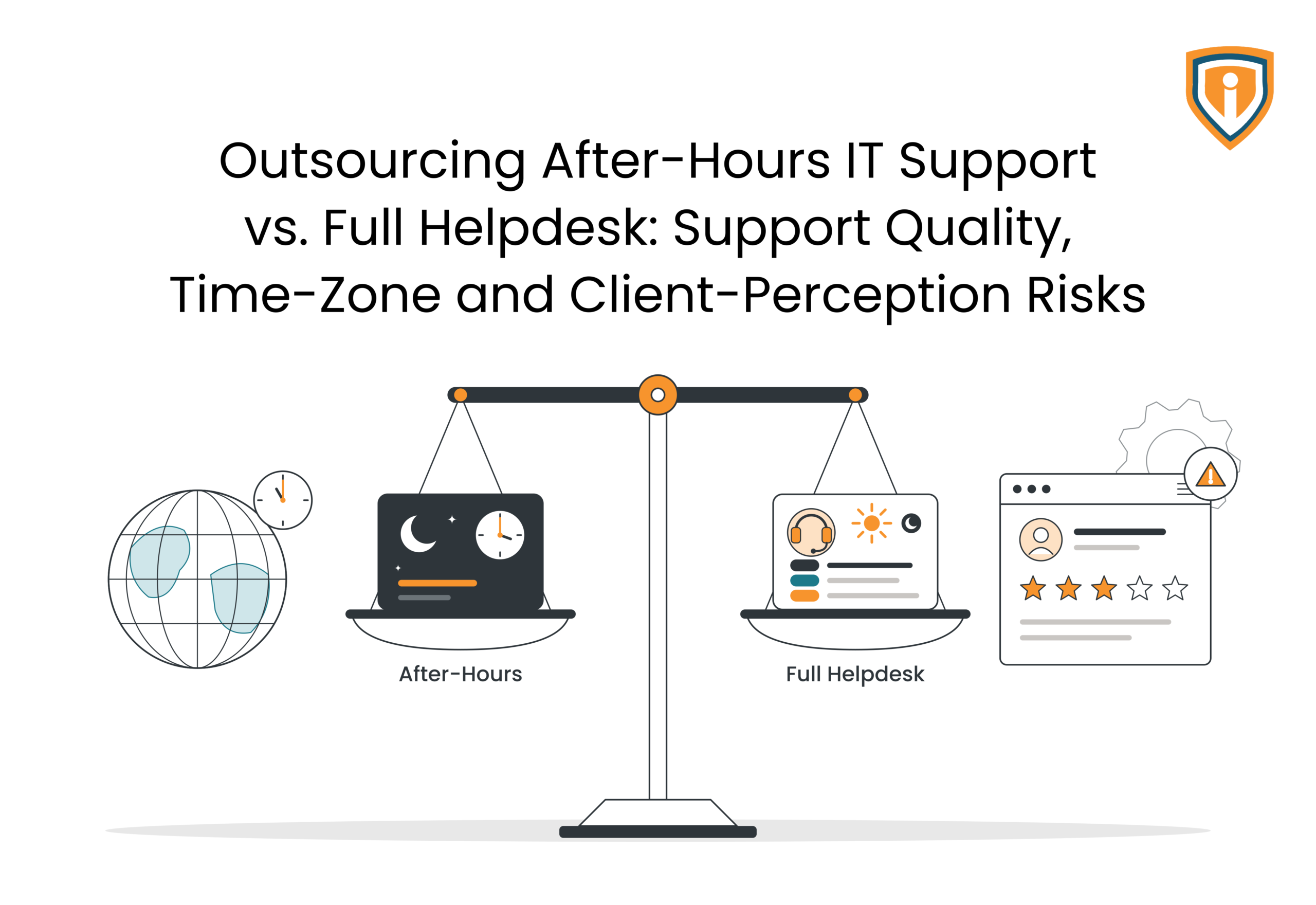
The main difference comes down to the scope of work assigned to the outsourced team. After-hours support covers tickets outside the MSP’s regular working hours. Full helpdesk outsourcing covers a wider range of daily support tasks, including ticket intake, troubleshooting, end-user assistance, and escalation management.
| Comparison Factor | After-Hours IT Support | Full Helpdesk Outsourcing |
| Coverage hours | Nights, weekends, and public holidays | Full agreed service window, including business hours |
| Scope of support | After-hours monitoring, ticket handling, troubleshooting, and escalation | Day-to-day helpdesk operations and technical support |
| Ticket ownership | Limited to tickets received during the assigned shift | Covers tickets throughout the agreed service window |
| Staffing model | Resources assigned to specific shifts | Dedicated or shared helpdesk resources |
| Client interaction | Limited to after-hours support requests | Regular end-user communication and ticket updates |
| Internal team involvement | Day-shift technicians handle follow-ups and pending tickets | Internal team focuses on supervision and higher-level technical work |
| Tool integration | Access to PSA, RMM, ticketing, and documentation systems | Wider integration with the MSP’s service delivery processes |
| Cost structure | Based on coverage hours and support requirements | Based on staffing, ticket volumes, and service scope |
| Best suited for | MSPs with an existing helpdesk that needs extended coverage | MSPs looking to outsource routine helpdesk operations |
Scope of Support and Ticket Ownership
The biggest difference is the level of responsibility the outsourced team can take on. After-hours support usually has a defined set of tasks, while full helpdesk outsourcing covers a much wider range of IT support activities.
- After-hours support: The team handles incoming tickets, initial troubleshooting, routine fixes, and escalations to the MSP’s internal technicians when an issue needs further attention.
- Full helpdesk outsourcing: The team manages ticket intake, L1-L3 troubleshooting, end-user requests, incident management, and technical escalations as agreed in the service contract.
- Ticket ownership: With after-hours support, unresolved tickets may need to be handed back to the MSP’s day-shift team. Under a full helpdesk arrangement, the outsourced team generally manages tickets through resolution or escalation.
Coverage Hours and Staffing Model
The number of support hours directly affects how the provider assigns technicians and plans shifts.
- After-hours support: Technicians cover specific shifts outside the MSP’s regular working hours. This may include overnight coverage, weekends, and public holidays.
- Full helpdesk outsourcing: The provider assigns resources to cover the MSP’s agreed support hours. This could mean regular business hours, extended coverage, or round-the-clock support.
- Resource allocation: After-hours contracts may use dedicated or shared technicians, depending on ticket volumes. Full helpdesk arrangements require broader resource planning to maintain coverage and meet response and resolution SLAs.
Client Communication and Visibility
The way outsourced technicians communicate with end users also changes between the two arrangements.
- After-hours support: Technicians respond to tickets, troubleshoot reported issues, and provide updates during their assigned shifts. Communication with the MSP’s internal team is equally important when tickets remain unresolved.
- Full helpdesk outsourcing: The outsourced team handles regular ticket updates, troubleshooting discussions, resolution notes, and follow-ups with end users throughout the agreed service window.
- White-label delivery: The provider works under the MSP’s brand, following its communication standards, support procedures, and client-facing protocols. End users should not have to deal with a different support experience simply because the ticket was handled by an external team.
Integration with the MSP’s Internal Team
The outsourced team needs access to the same tools, documentation, and support procedures used by the MSP’s internal technicians.
- After-hours support: Proper ticket documentation and shift handovers are essential. The outsourced team must record troubleshooting steps, actions taken, pending tasks, and escalation details so daytime technicians can pick up unresolved tickets.
- Full helpdesk outsourcing: Integration goes further. The provider needs access to the MSP’s PSA, RMM, ticketing systems, client documentation, SOPs, and escalation matrix.
- Internal coordination: The MSP should have visibility into ticket status, technician activity, unresolved issues, and SLA performance. Regular reporting also helps identify recurring incidents and gaps in service delivery.
Cost Structure and Operational Responsibility
The cost of outsourcing depends on the coverage required, number of technicians, ticket volumes, and technical support levels included in the agreement.
- After-hours support: Pricing generally depends on the shifts covered, expected ticket volumes, and required technical expertise. The MSP continues managing its daytime helpdesk and internal staffing.
- Full helpdesk outsourcing: Costs depend on the wider service scope, including staffing requirements, L1-L3 coverage, ticket management, and end-user support.
- Internal workload: After-hours outsourcing reduces the need to schedule internal technicians for night shifts. Full helpdesk outsourcing takes routine ticket handling off the MSP’s internal team’s workload, leaving it to focus on service oversight, client relationships, and more complex technical work.
Where Do MSPs Face the Biggest Outsourcing Risks?
Outsourcing changes how the helpdesk handles tickets, communicates with end users, and meets SLA targets. The risks depend on the provider’s technical skills, shift coverage, documentation, and ability to follow the MSP’s support process. Four areas need particular attention.
Support Quality and Resolution Consistency
A provider may meet the response-time SLA without resolving the issue properly. Fast ticket acknowledgement doesn’t tell the MSP much about the quality of troubleshooting or whether the technician followed the correct procedure.
- Technical knowledge: Technicians need the skills to troubleshoot the MSP’s supported environments, including Microsoft 365, Azure, firewalls, networks, and endpoint systems. Limited product knowledge can lead to repeated escalations.
- First-contact resolution: If the team cannot resolve common L1 and L2 issues, tickets keep moving between technicians. This increases resolution time and adds to the internal team’s workload.
- Documentation: Ticket notes should record the reported issue, troubleshooting steps, changes made, and pending actions. Without this information, the next technician may have to repeat the same checks.
- Consistent support: The quality of troubleshooting should not depend on which technician handles the ticket or whether it comes in during business hours or overnight.
MSPs should review more than response times when assessing support quality. First-contact resolution, reopened tickets, escalation rates, and customer satisfaction scores give a better picture of how the outsourced team is performing.
Time-Zone Differences and Shift Handover Gaps
Working across time zones can extend an MSP’s support coverage, but it also creates scheduling and communication requirements. The outsourced team needs clear instructions on how to handle open tickets, pending approvals, and incidents that require input from the MSP’s internal technicians.
- Unresolved tickets: Every open ticket should include the issue description, troubleshooting completed, current status, and next action. A brief note saying “escalated to L2” isn’t enough for the next technician to continue.
- Shift handovers: The incoming team needs a clear list of open incidents, priority tickets, pending changes, and SLA deadlines. Critical tickets should receive a direct handover rather than relying only on ticket notes.
- Time-zone overlap: A defined overlap between the MSP’s internal team and outsourced technicians helps resolve questions about ongoing incidents, client approvals, and technical changes.
- Major incidents: Critical outages need a clear escalation contact and response procedure. Time-zone differences should never delay notification or approval for urgent action.
For MSPs, the goal should be simple: an open ticket must not lose its priority or history when the technician’s shift ends.
Client Perception and White-Label Communication
Clients tend to gauge the MSP by the support they receive. Poor communication from an outsourced team can affect the MSP’s reputation, even when the technical issue is eventually resolved.
- Communication standards: Technicians should follow the MSP’s tone, response templates, ticket update schedules, and escalation procedures. Clients shouldn’t receive conflicting information from different support teams.
- Brand representation: The outsourced team should use the MSP’s approved email addresses, ticketing systems, and communication channels. They should not introduce themselves as employees of a third-party provider.
- Ticket updates: Clients need clear updates on what has been checked, whether the issue is resolved, and what happens next. Generic replies that offer no useful information can lead to repeat follow-ups.
- Service consistency: Response quality and communication should remain consistent across business hours, nights, weekends, and holidays.
MSPs must review sample ticket responses, call handling, and customer feedback when assessing a provider. Technical skills alone don’t determine whether an outsourced team can represent the MSP well.
Escalation Delays and SLA Accountability
An outsourced team needs to know when to resolve a ticket and when to pass it to the MSP’s internal technicians or a higher support level. Without clear escalation rules, tickets can remain open while SLA deadlines approach.
- Escalation matrix: Define which issues L1, L2, and L3 technicians can handle. Include escalation contacts for network outages, security incidents, server failures, and issues requiring client approval.
- SLA ownership: The agreement should specify who tracks response and resolution deadlines. Outsourcing ticket handling doesn’t automatically transfer the MSP’s contractual SLA obligations to the provider.
- Priority assignment: Both teams should use the same ticket priority definitions. A P1 incident should receive the same attention regardless of when it is reported.
- Escalation tracking: Record when a ticket was escalated, who received it, and what action followed. This helps identify delays and determine whether the provider or internal team needs to address them.
MSPs should also agree on escalation timelines before the contract starts. Waiting until an urgent incident occurs to clarify who handles it can cost valuable time.
How to Choose the Right Outsourcing Model for Your MSP
The choice depends on the MSP’s current helpdesk setup, ticket volume, staffing costs, and client support requirements. The aim is to outsource the work that the internal team cannot handle efficiently without paying for services the MSP doesn’t need.
When After-Hours Support Makes More Sense
After-hours outsourcing is a practical option when the internal helpdesk manages daytime requests but cannot provide extended coverage without additional hiring.
- The MSP needs night, weekend, or holiday coverage to meet client SLAs.
- Daytime ticket volumes are manageable with the existing team.
- Hiring technicians for overnight shifts would increase staffing costs without enough ticket volume to justify the expense.
- The MSP wants to retain daytime ticket ownership, client communication, and escalation management.
- The existing helpdesk has the technical skills to handle complex issues during regular business hours.
When Full Helpdesk Outsourcing Is the Better Fit
Full helpdesk outsourcing is worth considering when routine support work takes up too much of the internal team’s time or the MSP needs additional technicians.
- The internal team spends a large part of its day handling routine L1 and L2 tickets.
- The MSP wants to reduce the time spent on recruitment, training, and shift scheduling.
- Client contracts require broader support coverage than the internal team can provide.
- The MSP needs access to L1-L3 technicians without building every technical role in-house.
- The business wants to focus its internal technicians on complex technical work, infrastructure management, and client requirements.
What to Consider Before Making the Switch
Before choosing an outsourcing model, MSPs should look at their existing operations and identify where external support will make a practical difference.
- Internal capacity: How many technicians are available, and how much time do they spend handling routine tickets? If the team already manages daytime requests comfortably, after-hours support may be sufficient.
- Ticket volume and cost: Review monthly ticket volumes, peak support hours, and the average cost of handling each ticket internally. Compare these figures with the provider’s pricing before committing to a larger contract.
- Control over support operations: Decide how involved the MSP wants to remain in daily ticket management, technician allocation, and client communication. After-hours support keeps most daytime operations in-house, while full helpdesk outsourcing transfers a larger share of this work to the provider.
The outsourcing agreement should reflect these decisions. Paying for a full helpdesk when only night coverage is needed adds unnecessary costs. On the other hand, outsourcing only after-hours support won’t solve an existing daytime capacity problem.
Need Reliable IT Support Beyond Your Internal Team’s Capacity?
Get 24/7 white-label IT support from Infrassist and keep your client helpdesk running.
Conclusion
The two options for outsourcing mentioned above are suited to distinct IT support needs. Ultimately, it is entirely up to the MSP to make their choice depending on the ticket load, staff availability, SLA requirements, and degree of support to outsource.
Regardless of the arrangement that the MSP chooses, it is essential that the outsourced team adheres to the MSP’s existing ticketing system, escalation processes, and client communication guidelines.
Infrassist provides 24/7 white-label IT support, with L1-L3 helpdesk services for MSPs. Its team works with existing tools and workflows, helping MSPs extend support coverage without handing over control of the client relationship.